
September 2, 2025
What is AI API Integration and Why is Everyone Talking About
What is AI API Integration and Why is Everyone Talking About It?
In today's digital landscape, the conversation around Artificial Intelligence has moved from a futuristic "what if" to a practical "how-to." Businesses are no longer just impressed by what AI can do; they're actively seeking ways to embed that intelligence into their own products and daily operations. The key that unlocks this potential is AI API integration. It's the bridge that connects your existing software to the immense power of advanced AI models, transforming static applications into dynamic, intelligent systems.
This shift represents a fundamental change in how work gets done, moving us from tedious manual processes to a new era of automated intelligence.
Understanding the Basics: What is an API?
Before diving into the "AI" part, let's demystify the "API." API stands for Application Programming Interface. Think of it as a restaurant waiter. You (the user) don't need to know how the kitchen works, what ingredients are used, or how to operate the oven. You simply look at the menu (the available functions), give your order to the waiter (the API), and the waiter brings you your finished meal (the data or result).
An API works the same way between two pieces of software. It’s a set of rules and protocols that allows one application to request services and data from another, without needing to know the complex inner workings of the other system.
An AI API integration simply applies this concept to an AI model. Your application acts as the customer, and a powerful AI service like OpenAI's GPT-4 or Google's Gemini is the sophisticated kitchen. The API is the messenger that takes your request—like "summarize this article" or "generate an image of a red car"—to the AI model and returns the intelligent result directly into your application.
From Manual Processes to Automated Intelligence
The real magic of AI API integration lies in its ability to eliminate repetitive, time-consuming tasks and replace them with smart automation. Consider these transformations:
- Customer Support: Instead of manually sorting through hundreds of support tickets, an AI API can instantly analyze, categorize, and route them based on sentiment and urgency. It can even draft context-aware replies for human agents to review and send.
- Content Creation: Manually writing thousands of unique product descriptions for an e-commerce site is a monumental task. With an AI API, you can automatically generate compelling, SEO-friendly descriptions for your entire catalog based on a few key attributes.
- Data Analysis: Instead of a team spending weeks poring over spreadsheets, an AI API integration can analyze vast datasets, identify trends, and generate insightful reports in minutes.
The Real-World Impact of a Successful AI API Integration
When implemented effectively, this technology isn't just a minor upgrade; it's a competitive game-changer. It’s why everyone is talking about it. A successful integration delivers tangible benefits across the board, empowering businesses to:
- Boost Productivity: By automating routine workflows, you free up your team to focus on high-value, strategic initiatives that require human creativity and critical thinking.
- Enhance User Experiences: Integrate intelligent features like personalized recommendations, smart search functions, and 24/7 conversational chatbots that understand user intent.
- Innovate Faster: Quickly build and deploy sophisticated features that were once the exclusive domain of tech giants, allowing you to create new products and services and get to market faster than ever before.
Choosing Your Toolkit: A Comparison of Leading AI APIs
Selecting the right AI is the cornerstone of a successful AI API integration. The market is no longer a one-horse race; a diverse ecosystem of powerful models is available, each with unique strengths. Your choice will directly impact your application's capabilities, cost, and user experience. Let's break down the top contenders to help you decide which API best fits your project's DNA.
OpenAI's GPT-4: For Cutting-Edge Language Models
When you need best-in-class performance for complex language tasks, OpenAI’s GPT-4 and its variants are often the first port of call. Renowned for its sophisticated reasoning, creativity, and nuanced understanding of instructions, GPT-4 excels at powering applications that require a deep grasp of context.
- Best For: Advanced chatbots, high-quality creative content generation, complex data analysis and summarization, and sophisticated code generation tools.
- Key Strength: Its ability to handle intricate, multi-step instructions makes it a powerhouse for tasks that go beyond simple Q&A. If your application's success hinges on the sheer quality and intelligence of its language output, OpenAI is a formidable starting point for your AI API integration.
Google's Gemini API: For Multimodal and Search-Enhanced Apps
Google's Gemini family of models brings two game-changing features to the table: native multimodality and direct integration with Google's ecosystem. Unlike models that have multimodality bolted on, Gemini was built from the ground up to understand and process text, images, audio, and video seamlessly within a single prompt.
- Best For: Applications that analyze user-uploaded images, tools that summarize video content, or chatbots that need to provide answers based on real-time, up-to-the-minute web information.
- Key Strength: Its search-enhancement capabilities are a major differentiator. By grounding its responses in current data from Google Search, Gemini can deliver more accurate and timely information, a crucial feature for many modern applications.
Anthropic's Claude API: For Safety and Reliability at Scale
For enterprise-grade applications where safety, reliability, and predictability are non-negotiable, Anthropic's Claude is a compelling choice. Built on a "Constitutional AI" framework, Claude is designed to be helpful, harmless, and honest. It's particularly strong in handling large amounts of text thanks to its industry-leading context windows.
- Best For: Customer service automation, internal knowledge base management, legal document analysis, and any scenario where brand safety and consistent, reliable outputs are paramount.
- Key Strength: Its focus on safety and its ability to process massive documents (like entire books or codebases) in a single prompt make it ideal for businesses looking for a trustworthy and scalable AI partner.
Key Decision Factors for Your AI API Integration
Beyond the core capabilities, consider these practical factors:
Pricing
Most APIs operate on a pay-as-you-go model based on "tokens" (pieces of words). Costs can vary significantly between models and providers. Always model your expected usage to forecast expenses accurately. A high-volume application might benefit from a slightly less powerful but more cost-effective model.
Documentation and Developer Experience
A smooth AI API integration hinges on excellent documentation. Evaluate the clarity of the API references, the availability of client libraries (SDKs) for your programming language, and the responsiveness of community or developer support forums. A great model with poor documentation can lead to significant development delays.
Scalability and Performance
Consider your future growth. Ensure the API provider has a proven track record of reliability and can handle increasing traffic without compromising on speed. Pay close attention to rate limits, API latency (response time), and uptime guarantees, as these will directly affect your application's performance and user satisfaction.
Your Step-by-Step Guide to a Flawless AI API Integration
You have a powerful AI model at your fingertips—now it's time to connect it to your application. This practical guide breaks down the technical process into four manageable steps, turning the concept of AI API integration into a reality. Whether you're a seasoned developer or just starting, these core principles will ensure your connection is secure, stable, and ready to scale.
Step 1: Secure Your API Keys and Set Up Authentication
Think of your API key as the password for your application. It’s a unique identifier that tells the AI service who is making the request and grants you access. The first and most critical step is to get this key from your chosen AI provider's dashboard (like OpenAI, Google AI, or Anthropic) and secure it.
Best Practices for API Key Security:
- Never Hardcode Your Keys: Do not paste your API key directly into your code. If you publish this code to a public repository like GitHub, your key will be exposed and can be abused.
- Use Environment Variables: The standard practice is to store your keys in an environment variable on your server or development machine. Your application can then read this variable at runtime. This keeps your credentials separate from your codebase.
- Authentication: Most AI APIs use a
Bearertoken authentication scheme. This means you’ll need to include your API key in theAuthorizationheader of every request you make, typically formatted like this:Authorization: Bearer YOUR_API_KEY.
Step 2: Choose Your Language and Set Up the Environment
An AI API integration can be accomplished in virtually any modern programming language. For this guide, we’ll focus on two of the most popular choices: Python and Node.js.
For Python Developers:
Python's simplicity and robust libraries make it a top choice. The most essential library for making HTTP requests is requests. If you don't have it, install it using pip: bash pip install requests
You will also want to install the official library for your chosen API, such as openai.
For Node.js Developers:
Node.js is perfect for building fast, scalable network applications. A popular library for making HTTP requests is axios. You can install it using npm: bash npm install axios
Like with Python, you should also install the provider-specific SDK, such as the openai package for Node.js.
Step 3: Making Your First API Call to Test the Connection
With your environment ready, it's time for the "Hello, World!" of API integration—making your first successful call. This initial test confirms that your authentication is working and you can communicate with the AI service. A simple test is often to list the available models.
Python Example (using requests): python import requests import os
api_key = os.getenv("OPENAI_API_KEY") headers = { "Authorization": f"Bearer {api_key}" } response = requests.get("https://api.openai.com/v1/models", headers=headers)
print(response.status_code) print(response.json())
Node.js Example (using axios): javascript const axios = require('axios');
const apiKey = process.env.OPENAI_API_KEY; const headers = { 'Authorization': Bearer ${apiKey} };
axios.get('https://api.openai.com/v1/models', { headers }) .then(response => { console.log(response.status); console.log(response.data); }) .catch(error => { console.error(error); });
If you receive a 200 status code and a JSON object listing AI models, congratulations! Your AI API integration is officially working.
Step 4: Handling Responses, Errors, and Rate Limits Gracefully
A real-world application must be resilient. Simply making a successful call isn't enough; you need to handle the full range of possible outcomes.
- Handling Responses: Successful responses (status code
200) will return data in JSON format. Your code needs to parse this JSON to extract the information you need, such as the AI-generated text or data. - Handling Errors: Things can go wrong. Your code should check the HTTP status code to understand what happened.
- 4xx Errors (Client Errors): A
401 Unauthorizedmeans your API key is wrong. A400 Bad Requestmeans your request payload is malformed. A429 Too Many Requestsmeans you've hit your rate limit. - 5xx Errors (Server Errors): These indicate a problem on the AI provider's end. Your application should be able to handle these temporary outages gracefully, perhaps by retrying the request later.
- 4xx Errors (Client Errors): A
- Rate Limits: To prevent abuse, APIs limit how many requests you can make in a given period. When you exceed this, you'll get a
429error. A robust AI API integration implements a retry strategy, such as "exponential backoff," which waits for progressively longer intervals before trying again. This ensures your application can recover from high traffic without overwhelming the API.
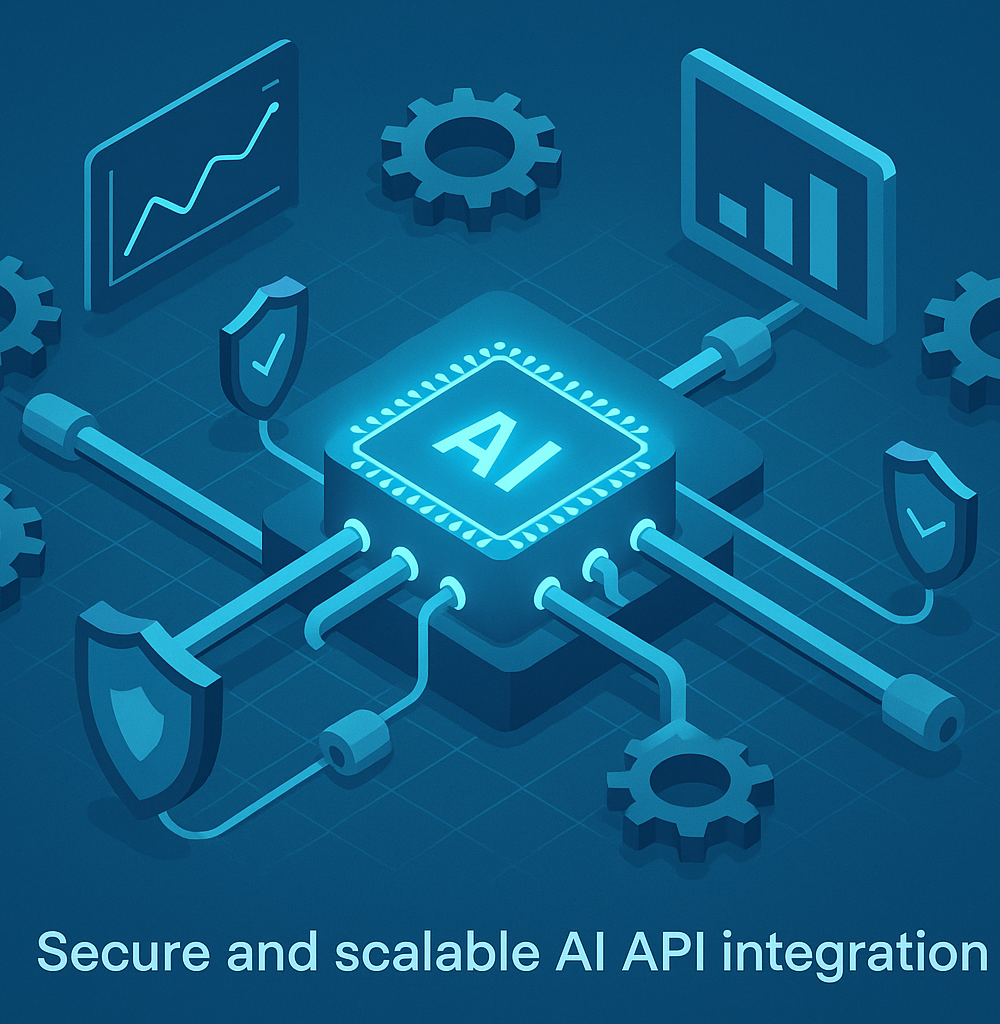
Best Practices for a Scalable and Secure AI API Integration
Once you’ve made your first successful API call, the journey has just begun. Building a robust, production-ready AI API integration requires a strategic approach that balances cost, performance, and security. Neglecting these areas can lead to budget overruns, slow user experiences, and critical security vulnerabilities. Let's explore the essential best practices to ensure your integration is both scalable and secure for the long haul.
Managing Costs: Monitor Usage and Set Budgets
AI models, especially powerful ones, operate on a pay-per-use basis, typically charging per token (a unit of text). This can quickly become expensive without proper oversight.
- Monitor Usage Diligently: All major AI providers (like OpenAI, Google, and Anthropic) offer dashboards to track your API consumption in real-time. Make it a habit to regularly review these reports to understand which features are driving costs and to spot any unexpected spikes in usage that could indicate an issue.
- Set Budgets and Alerts: Never run an AI API integration without financial guardrails. Use your provider’s tools to set soft and hard spending limits. Soft limits can trigger email alerts when you approach a certain threshold, while hard limits will automatically cut off API access to prevent a runaway bill.
- Optimize Your Prompts: Shorter, more efficient prompts use fewer tokens and therefore cost less. Invest time in prompt engineering to get the desired output with the minimum necessary input and context.
Ensuring Performance: Caching and Asynchronous Requests
API latency can make or break your application's user experience. An AI that takes too long to respond will frustrate users and may even cause them to abandon your service.
- Implement Caching: If your application frequently asks the same questions or processes identical data, there's no need to call the AI API every single time. Implement a caching layer (like Redis or Memcached) to store and serve common responses. This dramatically reduces latency, lowers costs, and lessens the load on the AI provider's servers.
- Use Asynchronous Requests: AI models can sometimes take several seconds to generate a complex response. To prevent your application from freezing while it waits, process API calls asynchronously. This allows your user interface to remain responsive, providing a much smoother experience. You can display a loading indicator or stream the response back to the user as it's generated.
Keeping it Secure: Protecting Your API Keys and User Data
Security is non-negotiable. A compromised API key can lead to fraudulent usage and massive bills, while mishandling user data can result in severe legal and reputational damage.
- Never Expose API Keys: Your API key is a secret password. Never hardcode it into your client-side code (JavaScript, mobile apps) where it can be easily discovered. Store keys as environment variables on your server or use a dedicated secrets management service (like AWS Secrets Manager or HashiCorp Vault). All API calls should be routed through your backend, which then securely adds the key before forwarding the request.
- Handle User Data with Care: When your AI API integration involves sending user-generated content to a third-party service, be transparent about it in your privacy policy. Sanitize and anonymize data whenever possible, and ensure you comply with data protection regulations like GDPR and CCPA.
Staying Ahead: Versioning and Deprecation Policies
The AI landscape is evolving at a breakneck pace. Models are constantly being updated, and older versions are eventually deprecated. A resilient integration must be built to withstand these changes.
- Specify Model Versions: When making an API call, explicitly state which model version you want to use (e.g.,
gpt-4-0125-previewinstead of justgpt-4). This prevents your application from breaking when the provider updates the default model with potentially significant changes. - Plan for Deprecation: Follow the provider's newsletters and developer blogs to stay informed about their deprecation schedules. Have a clear plan and timeline for migrating your application to newer models to ensure uninterrupted service. Building a flexible architecture from the start will make these inevitable transitions much easier.
Real-World Use Cases: AI API Integration in Action
The theoretical benefits of connecting to powerful AI models are clear, but where does the rubber meet the road? The true power of AI API integration comes to life when it’s applied to solve specific, tangible business problems. From revolutionizing customer interactions to unlocking deep data insights, let's explore how companies are putting these integrations into action today to gain a competitive edge.
Automating Customer Support with AI-Powered Chatbots
One of the most immediate and impactful applications of AI API integration is in customer support. Businesses are connecting large language models (LLMs) like OpenAI's GPT-4 or Google's Gemini to their helpdesk software and live chat widgets. By training the AI on company knowledge bases, product documentation, and past support tickets, they can deploy intelligent chatbots that provide instant, 24/7 assistance.
These AI agents can handle a high volume of common queries—such as "How do I track my order?" or "What is your return policy?"—with human-like conversational ability. This not only improves customer satisfaction with instant answers but also frees up human agents to focus on more complex, high-touch issues that require empathy and critical thinking.
Streamlining Content Creation and SEO Workflows
The relentless demand for high-quality content is a major challenge for marketing teams. A direct AI API integration within a Content Management System (CMS) or a custom marketing dashboard can act as a powerful co-pilot for creators. By connecting to a generative AI model, these tools can help brainstorm blog post ideas, generate detailed outlines, draft initial copy, and even write compelling meta descriptions and social media captions. This dramatically accelerates the content pipeline, allowing teams to move from idea to publication faster. Furthermore, these integrations can assist with SEO by identifying relevant keywords and optimizing content structure, helping to boost organic search visibility at scale.
Building Intelligent Data Analysis and Reporting Tools
For many organizations, valuable data remains siloed in databases, accessible only to those who can write complex SQL queries. AI API integration shatters this barrier by enabling natural language data querying. Companies can build internal tools that connect their databases to an AI API, allowing any employee to ask questions in plain English, such as, "Compare sales revenue for Product A and Product B in the last quarter." The AI interprets the request, formulates the necessary query, retrieves the data, and presents it back in an easy-to-understand summary, table, or even a chart. This democratizes data access, empowering non-technical teams to make informed, data-driven decisions without a steep learning curve.
Personalizing User Experiences in E-Commerce
A generic, one-size-fits-all approach no longer works in the competitive e-commerce landscape. By integrating AI APIs, online retailers can deliver deeply personalized experiences in real-time. These systems analyze a user's browsing history, past purchases, items in their cart, and other behavioral data to generate hyper-relevant product recommendations. Beyond simple suggestions, this AI API integration can power dynamic on-site content, tailoring marketing copy, promotional offers, and even the layout of a homepage to match an individual shopper’s preferences. This level of personalization leads directly to higher engagement, increased conversion rates, and stronger customer loyalty.
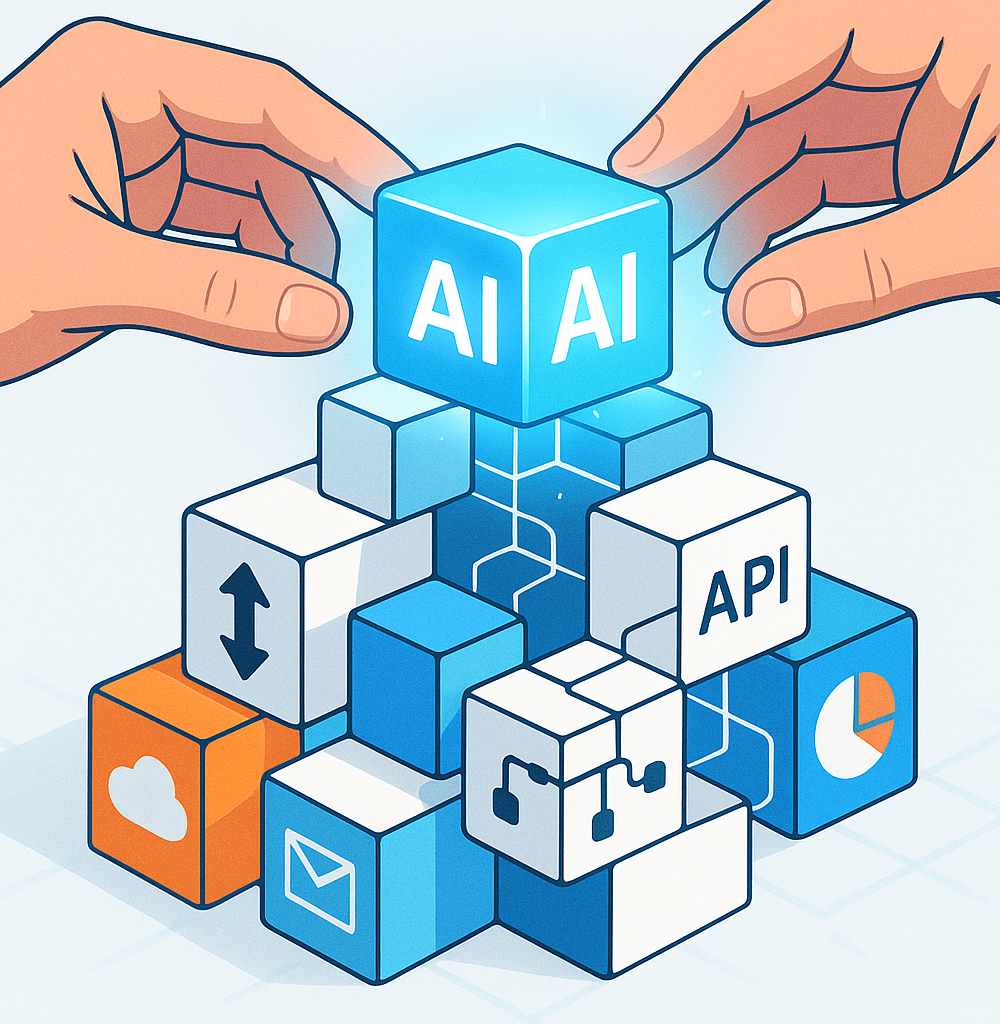
Conclusion: The Future is Automated with AI API Integration
You’ve reached the end of this guide, but you’re at the very beginning of a transformative journey. The theoretical is now practical, and the complex has been made clear. You are now equipped with the foundational knowledge to harness one of the most powerful technological advancements of our time. The future isn’t about simply using AI-powered tools; it’s about building them, and AI API integration is your key to unlocking that potential.
A Quick Recap of Your Integration Journey
We started by demystifying the concept of AI API integration, moving beyond the buzzwords to understand its tangible benefits: radical efficiency gains, profound data insights, and the ability to create smarter, more intuitive user experiences. We navigated the crucial first steps, from selecting the right API for your needs—whether it’s the creative power of OpenAI or the multimodal capabilities of Gemini—to handling authentication and securing your connections.
You’ve learned the core mechanics of making API calls, structuring requests, and parsing responses to seamlessly weave artificial intelligence into your applications and workflows. More importantly, you've seen that AI API integration is not an insurmountable technical challenge but a methodical process. It’s a bridge between your existing systems and a universe of cognitive services, waiting to automate tasks, generate content, analyze data, and supercharge your productivity.
Your Next Project: Where to Go From Here?
Knowledge is only powerful when applied. Your next step is to move from learning to building. The possibilities are vast, so start with a problem you’re passionate about solving. What tedious task could you automate? What user experience could you enrich?
Consider these potential projects as a launchpad for your first AI API integration:
- Build a Smart Support Bot: Integrate a large language model to create a chatbot that provides instant, context-aware answers to customer queries.
- Automate Content Creation: Develop a tool that drafts social media posts, product descriptions, or email newsletters based on simple prompts.
- Develop an Insight Engine: Connect to a data analysis API to process business reports and automatically surface key trends and anomalies.
- Create an Image Tagging System: Use a vision API to automatically categorize and tag images uploaded to your application, improving organization and searchability.
Start small. Choose one workflow, one feature, one application. The experience you gain from a simple, successful project will provide the momentum and confidence to tackle more ambitious integrations.
Start Your AI API Integration Project Today
The gap between a great idea and a functional, AI-powered solution has never been smaller. The APIs are accessible, the documentation is comprehensive, and you now have the roadmap to get started. The only remaining barrier is inertia.
Don’t wait for the perfect moment. The perfect moment is now. Pick a project, obtain your API keys, and write your first line of integration code. Embrace the process of experimentation and learning. Every API call you make is a step toward a more efficient, intelligent, and automated future. You have the tools and the knowledge. It’s time to build.