October 29, 2025
An Introduction to AI Image Editing
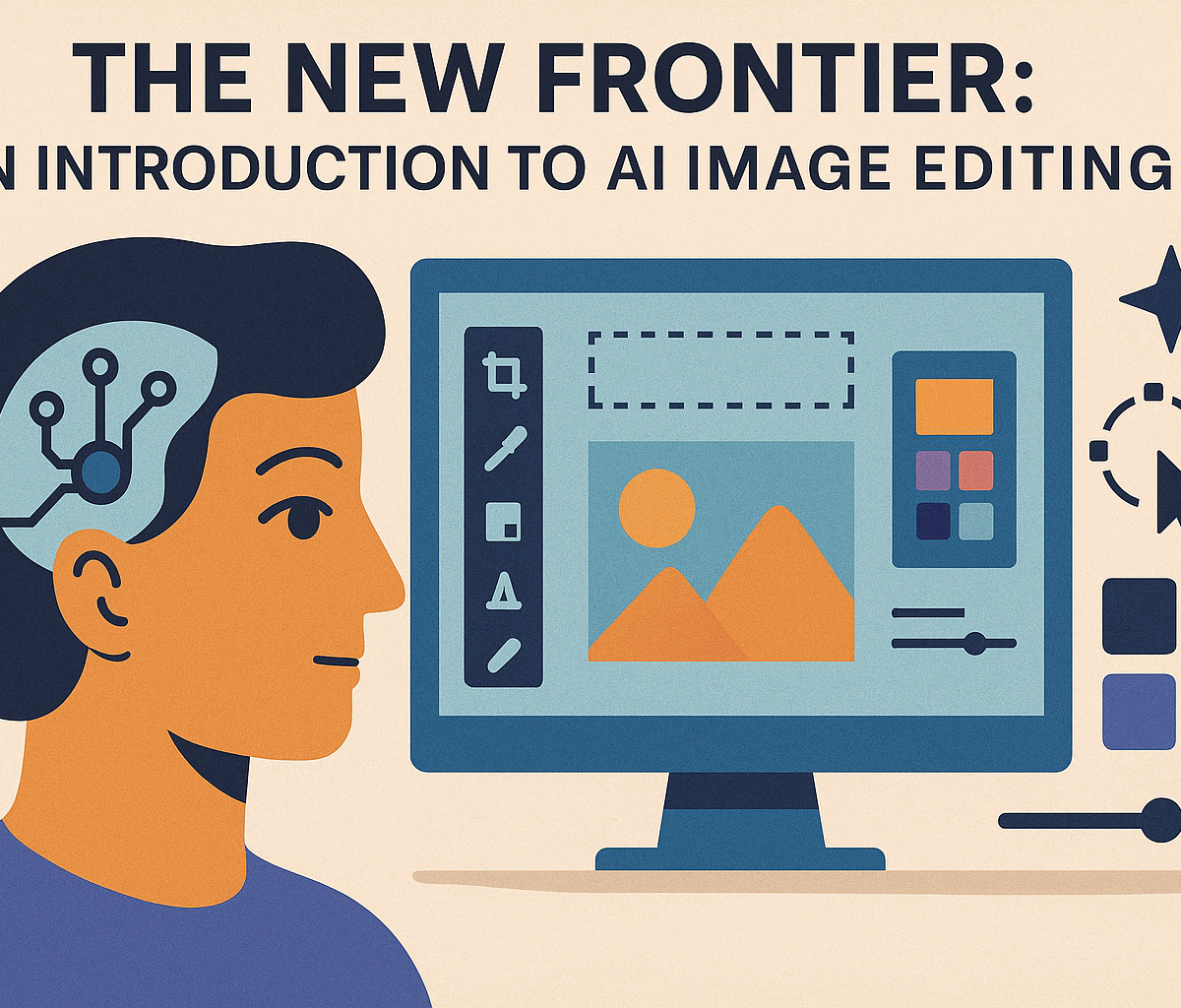
The New Frontier: An Introduction to AI Image Editing
For years, digital photo editing meant tweaking sliders for contrast, applying a one-click filter, or painstakingly using a clone stamp tool to remove an unwanted distraction. It was a process of refinement, a digital darkroom that required technical skill and patience. Today, we stand at the edge of a new frontier, one where the very fabric of an image can be manipulated with a simple text prompt. Welcome to the world of AI image editing, a revolutionary technology that is fundamentally changing our relationship with visual media.
This isn't just an upgrade; it's a paradigm shift. Artificial intelligence moves beyond simple pixel adjustments and begins to understand the content of your photos. It recognizes faces, separates foregrounds from backgrounds, and comprehends spatial relationships, allowing for edits that feel less like manipulation and more like magic.
Beyond Basic Filters: How AI is Redefining Photo Manipulation
The filters we're used to on social media are essentially pre-packaged overlays that adjust color and tone. They are static and "unaware" of the image's content. A vintage filter, for example, applies the same sepia tone and grain to a portrait as it does to a landscape.
AI image editing operates on an entirely different level. It performs a semantic analysis of your image, identifying and segmenting different elements. It knows that one cluster of pixels is a person, another is a dog, and another is the sky. This contextual awareness empowers the software to make intelligent, targeted adjustments that were once the exclusive domain of seasoned professionals spending hours in complex programs. Instead of just making a photo "look cool," AI helps you reconstruct it from the inside out, turning creative intent into visual reality with unprecedented speed.
Understanding Core Features: The Building Blocks of AI Magic
While the technology is complex, its most powerful applications can be understood through a few core features that are becoming standard in modern AI image editing tools.
- Generative Fill: This is arguably the most transformative feature. Imagine you have a perfect portrait, but the framing is too tight. With generative fill, you can simply expand the canvas, and the AI will intelligently create the rest of the scene. It doesn't just stretch pixels; it generates entirely new, contextually appropriate content—more of the brick wall in the background, a continuation of the subject's shirt, or a seamless extension of the sky, all while matching the original lighting and texture.
- Object Removal: We've had "content-aware" tools for years, but they often left behind blurry smudges or unnatural-looking patches. AI-powered object removal is a giant leap forward. You can select a tourist in the background of your vacation photo or an unsightly power line, and the AI will not only remove it but also perfectly reconstruct what was behind it, creating a flawless and believable result in seconds.
- Style Transfer: This feature allows you to apply the artistic style of one image—like a Van Gogh painting or a cyberpunk illustration—to another. The AI analyzes the source style's color palette, brushstrokes, and composition and intelligently reinterprets your photo in that aesthetic. It’s a powerful tool for creating unique and eye-catching visuals without needing to be a master painter yourself.
Why AI Image Editing is a Game-Changer for Modern Creatives
The implications of this technology are massive. For professional photographers, designers, and marketers, AI image editing dramatically accelerates workflows. Tedious tasks like masking complex hair, removing blemishes, or changing a background can now be done in a fraction of the time, freeing up creators to focus on high-level creative direction.
More importantly, it democratizes creativity. Powerful, reality-bending tools are no longer locked behind expensive software and hundreds of hours of training. Artists, small business owners, and hobbyists can now bring their most ambitious ideas to life, pushing the boundaries of visual storytelling and creating stunning images that were previously unimaginable. This is more than just editing photos; it's about co-creating with intelligence.
Reviewing the Best AI Image Editing Tools on the Market
The right tool can make all the difference, transforming a tedious task into a creative breeze. From professional-grade software to user-friendly design platforms, the market is brimming with powerful options. Here’s a breakdown of the top contenders in the world of ai image editing.
Adobe Photoshop: The Industry Standard's AI Integration
Photoshop has long been the heavyweight champion of image manipulation, and its integration of Adobe Firefly AI has only solidified its position. Rather than being a separate tool, AI is woven directly into its core workflow. The standout feature is Generative Fill, which allows you to select any area of an image and replace, remove, or add content with a simple text prompt. Need to remove a distracting person from a photo? Just select them and click "Generate." Want to add a flock of birds to a sky? It's just as easy. Combined with Generative Expand for extending image canvases and a suite of Neural Filters for tasks like skin smoothing and style transfer, Photoshop’s approach to ai image editing empowers professionals with unprecedented control and creative speed. It remains the top choice for those who need pixel-perfect precision and deep, layer-based editing capabilities.
Canva Magic Studio: AI Editing for Effortless Graphic Design
While Photoshop is built for precision, Canva is built for speed and accessibility. Its Magic Studio is a suite of AI tools designed to make graphic design and photo editing intuitive for everyone, from marketers to small business owners. Features like Magic Eraser allow for one-click object removal, while Magic Edit lets you "paint" over an object and type a prompt to transform it—turning a plain handbag into a leather one, for example. Canva excels in a template-driven environment, where its ai image editing features help users quickly customize visuals for social media posts, presentations, and marketing materials. If your goal is to produce polished, attractive content without a steep learning curve, Canva Magic Studio is a remarkably powerful and user-friendly option.
Luminar Neo: The Photographer's Choice for AI-Powered Workflows
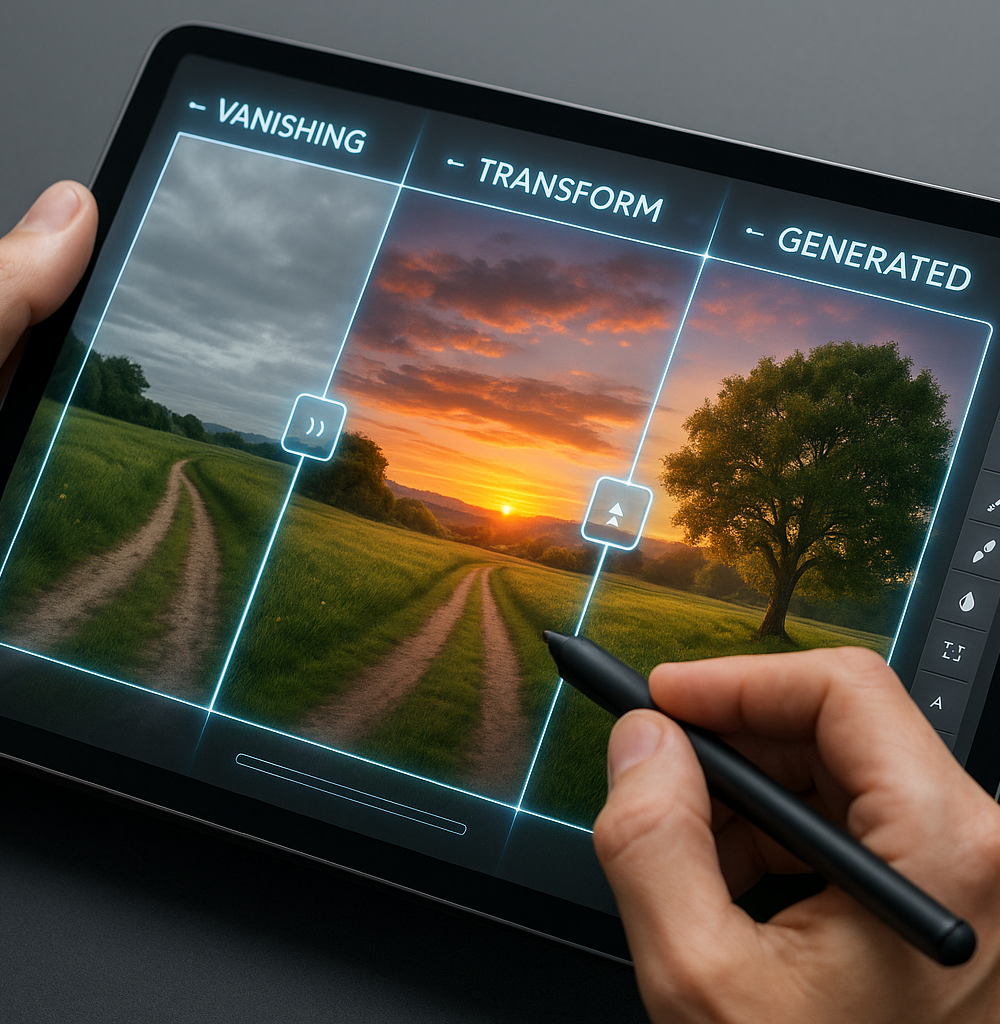
Developed by Skylum, Luminar Neo is an image editor built from the ground up with AI specifically for photographers. It’s designed to automate complex and time-consuming edits, freeing up creatives to focus on the art. Its acclaimed tools like Sky AI can replace a dull, overcast sky with a dramatic sunset in a single click, automatically adjusting lighting and reflections in the rest of the image for a realistic result. Other features like Enhance AI, Structure AI, and Portrait Bokeh AI use intelligent analysis to improve detail, depth, and subject focus with simple sliders. Luminar Neo can function as a standalone editor or as a plugin for Adobe Lightroom and Photoshop, making it a flexible and powerful addition to any photographer's toolkit.
Free vs. Paid: Which AI Image Editing Software Fits Your Budget?
Navigating the world of ai image editing often comes down to one key question: should you pay? The answer depends entirely on your needs.
- Free Tools: Options like the free tier of Canva, Adobe Express, or various browser-based editors offer a fantastic entry point. They are perfect for casual users who need to perform simple tasks like removing an unwanted object, applying a quick filter, or creating a social media graphic. However, they usually come with limitations, such as watermarked images, lower output resolution, a credit-based system for generative AI features, and a restricted set of tools.
- Paid Tools: Investing in a paid subscription or license (like Adobe Photoshop, Canva Pro, or Luminar Neo) unlocks the full potential of AI. You get access to the highest-quality algorithms, high-resolution exports, advanced features, batch processing capabilities, and consistent updates. For professionals, serious hobbyists, and anyone who relies on high-quality visuals for their work, a paid tool is a necessary investment. It provides the reliability, power, and precision that free alternatives simply cannot match.
Ultimately, start with free tools to understand what AI can do for you. When you find yourself hitting a wall with their limitations, it’s time to upgrade to a paid solution.
Mastering the Most Powerful Features in AI Image Editing
Once you move beyond basic adjustments, the true power of ai image editing reveals itself. These are not just incremental improvements; they are revolutionary features that were once the exclusive domain of highly skilled artists with hours to spare. Now, they are accessible to everyone. Let's dive into the core capabilities that are changing the creative landscape.
How to Use AI for Seamless Object Removal and Replacement
Remember the painstaking process of using clone stamps and patch tools to remove an unwanted person or object from a photo? AI has made that workflow practically obsolete. With modern ai image editing tools, the process is astonishingly simple.
- Inpainting and Content-Aware Fill: Simply select the object you want to remove—a stray tourist in your perfect beach photo, a distracting sign, or a skin blemish. The AI analyzes the surrounding pixels and intelligently generates a new, perfectly blended background to fill the space. It understands context, texture, and light, creating a result that is often indistinguishable from the original scene.
- Generative Replacement: Take it a step further by replacing objects entirely. After selecting an item, you can type a text prompt like "a blue vase" or "a red sports car." The AI will not only remove the original object but generate a brand-new one that matches the photo's perspective, lighting, and shadows.
Expanding Your Canvas: Effortless Background Generation
Have you ever taken a great photo, only to wish you had a wider frame? Perhaps you need to convert a vertical portrait into a horizontal banner for a website. This is where AI "outpainting" or "generative expand" comes in. Instead of awkwardly cropping your image, you can expand the canvas in any direction.
The AI tool examines the existing image and creatively generates new content that logically extends the scene. It can add more sky to a landscape, extend a patterned floor in an interior shot, or create more of a city street. This feature gives you unprecedented control over your composition after the shot has been taken, transforming a good photo into the perfect one for any format.
Transforming Photos with One-Click AI Style Transfer
Ever wondered what your selfie would look like if it were painted by Van Gogh? Or how a cityscape photo might appear as a Japanese ukiyo-e print? AI style transfer makes this possible in seconds.
This technology uses deep learning models trained on vast datasets of artwork. The AI separates the "content" of your photo (the people, places, and things) from the "style" of a source image (the brushstrokes, color palette, and texture). It then artistically re-renders your photo's content using the chosen style. What once required years of artistic training can now be achieved with a single click, unlocking endless creative possibilities for social media posts, digital art, and unique personal projects.
Upscaling and Enhancing Images to High Resolution with AI
A low-resolution image used to be a dead end. Traditional upscaling methods simply stretched the existing pixels, resulting in a larger but blurry, pixelated mess. AI upscaling completely rewrites the rules.
AI models are trained to recognize what objects—like faces, text, or fabric—should look like in high definition. When you upscale a low-resolution photo, the AI doesn't just enlarge pixels; it intelligently adds new, realistic detail. It rebuilds edges, refines textures, and clarifies features to produce a genuinely sharp and clean high-resolution file. This is a game-changer for restoring old family photos, preparing web images for print, or simply improving the quality of any digital picture. Many of these tools also include AI-powered noise reduction and sharpening for an all-in-one enhancement.
Putting AI Image Editing to Work: Real-World Use Cases
The theory behind AI-powered tools is fascinating, but their true power is revealed in practical, everyday applications. From bustling e-commerce warehouses to quiet family living rooms, AI image editing is transforming how we create, refine, and even restore visual content. It’s no longer a futuristic concept—it's a practical toolkit solving real-world problems. Let’s explore how different users are leveraging these intelligent features to achieve stunning results.
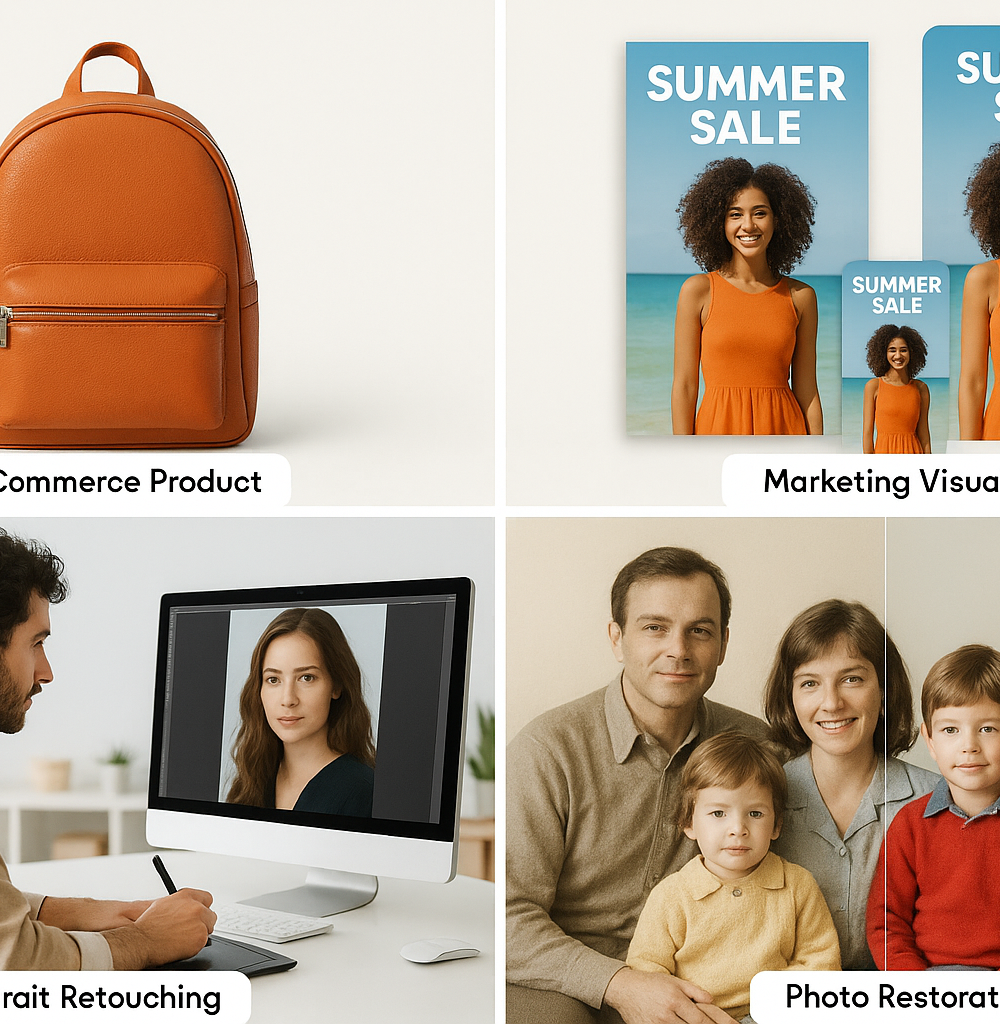
For E-commerce: Creating Flawless Product Shots in Minutes
In the competitive world of online retail, a picture isn’t just worth a thousand words—it’s worth a sale. High-quality, consistent product photography is crucial, but traditional photoshoots are expensive and slow. This is where AI image editing becomes a game-changer for online sellers.
Imagine you have hundreds of products shot in different lighting conditions. Instead of manually cutting out each one, AI-powered background removal tools can instantly isolate your product and place it on a clean, white, or custom-branded background in seconds. Need to show your product in a lifestyle setting? AI generative features can create a realistic scene around your product—placing a handbag on a stylish cafe table or a piece of furniture in a fully decorated living room—without the cost of a physical set. AI upscaling can also sharpen and enhance lower-resolution images, ensuring every product looks crisp and professional, directly boosting customer trust and conversion rates.
For Marketing: Designing Compelling Social Media Visuals at Scale
Marketers and social media managers are under constant pressure to produce a high volume of engaging visual content. The demand for unique images for ads, blog posts, and daily social media updates can quickly overwhelm a creative team. AI image editing acts as a powerful creative assistant, dramatically accelerating the content creation workflow.
With features like Generative Fill and Outpainting, a single image can be effortlessly repurposed for multiple platforms. That horizontal banner for your blog can be instantly extended into a vertical format for an Instagram Story, with the AI seamlessly generating new content to fill the space. Need a unique visual for an ad campaign? Instead of sifting through stock photos, you can use text-to-image generators to create a completely original picture that perfectly matches your vision. This allows marketing teams to maintain brand consistency, test more creative ideas, and scale their visual output without scaling their budget.
For Photography: Drastically Reducing Your Retouching Time
For professional photographers, time is money. While post-processing is a vital part of the craft, hours spent on tedious retouching tasks can be a significant drain on productivity. AI-powered editing software is revolutionizing the photographer's workflow by automating the most time-consuming jobs.
Complex selections that once required meticulous manual tracing—like isolating a subject’s hair from a busy background—can now be done with a single click using AI subject masking. Mundane retouching tasks, such as blemish removal, skin smoothing, and teeth whitening, can be performed by intelligent algorithms that deliver natural-looking results in a fraction of the time. AI noise reduction can salvage grainy low-light shots, while AI sky replacement can transform a dull, overcast day into a dramatic golden hour. By handling the heavy lifting, AI image editing frees up photographers to focus on the creative aspects of their work, like color grading and composition, leading to faster client turnaround and more time behind the camera.
For Personal Use: Restoring and Colorizing Old Family Photos
Beyond the professional realm, AI image editing offers a profoundly personal benefit: preserving our history. Many of us have treasured old family photos that are faded, scratched, torn, or stuck in black and white. These tools provide an easy and accessible way to breathe new life into these precious memories.
AI photo restoration algorithms can intelligently analyze and repair damage, digitally mending creases, removing dust and scratches, and clarifying blurry faces. Perhaps most magically, AI colorization can add vibrant, realistic color to monochrome images. Seeing a great-grandparent’s wedding photo in full color for the first time is a powerful experience, bridging the gap between generations. This technology empowers anyone to become a family historian, restoring priceless heirlooms and sharing them with loved ones in a way that feels more immediate and real than ever before.
Best Practices for Professional-Quality AI Image Editing
Harnessing the power of AI image editing isn’t just about clicking a button; it’s about guiding the technology to achieve a specific creative vision. Moving from amateur results to professional-quality work requires a blend of technical skill, artistic sensibility, and ethical awareness. By mastering these best practices, you can elevate your edits from interesting experiments to polished, compelling final images.
Crafting Effective Prompts for Predictable AI-Generated Results
The quality of your AI-generated elements is directly proportional to the quality of your prompts. Think of a prompt not as a simple command, but as a detailed creative brief for your AI assistant. To achieve predictable, high-quality outcomes in your AI image editing, follow these principles:
- Be Hyper-Specific: Instead of "add a boat," write "add a small wooden fishing boat with peeling blue paint, moored to a dock, soft morning light, photorealistic." Include details about the subject, material, action, environment, and lighting.
- Define the Style: Specify the desired aesthetic. Use keywords like "photorealistic," "cinematic lighting," "4K high detail," "vintage film grain," or "impressionist oil painting" to guide the AI’s style.
- Control the Composition: Use phrases like "wide-angle shot," "close-up," or "seen from a low angle" to influence the perspective and framing of the generated element.
Blending AI Elements to Maintain a Realistic, Cohesive Look
A perfectly generated object can still look out of place if it isn't seamlessly integrated into the original photo. The true art of AI image editing lies in the final blend, where the human touch is essential.
- Match Light and Shadow: This is the most critical step. Analyze the light source in your original image. Is it hard or soft? From which direction is it coming? Use traditional tools like Dodge and Burn or create new shadow layers to ensure your AI-generated object casts a believable shadow that matches the scene’s lighting.
- Unify Color and Tone: The new element must share the same color temperature and grading as the base image. Use adjustment layers (like Color Balance or Curves) masked to the new element to tweak its colors until it blends perfectly.
- Add Consistent Texture: AI-generated portions can sometimes look too clean or digitally smooth. To create a cohesive final image, apply a subtle grain or texture overlay across the entire canvas. This unifies the original and AI-generated parts, making them feel like they belong together.
Understanding the Ethical Lines: Copyright and Authenticity
As AI image editing becomes more powerful, so do the ethical responsibilities of creators.
- Copyright: The legal landscape is still evolving. Generally, purely AI-generated outputs may not be eligible for copyright protection. However, an image that incorporates AI elements but features significant human authorship (through selection, arrangement, and post-processing) has a stronger claim. Crucially, avoid using copyrighted images as a base for your AI manipulations without permission, as this can lead to infringement.
- Authenticity and Transparency: Be transparent about your use of AI, especially in contexts where realism is expected, like photojournalism or product photography. Misleading viewers by presenting a heavily manipulated image as authentic can damage your credibility. Establish clear guidelines for when and how you use AI to ensure your work remains honest.
How to Integrate AI Tools Into Your Existing Creative Workflow
AI shouldn’t replace your creative workflow; it should enhance it. The most effective approach is to treat AI as a powerful assistant that can handle time-consuming or complex tasks, freeing you up for more creative decisions.
- Start with the Foundation: Perform your initial edits—such as color correction, exposure adjustments, and cropping—in your primary editing software like Adobe Photoshop or Lightroom.
- Introduce AI for Heavy Lifting: Use AI tools for tasks like complex object removal, sky replacement, background extension (outpainting), or generating initial concepts with generative fill.
- Refine and Finalize: Bring the AI-assisted image back into your main editor for the final touches. This is where you perform the crucial blending steps, fine-tune colors, and apply your signature style. This hybrid approach combines the speed of AI with the precision of human artistry.
Conclusion: The Future of AI Image Editing and Your Next Steps
We've journeyed through the transformative landscape of AI image editing, from one-click enhancements to complex generative art. It's clear that this technology isn't just a fleeting trend; it's a fundamental shift in how we create and manipulate visual content. The power of artificial intelligence is now at your fingertips, ready to unlock new levels of efficiency and creativity. But where do you go from here? This conclusion will guide you toward the right tools, your first project, and what to expect on the horizon.
Choosing the Right AI Editing Tool for Your Specific Goals
Your journey into ai image editing begins with selecting the right companion for your creative goals. The sheer number of options can be daunting, but the choice becomes simple when you focus on your primary need. There's no single "best" tool, only the best tool for your project.
- For Quick, Stunning Results: If your goal is to quickly enhance social media photos or family pictures, look for user-friendly mobile apps or web-based editors. Tools with powerful one-click presets, auto-enhancements, and simple sliders for background blurs or sky replacement are perfect for achieving professional-looking results in seconds.
- For Professional Workflows: Photographers and graphic designers should seek out AI tools that integrate seamlessly with their existing software, such as Adobe Photoshop or Lightroom plugins. These offer precision, control, and non-destructive editing, allowing AI to handle tedious tasks like complex masking or retouching while you maintain full creative oversight.
- For Boundless Creative Exploration: If you want to generate entirely new visuals from text prompts or radically transform existing images into new artistic styles, dive into dedicated generative AI platforms. These are your digital canvases for creating everything from fantasy landscapes to photorealistic product mockups.
Start Your First Project: A Simple Task to Get You Started
The best way to overcome any hesitation is to dive in. Don't feel overwhelmed by the advanced features; start with a simple, satisfying task that immediately demonstrates the magic of AI.
Your Mission: The Magic Disappearing Act
- Find a Photo: Pick a picture you love that has a small, distracting element—a person in the background, a piece of litter on the ground, or an ugly sign.
- Upload to Your Tool: Open your chosen AI editor and import the image.
- Select the Eraser: Look for a feature named "Object Removal," "Magic Erase," or "Inpainting."
- Paint and Vanish: Use the brush tool to carefully paint over the entire unwanted object.
- Witness the AI: Click "Apply" or "Generate" and watch as the AI intelligently analyzes the surrounding pixels and seamlessly fills in the space, making the object disappear as if it were never there.
This single task perfectly demonstrates the time-saving power of modern ai image editing and will give you the confidence to explore more complex features.
Emerging Trends: What's Next in AI Photo Manipulation?
The world of ai image editing is evolving at a breakneck pace. What seems like science fiction today will be a standard feature tomorrow. Keep an eye on these exciting developments:
- AI Video Manipulation: The same principles of object removal, style transfer, and generation are now being applied to video, allowing for edits that once required a team of VFX artists.
- 3D Scene Reconstruction: AI is becoming adept at interpreting 2D images to generate full 3D models and environments, opening new doors for virtual reality, gaming, and architectural visualization.
- Hyper-Personalization: Soon, you'll be able to easily train AI models on your specific photographic style or on a particular subject, ensuring perfectly consistent and personalized edits across an entire photoshoot.
- Intuitive Control: The future isn't just about text prompts. Expect to see more intuitive controls, allowing you to guide the AI with simple sketches, gestures, and compositional guides to achieve a more precise creative vision.
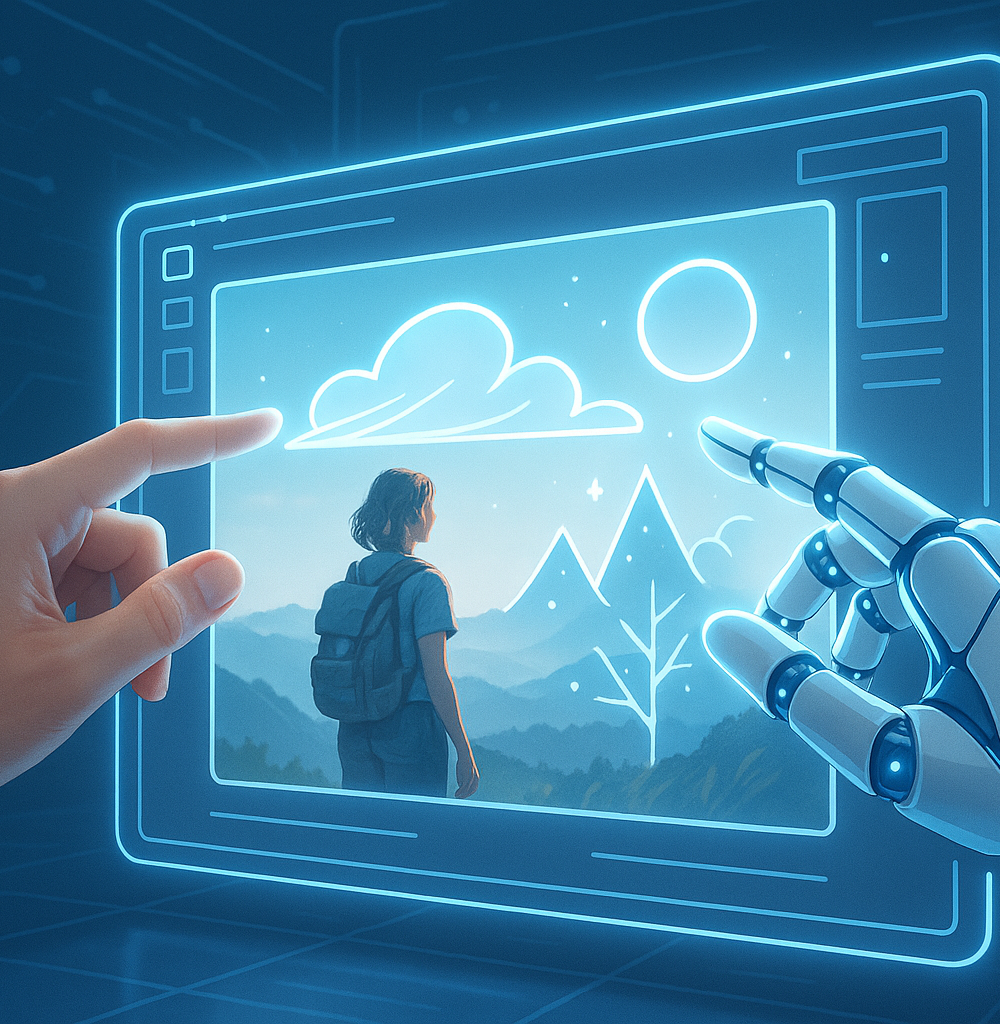
The future of image creation is a powerful collaboration between human intent and artificial intelligence. Embrace the learning curve, experiment fearlessly, and view AI not as a replacement for creativity, but as an infinitely capable assistant ready to bring your most ambitious ideas to life.