
October 13, 2025
Why an Email Drafting AI Tool is Your New Productivity
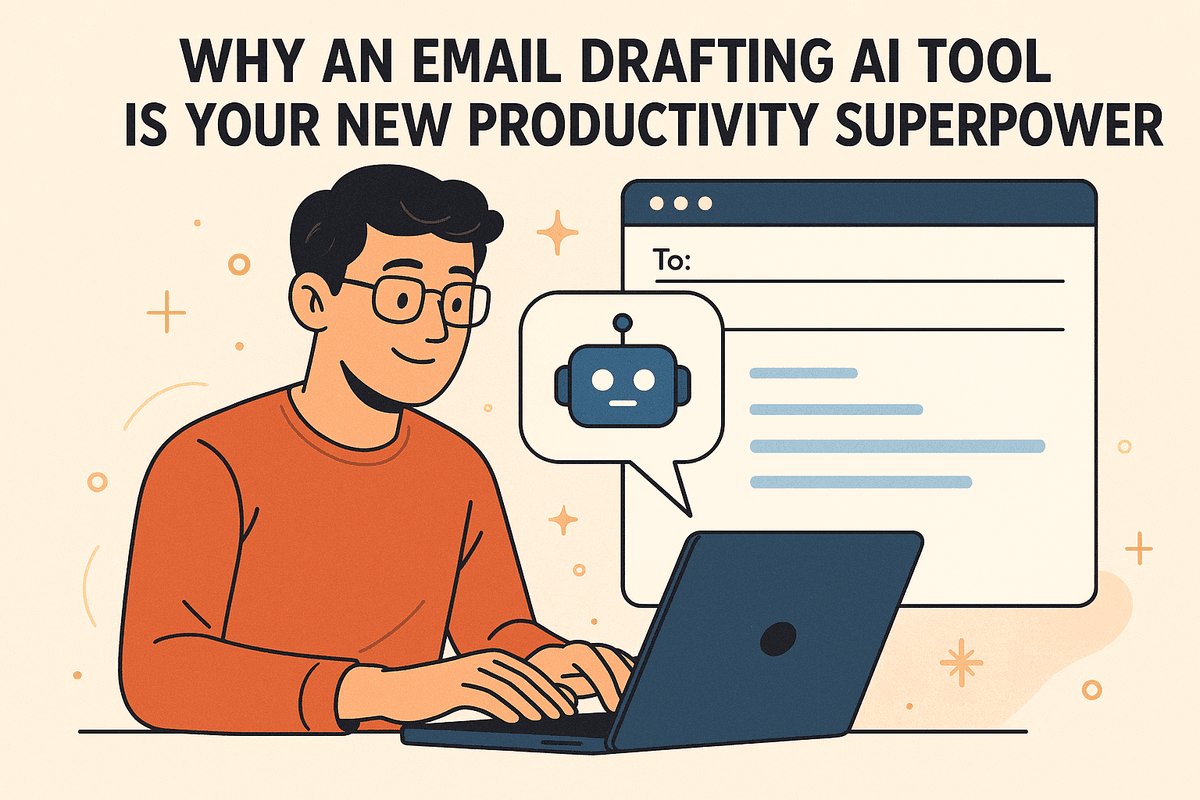
Why an Email Drafting AI Tool is Your New Productivity Superpower
Ever stared at a blank email, unsure how to start? Or spent 20 minutes crafting a "quick" two-sentence reply? You’re not alone. The average professional spends over three hours a day on email, a significant portion of which is lost to the friction of drafting, editing, and second-guessing. This is where an email drafting AI tool steps in, transforming your inbox from a time sink into a productivity engine.
What is an AI Email Drafting Tool?
At its core, an email drafting AI tool is a sophisticated software application that uses artificial intelligence, particularly natural language processing (NLP) and large language models (LLMs), to help you write emails. Think of it as a brilliant co-pilot for your inbox. You provide a simple prompt—like "write a polite follow-up to a client about an overdue invoice" or "draft a thank you note after a job interview"—and the AI generates a complete, context-aware, and professional email draft in seconds. It goes beyond simple spell-checking, understanding nuance, tone, and intent to create human-like communication.
The End of Writer's Block: How AI is Changing the Inbox
The blinking cursor on an empty screen is the universal symbol of writer's block. For many, this is a daily struggle that drains mental energy and slows momentum. An AI email assistant effectively eliminates this hurdle. Instead of starting from scratch, you begin with a well-structured, relevant draft that you can quickly edit and personalize. This fundamental shift changes your workflow from creation to curation. The AI handles the initial heavy lifting of composition, freeing you to focus on the strategic aspects of the message: clarifying key points, adding personal touches, and ensuring the email achieves its goal. The result is a faster, less stressful, and more efficient communication process.
Key Benefits for Professionals and Teams
Adopting an email drafting AI tool isn't just about writing faster; it's about communicating smarter. The benefits extend from individual users to entire organizations.
Save Hours Every Week
The most immediate benefit is a massive time savings. By automating the initial drafting process for routine emails like follow-ups, meeting requests, and replies, you can cut down your time spent in the inbox significantly. This reclaimed time can be reinvested into higher-value tasks that require critical thinking and creativity.
Enhance Professionalism and Tone
AI tools are trained on vast datasets of professional communication. They can help you strike the perfect tone, whether you need to be formal, persuasive, empathetic, or concise. This ensures your emails are always polished and appropriate for the audience, reducing the risk of miscommunication and strengthening your professional image.
Ensure Team-Wide Consistency
For teams, maintaining a consistent brand voice and quality standard in external communications is crucial. An email drafting AI tool can be configured with specific guidelines and templates, ensuring that everyone from sales to customer support communicates with a unified, professional voice. This consistency builds brand trust and improves the overall customer experience.
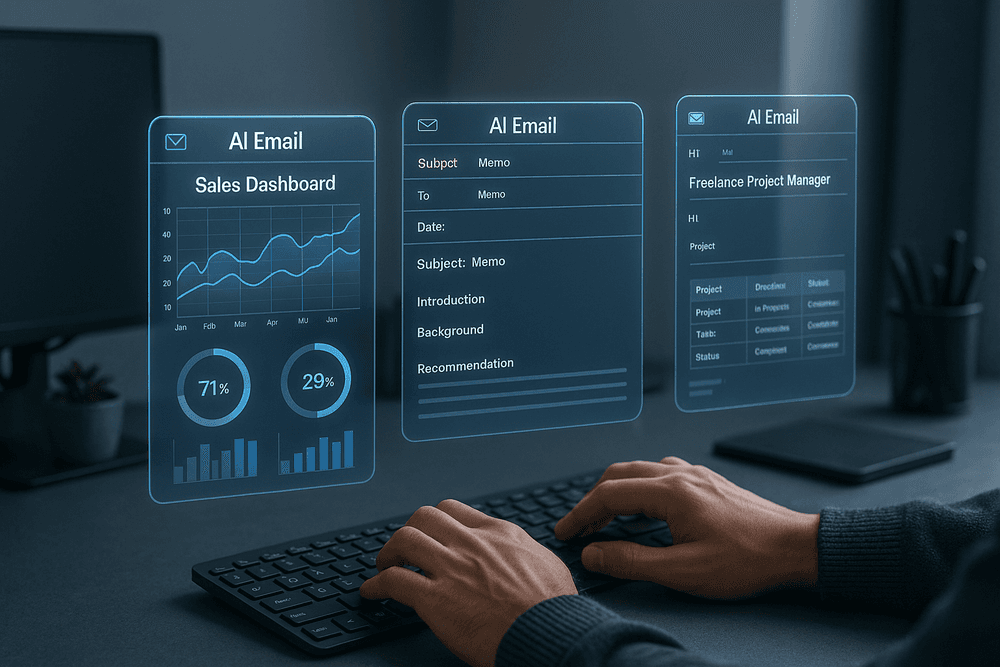
Comparing the Top Email Drafting AI Tool Solutions of 2024
Choosing the right email drafting AI tool is less about finding a single "best" option and more about identifying the platform that aligns perfectly with your specific workflow. Whether you're a sales professional aiming to smash quotas, a corporate manager ensuring brand consistency, or a freelancer juggling multiple clients, there’s a specialized tool designed for you. Below, we break down three leading solutions, each excelling in a distinct area.
OutreachAI: Best for Sales Outreach Teams
OutreachAI is engineered from the ground up to supercharge sales funnels. It moves beyond simple text generation by deeply integrating into the sales process. Its standout feature is its ability to personalize cold outreach at scale by pulling data directly from your CRM (like Salesforce or HubSpot) and LinkedIn. This allows your team to send hundreds of highly customized emails that reference a prospect's specific role, recent company news, or shared connections, dramatically increasing reply rates.
Furthermore, OutreachAI automates the creation of entire follow-up sequences. You can set rules—like sending a different message if a link was clicked—and the AI drafts compelling, non-repetitive follow-ups. With built-in A/B testing for subject lines and powerful analytics, it provides actionable insights to refine your strategy and book more meetings.
Key Features:
- Deep CRM and LinkedIn integration for hyper-personalization
- Automated multi-step follow-up sequence generation
- Performance analytics and A/B testing
- Generates emails focused on conversion and scheduling demos
ComposeWell: Ideal for Internal and Corporate Communications
For businesses that prioritize brand consistency, security, and clarity, ComposeWell is the gold standard. This email drafting AI tool functions as a central communications hub, ensuring every internal announcement, executive memo, or HR update adheres to a pre-defined company voice and style guide. Administrators can create and lock templates for common scenarios, from new hire welcomes to policy changes, guaranteeing professionalism across the organization.
ComposeWell’s strength lies in its governance and collaboration features. It integrates seamlessly with Microsoft 365 and Google Workspace, allowing for secure, in-platform drafting and approval workflows. Its AI is trained to handle sensitive information discreetly and suggest phrasing that is inclusive, clear, and on-brand, making it an indispensable tool for HR, marketing, and leadership teams.
Key Features:
- Centralized brand voice and style guide enforcement
- Secure, shareable template library for internal comms
- Integration with Microsoft 365 and Google Workspace
- Focus on clarity, professionalism, and compliance
DraftGenius: The Ultimate All-in-One Platform for Freelancers
Freelancers wear many hats, and DraftGenius is the versatile assistant that helps them manage it all. Unlike specialized tools, its power is in its flexibility. One moment, you can use it to draft a persuasive new client pitch; the next, you can generate a polite follow-up on an overdue invoice or a clear project status update.
Its intuitive browser extension allows you to access its power directly within Gmail, Outlook, or any web-based platform. The tone adjuster is a freelancer's best friend, effortlessly shifting a message from formal and assertive to friendly and casual. With support for multiple languages and a context-aware AI that remembers your various clients and projects, DraftGenius is the most efficient and cost-effective email drafting AI tool for a business of one.
Key Features:
- Highly versatile for diverse tasks (pitching, invoicing, updates)
- Intuitive browser extension for seamless workflow
- Advanced tone and style adjustment
- Affordable pricing model for solopreneurs
Feature-by-Feature Comparison
| Feature | OutreachAI (Sales) | ComposeWell (Corporate) | DraftGenius (Freelancer) |
| :--- | :---: | :---: | :---: |
| Primary Use Case | Cold Outreach & Sales | Internal & Corporate Comms | All-Purpose Communication |
| Personalization | Advanced (CRM-based) | Low (Template-based) | High (Context-aware) |
| Collaboration | Team Performance Dashboards | Approval Workflows | Limited |
| Key Integrations | Salesforce, HubSpot | Microsoft 365, Slack | Browser Extension (Universal) |
| Brand Voice Control | Basic | Advanced & Enforced | Flexible & User-Defined |
| Pricing Model | Per Seat/High Tier | Enterprise/Per Seat | Freemium/Low Tier |
Must-Have Features in an Email Drafting AI Tool
Navigating the market for an email drafting AI tool can be overwhelming. While many platforms promise to write your emails, the best solutions offer a suite of sophisticated features that go far beyond basic text generation. To truly enhance your productivity and communication effectiveness, look for a tool equipped with these four essential capabilities. They are the difference between a simple writing aid and a powerful communication assistant.
Tone and Style Adjustment: From Formal to Friendly
The same message can have a vastly different impact depending on its tone. A cold, formal email to a long-time collaborator can feel distant, while an overly casual message to a potential high-value client can seem unprofessional. A top-tier email drafting AI tool acts as your personal communication coach, understanding the nuances of context.
This feature allows you to:
- Instantly rewrite a draft: Shift from a formal, corporate style to a warm, friendly, or persuasive tone with a single click.
- Ensure appropriateness: The AI analyzes your text and suggests modifications to match the intended audience, whether it's for a job application, a sales pitch, or an internal team update.
- Maintain brand voice: Some advanced tools can even learn your personal or company style, ensuring consistency across all your communications.
This capability saves you the mental energy of wordsmithing and prevents costly misinterpretations, ensuring your message always lands exactly as intended.
Automated Follow-up Sequence Generation
In sales, marketing, and networking, the first email is rarely the last. Persistence is key, but manually tracking and writing follow-ups is a time-consuming drain. This is where AI automation becomes a game-changer. An intelligent email drafting AI tool doesn't just write one email; it can build an entire multi-step sequence.
Look for a tool that can generate a series of polite, professional, and value-driven follow-ups that can be scheduled over days or weeks. This feature helps you:
- Save hours of administrative work.
- Prevent valuable leads from falling through the cracks.
- Maintain a consistent and professional cadence in your outreach.
Instead of just being a writer, the AI becomes a strategic partner, ensuring your outreach efforts are sustained and effective.
Subject Line Suggestions that Boost Open Rates
Your email's subject line is the single most important factor determining whether it gets opened or ignored. It’s your digital first impression. A powerful AI tool leverages machine learning and analyzes massive datasets of successful emails to craft subject lines that capture attention and spark curiosity.
This feature moves beyond guesswork, offering:
- Multiple creative options: Generate several compelling subject lines for any given email.
- Spam-filter awareness: Suggests wording that avoids common spam triggers, improving deliverability.
- Data-driven recommendations: Provides subject lines optimized for clarity, urgency, and personalization to maximize your open rates.
By optimizing this crucial element, the AI directly contributes to the success of your communication, ensuring your carefully drafted message actually gets read.
Integration with Your Existing Email Client
An AI tool is only effective if it seamlessly fits into your daily routine. The best email drafting solutions don't force you to work in a separate app or browser tab. Instead, they integrate directly into the platforms you already use, like Gmail and Outlook.
This native integration is critical because it:
- Creates a frictionless workflow: The AI’s suggestions appear right where you’re typing, eliminating the need to copy and paste.
- Boosts adoption and usage: When the tool is an organic part of your inbox, you’re far more likely to use it consistently.
- Provides contextual assistance: The AI can access the context of the email thread to provide more relevant and accurate suggestions.
This feature ensures the email drafting AI tool is a convenient and indispensable part of your workflow, not just another piece of software to manage.
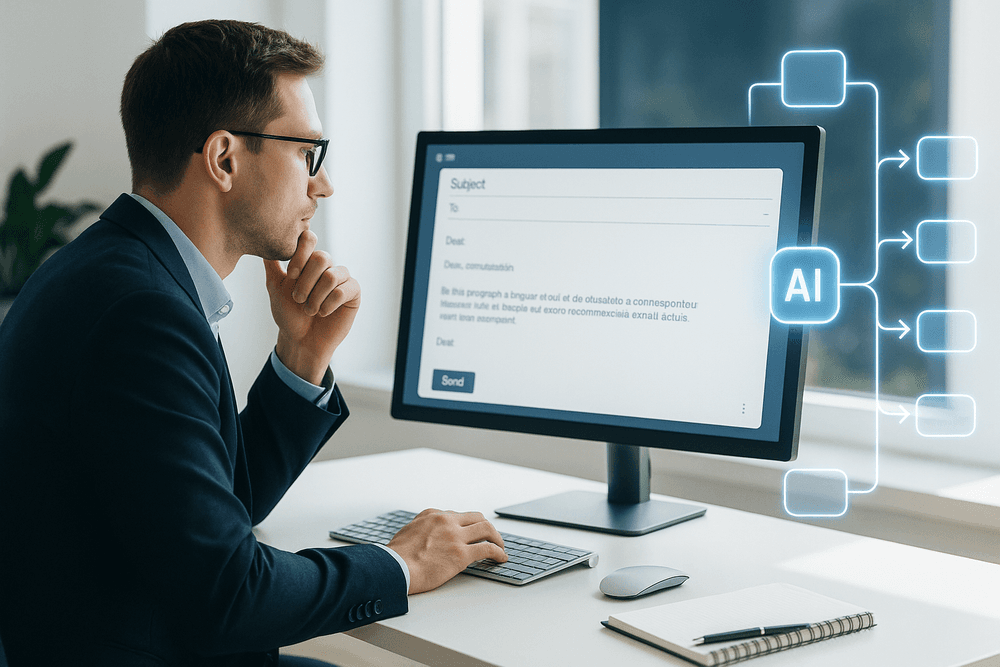
Best Practices: How to Get the Most from Your Email Drafting AI Tool
Simply having an email drafting AI tool isn't enough to guarantee success; you need to use it strategically. Like any powerful tool, its effectiveness depends on the user. By adopting a few key best practices, you can transform your AI assistant from a simple time-saver into a strategic partner for communication. Here’s how to unlock its full potential.
Crafting the Perfect Prompt for Your AI Assistant
The golden rule of working with AI is "garbage in, garbage out." The quality of the email draft you receive is directly proportional to the quality of the instructions you provide. Vague prompts lead to generic, unhelpful results. To get a polished, relevant draft, give your AI specific and context-rich commands.
Instead of: "Write a follow-up email."
Try this: "Draft a friendly but professional follow-up email to John Smith at Acme Corp. We met at the Tech Summit last Tuesday and discussed their need for a new CRM system. Mention that I enjoyed our conversation about hiking. The goal is to schedule a 15-minute demo call next week. Ask for his availability on Wednesday or Thursday afternoon and include a link to my Calendly: [link]."
A great prompt includes:
- Recipient and Context: Who is the email for, and what is your relationship?
- Goal: What is the single most important action you want the reader to take?
- Tone: Should it be formal, casual, enthusiastic, or empathetic?
- Key Information: Include any specific names, dates, links, or attachments.
Personalizing AI-Generated Drafts to Sound Like You
An email drafting AI tool is brilliant at creating a solid foundation, but it can’t replicate your unique voice and relationship with the recipient—at least not without your help. The biggest mistake users make is sending an AI-generated draft without any modifications. This can make your communication feel impersonal and robotic.
After your tool generates a draft, take a few moments to infuse it with your personality.
- Tweak the Opening: Add a genuine, personal touch. Instead of "I hope this email finds you well," try "It was great connecting with you at the conference..."
- Adjust the Phrasing: Read the email aloud. Does it sound like something you would actually say? Change clunky sentences or overly formal words to match your natural style.
- Refine the Sign-off: Switch a generic "Best regards" to your preferred closing, whether that’s "Cheers," "All the best," or "Talk soon."
This personalization step ensures your emails build relationships, not just convey information.
Proofreading and Editing: The Essential Human Touch
While AI is incredibly advanced, it is not infallible. It can misinterpret context, make subtle grammatical errors, or occasionally generate text that sounds awkward. Never blindly trust an AI-generated draft and send it without a final human review. You are the ultimate quality control.
Before hitting "send," do a quick but thorough check for:
- Accuracy: Did the AI get all names, dates, and details correct?
- Clarity and Tone: Does the email clearly communicate your message in the intended tone?
- Errors: Scan for any typos or grammatical mistakes the AI might have missed.
Think of your email drafting AI tool as an exceptionally skilled junior copywriter. It provides an excellent first draft, but it’s your job as the senior editor to give it the final polish and approval.
Using AI to A/B Test Email Copy for Better Results
A great email drafting AI tool can be more than a writer—it can be a strategic partner in optimizing your outreach. Use its power to quickly generate variations for A/B testing, which helps you learn what resonates most with your audience.
Ask your AI to create multiple versions of key email components:
- Subject Lines: "Generate five different subject lines for an email about our new software update. Make three of them direct and two of them more intriguing and curiosity-driven."
- Calls-to-Action (CTAs): "Write two different CTAs for this email. One should be a soft CTA like 'Learn more,' and the other a more direct CTA like 'Book Your Demo Now.'"
By sending these variations to different segments of your email list and tracking open rates and click-through rates, you can gather valuable data to refine your communication strategy for better results.
Real-World Scenarios: Putting Your AI Tool to Work
Theory is one thing, but the real power of an email drafting ai tool is revealed when you apply it to your daily tasks. It's not just about writing faster; it's about communicating more effectively across various professional contexts. Let's explore four common scenarios where this technology can transform your workflow and deliver tangible results.
Drafting Cold Outreach Emails that Actually Get Replies
The graveyard of unanswered cold emails is vast. The primary reason? Lack of personalization. Manually researching and tailoring every single message is a monumental task that drains productivity. This is where an email drafting ai tool becomes your strategic partner. Instead of relying on a generic template, you can feed the AI key information about your prospect—like a recent LinkedIn post, a company announcement, or their specific role—and ask it to generate a compelling, personalized opening line. It can help you A/B test different subject lines to find what resonates most with your audience and craft a clear call-to-action that feels natural, not pushy. This elevates your outreach from spam to a valuable conversation starter, dramatically increasing your chances of getting that coveted reply.
Responding to Customer Support Inquiries Faster
In customer support, speed and accuracy are everything. When facing a high volume of tickets, it's easy to fall back on robotic, impersonal templates that leave customers feeling unheard. An AI-powered tool revolutionizes this process. By integrating with your knowledge base, it can generate accurate, empathetic, and comprehensive answers to common questions in seconds. Simply input a few keywords from the customer's query, and the AI drafts a complete response, from a polite greeting to step-by-step troubleshooting instructions. This not only slashes response times but also ensures a consistent brand voice across all communication. Your support team is freed up to focus their expertise on complex, high-touch issues, boosting both efficiency and customer satisfaction.
Creating Professional Internal Announcements in Minutes
Whether you're announcing a new company policy, celebrating a major team win, or outlining organizational changes, the stakes are high for internal communications. The tone must be just right to ensure the message is received correctly. An email drafting ai tool acts as your internal communications specialist. Provide the core facts and specify the desired tone—be it formal, celebratory, or purely informational. The tool will structure the information logically, ensuring clarity, conciseness, and professionalism. It helps you avoid ambiguity and craft a message that is easily understood by everyone, from the C-suite to new hires, saving you the time and stress of multiple revisions.
Writing Effective Follow-ups for Networking Events
You've just left a conference with a pocketful of business cards. How do you turn those brief conversations into meaningful professional relationships? The generic "It was great to meet you" email is forgettable and rarely leads to anything further. To stand out, feed your email drafting ai tool the specific details you remember from your conversation. For example: "Met at the marketing summit, discussed challenges with SEO analytics." The AI will weave this context into a personalized follow-up that references your shared discussion, demonstrates you were listening, and suggests a clear next step, like a brief call or sharing a relevant article. This thoughtful approach transforms a cold follow-up into a warm continuation of a promising conversation.

The Future is Fast: Integrating an Email Drafting AI Tool Today
The journey through the world of AI-powered email communication has shown one thing clearly: the future of productivity is already here. We've explored how these intelligent assistants can transform a cluttered inbox from a source of stress into a streamlined engine for communication. Now, it's time to bridge the gap between understanding and action. Integrating an email drafting ai tool isn't just about adopting new technology; it's about fundamentally upgrading your workflow, saving precious time, and elevating the quality of your professional correspondence.
Recap: Choosing the Right AI Tool for Your Needs
As we've discussed, the market is filled with powerful options, but the "best" tool is entirely subjective. The ideal solution is the one that aligns perfectly with your unique requirements. Remember the key decision-making factors:
- Core Features: Do you need simple template generation, advanced response suggestions, or full-scale email sequence automation?
- Use Case: Is your primary need for sales outreach, customer support, internal announcements, or general productivity? The context of your communication heavily influences the right choice.
- Integration: A tool's power is magnified when it works seamlessly with your existing ecosystem, whether it's Gmail, Outlook, or your company's CRM.
The ultimate goal is to find an email drafting ai tool that feels like a natural extension of your own skills, amplifying your efficiency without disrupting your flow.
Your Next Step to Achieving Inbox Zero
The concept of "Inbox Zero" often feels like an unattainable dream. However, with an AI assistant, it becomes a strategic objective. Your next step isn't just to pick a tool—it's to commit to a more efficient way of working. Start by identifying your single biggest email bottleneck. Is it responding to common inquiries? Following up with leads? Composing detailed project updates?
Once you've pinpointed the pain, take decisive action. Sign up for a free trial of a tool that specializes in solving that exact problem. Spend a week actively using it. This hands-on experience is the only way to truly understand the impact it can have. By delegating the repetitive and time-consuming aspects of email to AI, you free up cognitive resources to focus on what truly matters: strategy, relationship-building, and high-impact work.
Final Checklist Before You Commit
Before you subscribe to a service, run through this final checklist. A few minutes of due diligence now can save you headaches later and ensure you’ve chosen the perfect partner for your productivity goals.
- ✅ Integration Capability: Does it connect flawlessly with your primary email client and other essential platforms (like Salesforce, Slack, or Asana)?
- ✅ Ease of Use: Is the interface intuitive? Can you get started in minutes, or does it require extensive training?
- ✅ Customization and Tone: Can the AI learn your personal writing style? Does it offer flexible tone adjustments (e.g., formal, friendly, persuasive) to match different contexts?
- ✅ Security and Privacy: How does the platform handle your data? Review their privacy policy to ensure it meets your security standards, especially if you handle sensitive information.
- ✅ Pricing and Scalability: Does the pricing model fit your budget? Look for a plan that can scale with you or your team as your needs grow.
- ✅ Customer Support: What kind of help is available if you run into issues? Check for access to tutorials, a knowledge base, or responsive human support.