
July 14, 2025
Why AI-Powered Productivity Tools Are a Game-Changer for
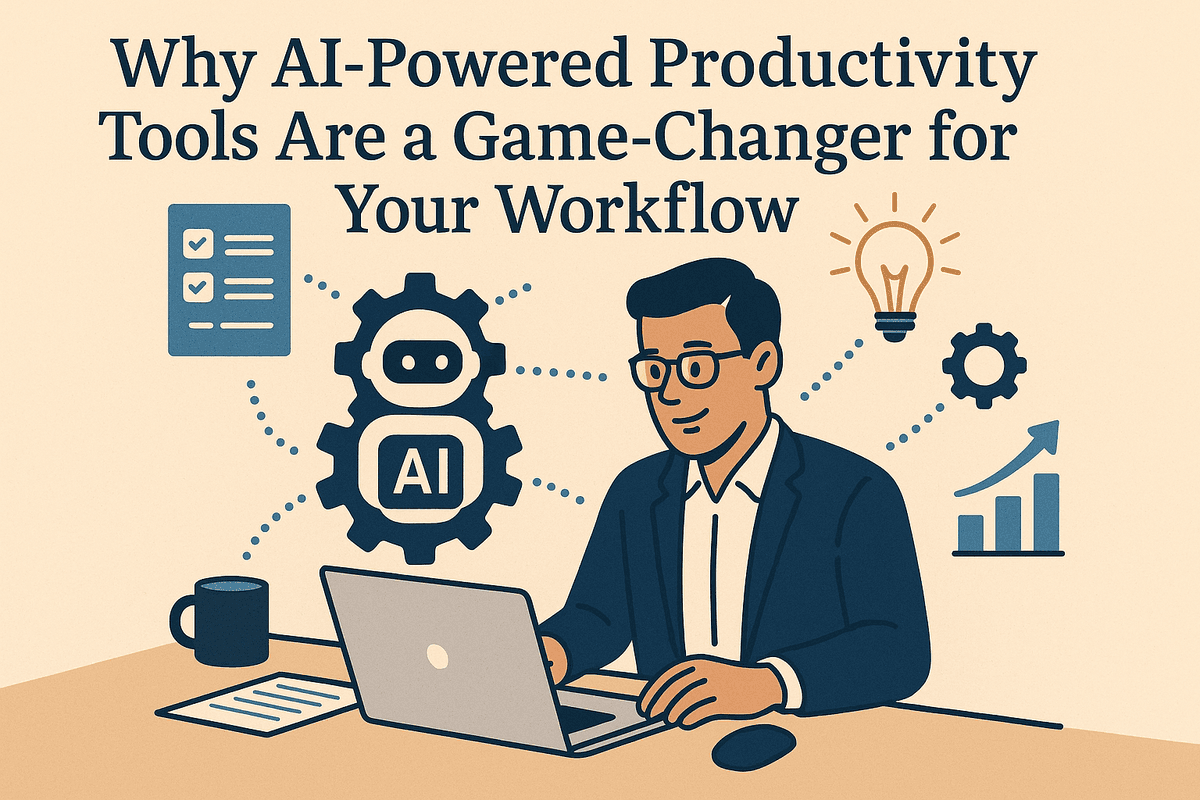
Why AI-Powered Productivity Tools Are a Game-Changer for Your Workflow
The modern workplace is a constant battle for your most valuable resource: time. Between endless meetings, overflowing inboxes, and the manual drudgery of administrative tasks, your strategic, high-impact work often gets pushed aside. This is where AI-powered productivity tools are stepping in, not as a futuristic concept, but as a practical solution available today. They are fundamentally reshaping how we approach our daily to-do lists and unlocking new levels of efficiency.
What Are AI-Powered Productivity Tools?
At their core, AI-powered productivity tools are software applications that leverage artificial intelligence, machine learning, and natural language processing to automate, streamline, and enhance professional tasks. Think of them as intelligent assistants integrated directly into your workflow.
Unlike traditional software that follows rigid, pre-programmed rules, these tools can understand context, learn from your behavior, and make intelligent suggestions. Their capabilities are vast and growing, covering everything from:
- Automating repetitive tasks: Transcribing meetings, summarizing long documents, and organizing project data.
- Generating content: Drafting emails, creating marketing copy, and brainstorming ideas.
- Managing workflows: Intelligently scheduling meetings, prioritizing tasks, and tracking project progress.
- Providing intelligent insights: Analyzing data sets to uncover trends and inform decision-making without requiring a data science degree.
Moving Beyond the Hype: The Real Impact on Daily Tasks
The buzz around AI can be deafening, but the true value of these tools lies in their tangible impact. This isn't about replacing human intellect; it's about augmenting it. By offloading the tasks that drain your cognitive energy, AI-powered productivity tools free you to focus on what truly matters—critical thinking, creativity, and strategic planning.
Imagine this: Instead of manually sifting through a hundred emails to find key action items, an AI tool does it for you in seconds. Instead of staring at a blank screen trying to start a report, an AI assistant provides a detailed outline and first draft. A project manager can get an instant, AI-generated summary of a team's progress without chasing down individual updates. This shift from manual execution to strategic oversight is the real game-changer, turning hours of tedious work into minutes of focused review.
How We Evaluated the Top Tools for This Guide
To cut through the noise and bring you a list of tools that deliver real results, we established a rigorous evaluation framework. We didn't just look at features on a pricing page; we assessed each tool based on its practical application and overall value. Our criteria included:
- Core Functionality: How effective is the tool at its primary purpose? Does it deliver on its promises consistently and accurately?
- Ease of Use & Integration: How intuitive is the user interface? Can it seamlessly integrate with the software you already use, like Slack, Google Workspace, or your project management platform?
- Productivity ROI: What is the tangible return on investment? We measured this in terms of time saved, quality of output, and the ability to reduce manual errors.
- Customization & Learning: Does the tool adapt to your specific needs and learn from your usage patterns over time?
- Security & Privacy: How is your data handled? We prioritized tools with transparent and robust security policies to ensure your information remains confidential.
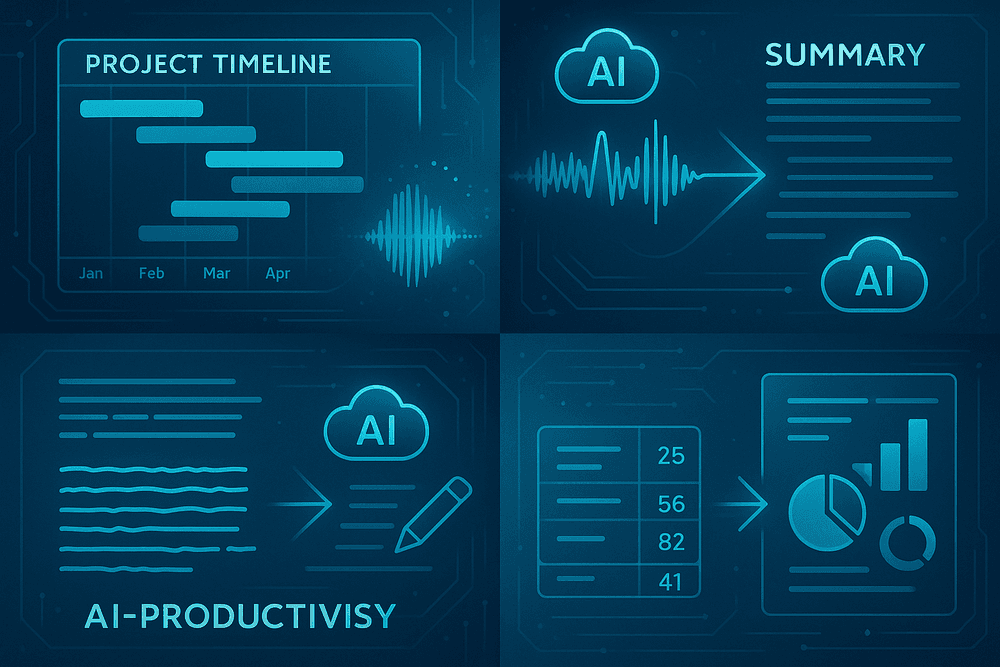
The Best AI-Powered Productivity Tools by Category
Navigating the landscape of AI tools can be overwhelming. To simplify your search, we’ve broken down the most impactful ai-powered productivity tools by their core function. Whether you need to streamline projects, conquer your inbox, or create compelling content, there’s an intelligent solution designed for you.
For Automated Task & Project Management
The foundation of productivity is effective task and project management. AI elevates this by moving beyond simple to-do lists and into the realm of intelligent automation and prediction. These tools learn your work patterns to optimize your schedule, forecast project timelines, and identify potential roadblocks before they derail your progress. They transform chaotic workflows into predictable, streamlined systems.
- Key Capabilities: Automatic task scheduling, resource allocation suggestions, predictive deadline analysis, and intelligent workflow automation.
- Top Tools:
- Motion: Acts as a personal assistant by using AI to automatically build your daily schedule, intelligently organizing tasks, meetings, and projects to maximize your focus time.
- Asana: Integrates AI to provide smart goal tracking, automate status updates, and offer workload insights to prevent team burnout and keep projects on track.
- Trello: Employs an AI assistant, Butler, to automate repetitive actions on your boards, such as moving cards, setting due dates, and assigning members based on predefined rules.
For Intelligent Communication & Meeting Summaries
"Meeting fatigue" and information overload are major productivity drains. AI is tackling this head-on by creating tools that act as your personal meeting secretary. These platforms can transcribe conversations in real-time, identify key decisions, and generate concise, actionable summaries, ensuring no critical detail is ever lost. This allows you and your team to be fully present and engaged during discussions instead of frantically taking notes.
- Key Capabilities: Real-time transcription, automated meeting summaries, action item identification, and speaker recognition.
- Top Tools:
- Fireflies.ai: Joins your calls on platforms like Zoom and Google Meet to transcribe, summarize, and analyze voice conversations, making follow-ups effortless.
- Otter.ai: Generates rich, searchable notes for meetings, interviews, and lectures, complete with highlights, comments, and key takeaways to share with your team.
For Smart Content Creation & Writing Assistance
From crafting the perfect email to writing a comprehensive report, content creation is a constant demand. AI writing assistants are powerful allies, helping you overcome writer’s block, refine your tone, and accelerate the entire writing process. They don’t replace human creativity; they augment it by handling the heavy lifting of drafting, proofreading, and rephrasing.
- Key Capabilities: Draft generation, grammar and style correction, tone adjustment, and content summarization.
- Top Tools:
- Jasper: A generative AI platform that helps you brainstorm ideas and create original, high-quality drafts for everything from blog posts and marketing copy to social media updates.
- Grammarly: Goes beyond spelling and grammar to provide AI-powered suggestions on clarity, conciseness, and tone, ensuring your writing is always polished and professional.
For AI-Driven Data Analysis & Reporting
Data is only valuable if you can understand it. AI-powered analysis tools democratize data science, enabling professionals to uncover insights and trends without needing to write complex code. You can ask questions in plain English, and the AI will instantly generate visualizations, dashboards, and narratives from your datasets, empowering you to make smarter, data-driven decisions.
- Key Capabilities: Natural language querying, automatic data visualization, trend identification, and anomaly detection.
- Top Tools:
- Tableau: Integrates AI features like "Ask Data" and "Explain Data" to help you explore your datasets and understand the "why" behind your numbers with just a few clicks.
- Microsoft Power BI: Leverages AI to create stunning visualizations, generate real-time analytics, and even produce predictive models from your business data.
Key Features to Demand from AI-Powered Productivity Tools
The market is flooded with applications claiming to use artificial intelligence, but not all are created equal. To truly transform your workflow and unlock next-level efficiency, you need to be discerning. When evaluating ai-powered productivity tools, look for a core set of features that separates the genuinely transformative from the merely trendy. These capabilities are the hallmarks of a tool that will become an indispensable partner, not just another subscription.
Predictive Workflow & Task Automation
True AI-powered automation goes beyond simple "if this, then that" rules. The most advanced tools learn your habits and anticipate your needs. This is predictive workflow automation. Imagine an AI assistant that not only files an incoming invoice but also drafts a payment confirmation email, schedules a reminder for the due date in your calendar, and updates the project budget in your spreadsheet—all because it recognized the initial trigger. These systems don't just follow commands; they predict the next logical steps in a process, eliminating entire chains of manual tasks. This proactive support frees up significant mental energy, allowing you to focus on strategic decisions rather than administrative minutiae.
Natural Language Processing for Commands and Summaries
The most intuitive user interface is the one you already know: your own language. Leading ai-powered productivity tools leverage sophisticated Natural Language Processing (NLP) to understand complex commands spoken or typed in plain English. Instead of navigating confusing menus, you can simply say, “Summarize all emails from my marketing team this week and create a to-do list based on action items.” NLP is a two-way street; these tools can also process vast amounts of unstructured text—like lengthy reports, meeting transcripts, or chaotic email threads—and distill them into concise, actionable summaries. This feature alone can save you hours of reading each week, ensuring you grasp the essential information instantly.
Intelligent Insights & Data-Driven Suggestions
The ultimate goal of AI in the workplace is not just to do things faster, but to do them smarter. Look for tools that act as an analytical partner, offering data-driven insights to improve your performance. A sophisticated AI should be able to analyze your calendar and communication patterns to suggest optimal times for deep work. It might scan your project data to flag potential bottlenecks before they become critical or analyze sales communications to identify which pitch language correlates with higher success rates. These suggestions are born from patterns that are impossible for a human to spot in the daily deluge of data, turning your productivity software into a strategic advisor.
Seamless Integration with Your Existing Software Stack
An AI tool, no matter how powerful, is useless if it operates in a vacuum. The most critical feature for practical, real-world application is seamless integration with the software you already use every day. The best ai-powered productivity tools don't seek to replace your entire ecosystem but to enhance it. They must connect effortlessly with your email client (Gmail, Outlook), communication platforms (Slack, Microsoft Teams), cloud storage (Google Drive, Dropbox), and project management systems (Asana, Jira, Trello). This creates a cohesive, intelligent layer that works across all your applications, ensuring data flows freely and automations can be triggered from anywhere in your digital workspace.

How to Integrate AI-Powered Productivity Tools for Maximum ROI
Adopting new technology is one thing; successfully integrating it to see a tangible return on investment is another. The secret to unlocking the full potential of ai-powered productivity tools lies in a strategic, human-centric approach. It’s not about just adding more software to your stack—it’s about thoughtfully weaving it into your existing workflows to solve real problems. Follow this guide to ensure your team's transition to AI is smooth, successful, and profitable.
Start by Identifying Your Biggest Productivity Bottlenecks
Before you even browse for a tool, you must diagnose the problem. A powerful solution applied to the wrong issue is a waste of time and money. The goal is to pinpoint the exact friction points in your team's daily operations.
- Audit Your Workflows: Map out key business processes from start to finish. Where do tasks stall? Where does manual, repetitive work consume the most hours? Is it in data entry, meeting scheduling, content creation, or customer follow-ups?
- Survey Your Team: Your employees are on the front lines and know where the pain points are. Use anonymous surveys or hold open brainstorming sessions to ask what tasks they find most tedious or time-consuming.
- Analyze Existing Data: Look at project completion times, support ticket resolution rates, or sales cycle lengths. A dip or delay in these metrics often points directly to a bottleneck that an AI tool can help resolve.
Once you identify that your team spends 10 hours a week manually transcribing meeting notes, you know to look for an AI transcription service, not a project management tool.
A Simple Framework for Onboarding Your Team
Rolling out a new tool without a plan is a recipe for low adoption. A structured onboarding process ensures your team feels supported and confident, turning them into advocates for the new technology.
- Launch a Pilot Program: Start with a small, enthusiastic group or a single department. This allows you to test the tool in a controlled environment, gather initial feedback, and create a success story that inspires the rest of the organization.
- Provide Robust Training: Go beyond a simple email announcement. Host live training workshops, create a library of short video tutorials, and develop a one-page quick-start guide. Designate a “tool champion” who can act as the go-to expert for questions.
- Communicate the “Why”: Focus on the direct benefits for the employee. Frame the tool as a way to eliminate boring work, free up time for strategic thinking, and enhance their skills—not just as a mandate from management.
Measuring Success: Setting KPIs for Your New AI Tools
To prove ROI, you need to measure it. Vague goals like "improve productivity" are not enough. Set specific, measurable Key Performance Indicators (KPIs) before you begin.
| KPI Category | Example KPIs |
| --- | --- |
| Time Savings | - 20% reduction in time spent writing first drafts <br>- 5 hours saved per employee per week on administrative tasks |
| Output Volume | - 15% increase in marketing content produced per month <br>- 30% more sales leads qualified per day |
| Quality & Accuracy | - 50% reduction in data entry errors <br>- 10% improvement in customer satisfaction scores |
| User Adoption | - 85% of the target team actively using the tool within 60 days |
Track these KPIs from a pre-implementation baseline to clearly demonstrate the impact of your chosen ai-powered productivity tools.
Avoiding Common Pitfalls in AI Tool Adoption
Even with a solid plan, challenges can arise. Be aware of these common pitfalls:
- Tool Overload: Don’t introduce five new AI tools at once. This overwhelms your team and makes it impossible to measure the impact of any single tool. Focus on solving one or two major bottlenecks at a time.
- Ignoring Security: Always vet a tool’s data security and privacy policies. Ensure it complies with your industry's regulations (like GDPR or HIPAA) and your company's internal standards before you onboard.
- Forgetting the Human Element: AI is a powerful assistant, not a replacement for human judgment and creativity. Position these tools as partners that augment your team's abilities, and be transparent about how they fit into the company's future.
Real-World Use Cases: AI-Powered Productivity Tools in Action
Theory is one thing, but results are what matter. To see the tangible impact of these technologies, let’s explore how different professionals are leveraging ai-powered productivity tools to revolutionize their work. These case studies highlight specific challenges and the transformative solutions that AI provides.
Case Study: How a Marketing Agency Cut Reporting Time by 50%
The Challenge: For digital marketing agency "Pixel Perfect Media," client reporting was a time-consuming bottleneck. Each month, account managers spent nearly a full day per client manually pulling data from Google Analytics, Facebook Ads, LinkedIn, and email platforms. They would then compile this information into spreadsheets and painstakingly create presentations, leaving little time for strategic analysis.
The Solution in Action: The agency adopted an AI-driven data aggregation and reporting platform. This tool automatically connected to all their client data sources via APIs. The AI layer did the heavy lifting: it cleaned the data, organized it into a unified dashboard, and populated pre-designed report templates. Furthermore, it used natural language generation to create initial summaries of key performance trends, such as "Q2 saw a 20% increase in lead conversion from organic search, primarily driven by the new blog series."
The Result: Pixel Perfect Media slashed its reporting time by half. This freed up their expert team to focus on what truly matters: interpreting the data, optimizing campaigns, and providing strategic counsel to clients. The shift from manual data entry to AI-assisted analysis not only boosted internal efficiency but also elevated the value they delivered to their clients.
Case Study: A Startup Automating Client Onboarding Workflows
The Challenge: A rapidly growing B2B SaaS startup, "InnovateIQ," faced a common scaling problem: their client onboarding process was manual, inconsistent, and prone to error. Each new sign-up required a checklist of repetitive tasks—sending welcome emails, scheduling training calls, and creating project boards—which overwhelmed their small customer success team.
The Solution in Action: InnovateIQ integrated several ai-powered productivity tools to create a seamless, automated onboarding workflow. When a new client signs up, an automation platform like Zapier triggers a sequence. An AI writing assistant generates a personalized welcome email, a smart scheduling tool finds a mutually convenient time for a kickoff call, and a new client card is automatically created in their project management system with pre-populated starter tasks.
The Result: The startup successfully automated over 80% of its onboarding administration. This ensured every client received a prompt, professional, and consistent welcome experience. The customer success team was liberated from administrative drag, allowing them to focus on building strong relationships and ensuring long-term client success from day one.
Case Study: Consultants Using AI for Faster Market Research
The Challenge: A boutique consulting firm, "Strategic Foresight Group," relies on deep market research to advise its clients. Traditionally, this involved analysts spending weeks sifting through dense industry reports, academic studies, and financial filings to synthesize key trends and competitive landscapes.
The Solution in Action: The firm equipped its consultants with an AI-powered research assistant. Instead of spending days on manual searches, a consultant could now pose a complex query like, "Analyze the primary growth drivers and regulatory hurdles for the renewable energy sector in Southeast Asia over the next five years." The AI scours millions of documents in seconds, delivering a synthesized summary with direct citations to the source material. It can identify patterns, extract key statistics, and even generate a list of leading companies in the space.
The Result: The firm reduced its initial research and data-gathering phase by over 60%. This dramatic acceleration allowed them to move from information gathering to strategic insight far more quickly, delivering comprehensive analyses to clients in record time and establishing a significant competitive edge.

Conclusion: Your Next Step in the AI Productivity Revolution
The journey through the landscape of artificial intelligence has made one thing clear: we are no longer on the cusp of a productivity revolution; we are in the midst of it. The power to automate the mundane, accelerate creativity, and unlock data-driven insights is now at your fingertips. Adopting the right ai-powered productivity tools is no longer a competitive advantage—it's becoming a professional necessity. The question isn't if you should integrate AI into your workflow, but how you can start today to reclaim your time and amplify your impact.
Choosing the Right AI Tool for Your Goals
With a vast ocean of options available, selecting the perfect tool can feel overwhelming. The key is to resist the allure of the "all-in-one" unicorn and instead focus on your most significant pain points. Don't start with the tool; start with the problem.
- For the Overwhelmed Project Manager: Are you drowning in status updates and resource allocation? Look for AI-driven project management tools that automate scheduling and predict bottlenecks.
- For the Creative with Writer's Block: Is the blank page your enemy? A generative AI writing assistant can help you brainstorm, outline, and draft content in a fraction of the time.
- For the Data-Driven Analyst: Are you spending more time cleaning data than analyzing it? Seek out tools that automate data extraction and generate intelligent summaries.
The most effective ai-powered productivity tools are those that seamlessly solve a specific, recurring challenge in your daily work. Begin by identifying that one friction point, and you'll find your ideal starting point.
A Quick-Start Checklist for Implementation
Taking the first step is often the hardest part. Use this simple checklist to move from consideration to action without getting bogged down.
- Identify Your #1 Time Sink: Pinpoint the single most repetitive, low-value task you perform daily. Is it transcribing meeting notes, sorting emails, or creating social media posts?
- Pilot One Tool: Don't try to overhaul your entire workflow at once. Choose one promising tool that targets your identified time sink.
- Leverage the Free Trial: Nearly every service offers a free trial or freemium plan. Use this period to genuinely test the tool's core functionality and user experience in your real-world scenarios.
- Set a Learning Window: Dedicate 30 minutes each day for one week to mastering the tool. Watch tutorials, explore its features, and actively use it for its intended purpose.
- Measure the ROI: After your trial or a two-week period, assess the outcome. How much time did you save? Was the quality of your output improved? The answer will validate your choice or guide you to a better-fitting solution.
The Future of Work: Embracing Continuous AI Enhancement
Integrating your first AI tool is not the finish line; it's the starting gate. The field of AI is evolving at an exponential rate. The tools that are revolutionary today will be standard tomorrow. Embracing this reality means cultivating a mindset of continuous learning and adaptation.
The future of work isn't about humans being replaced by AI. It’s about creating a powerful symbiosis where human strategy, creativity, and empathy are augmented by the speed, data-processing power, and efficiency of AI. By staying curious and regularly re-evaluating your toolkit, you position yourself not just to keep pace with change, but to lead the charge. Your journey with ai-powered productivity tools is an ongoing investment in your most valuable asset: your future self.