
July 27, 2025
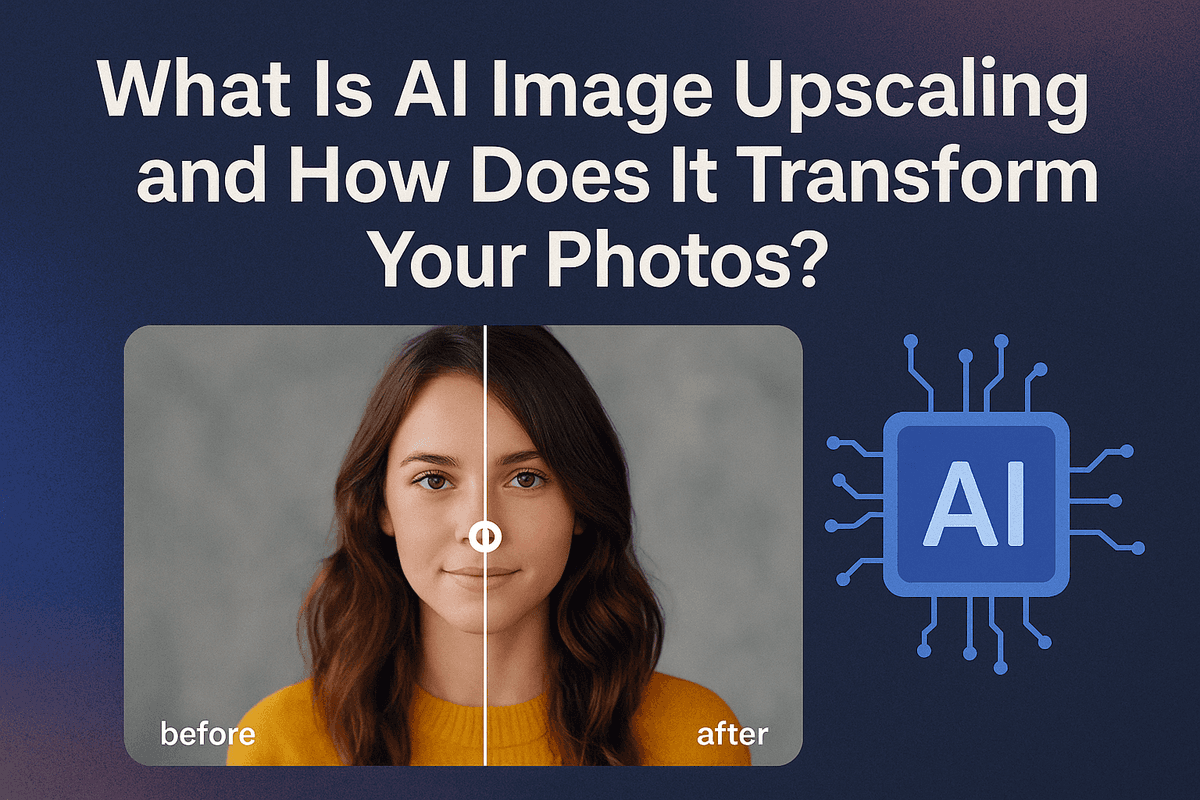
What Is AI Image Upscaling and How Does It Transform Your
What Is AI Image Upscaling and How Does It Transform Your Photos?
Have you ever found the perfect photo, only to discover it’s too small, blurry, or pixelated to use? That’s where AI image upscaling comes in. It’s a revolutionary technology that goes beyond simply making a picture bigger; it intelligently rebuilds it, adding detail and clarity to transform low-resolution images into stunning, high-quality visuals. Unlike old methods that just stretched pixels, AI breathes new life into your photos, making them sharper, cleaner, and ready for any use case, from large prints to high-definition digital displays.
From Pixels to Perfection: The Technology Behind AI Enhancement
At its core, AI image upscaling leverages complex neural networks, often Generative Adversarial Networks (GANs) or diffusion models. These AI systems are trained on massive datasets containing millions of image pairs—one low-resolution and one corresponding high-resolution version. Through this intensive training, the AI learns the intricate patterns, textures, and details that define a high-quality image.
When you upload a low-resolution photo, the AI doesn't just guess what’s missing. It analyzes the existing pixels and, based on its training, intelligently predicts and generates new, contextually accurate pixels to fill in the gaps. It reconstructs fine details like skin texture, fabric weaves, and sharp architectural lines that were lost in the original file. The result is not just a larger image, but a genuinely enhanced one, effectively turning digital noise into meaningful detail.
Traditional Upscaling vs. AI Image Upscaling: A Visual Comparison
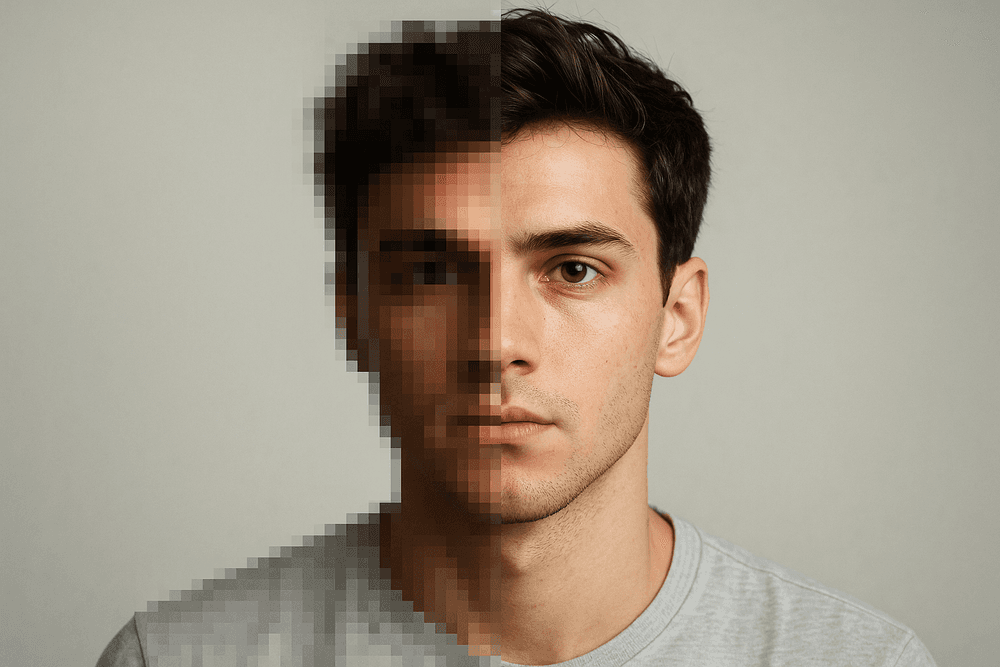
The difference between traditional and AI-powered methods is night and day. Traditional upscaling techniques, such as bicubic or nearest-neighbor interpolation, use basic mathematical algorithms to stretch an image. They essentially average the colors of surrounding pixels to create new ones, which almost always leads to a soft, blurry, or blocky result. You lose sharpness, and any existing imperfections become more pronounced.
AI image upscaling, by contrast, is a generative process. Imagine a skilled artist restoring a painting versus a simple photocopy enlargement.
- Traditional Upscaling: Produces blurry edges, noticeable pixelation (jaggies), and a general lack of detail. It’s a mathematical guess that sacrifices quality for size.
- AI Image Upscaling: Creates sharp, clean lines, realistic textures, and enhanced clarity. It reconstructs the image, often adding details so convincing they look like they were captured by the original camera. This intelligent reconstruction preserves the integrity of the photo while dramatically increasing its resolution.
Key Benefits for Photographers, Marketers, and Archivists
The practical applications of AI image upscaling are vast, offering game-changing advantages across various professional fields.
- For Photographers: Rescue a slightly out-of-focus or low-resolution shot from an otherwise perfect photoshoot. Crop in heavily on a subject without losing critical detail, giving you more compositional freedom in post-production. You can also revive older digital images from early-generation cameras, preparing them for large-format printing.
- For Marketers: Turn low-quality user-generated content into crisp, professional visuals for social media campaigns. Enhance standard stock photos to meet high-resolution requirements for websites, e-commerce product listings, and digital ads. Ensure every visual asset representing your brand is sharp and impactful.
- For Archivists and Historians: This technology is a preservation powerhouse. Restore old, scanned family photos or historical documents, revealing faces and details lost to time and low-resolution scanning. By upscaling digitized archives, you can make historical records more accessible and legible for research and public viewing.
The Best AI Image Upscaling Tools for Every Need
With a crowded market of AI-powered tools, finding the right one can feel overwhelming. The best AI image upscaling solution depends entirely on your project's specific demands, from professional print work to quick social media enhancements. Let's break down the top contenders across different categories to help you make an informed choice.
Professional-Grade Desktop Software
For photographers, print designers, and digital artists who demand uncompromising quality, dedicated desktop software is the gold standard. These applications offer the most advanced algorithms, greater control, and features like batch processing.
- Topaz Gigapixel AI: Often considered the industry leader, Gigapixel AI excels at recovering fine details and textures while minimizing artifacts. It provides multiple AI models tailored for different source images (e.g., standard, architectural, CG) and gives users fine-grained control over noise suppression and blur removal. While it comes with a price tag, its ability to rescue low-resolution shots and prepare images for large-format printing makes it an invaluable tool for professional workflows.
Comparing the Best Free AI Image Upscaling Online Tools
If you need a quick, no-cost solution, free online upscalers are incredibly convenient. These browser-based tools are perfect for enhancing images for web use, social media, or personal projects without requiring any software installation.
Popular options like Upscale.media, Clipdrop, and Zyro offer a simple drag-and-drop interface. You upload your image, and the AI handles the rest, typically providing a 2x or 4x resolution increase. The trade-off for this convenience is usually less control, potential watermarking, and limitations on file size or the number of free upscales. While the quality has improved dramatically, it may not match the nuanced results of premium desktop software, especially on complex images with faces or intricate textures.
Built-in Solutions: Adobe Photoshop Super Resolution vs. Standalone Apps
For many creatives, the question isn't whether to use AI image upscaling, but whether their existing software is good enough. Adobe has integrated a powerful feature called Super Resolution directly into Photoshop and Lightroom.
- Adobe Photoshop Super Resolution: Accessible through the Camera Raw filter, this feature is incredibly convenient for anyone already working within the Adobe ecosystem. It does a remarkable job of doubling an image's resolution, producing clean and detailed results with just one click. It’s an excellent, integrated option for most general-purpose upscaling.
- Standalone Apps: Where a dedicated app like Gigapixel AI gains an edge is in its specialization. It offers more AI models to choose from, providing superior results for specific challenges like noisy low-light photos or soft portraits. If your primary goal is achieving the absolute maximum detail recovery, a standalone app often outperforms a built-in solution.
How to Choose the Right Upscaler for Your Project
Your choice ultimately boils down to a balance of quality, speed, and cost.
- For Maximum Quality & Control: If you're a professional photographer preparing an image for a gallery print or a designer restoring a vintage photo, invest in desktop software like Topaz Gigapixel AI. The control and superior detail rendering are worth the cost.
- For Speed & Convenience: If you need to quickly enhance a graphic for a blog post or a social media update, a free online tool or the built-in Photoshop Super Resolution is your best bet. They are fast, accessible, and deliver results that are more than adequate for digital viewing.
Unlocking Flawless Results: Must-Have AI Image Upscaling Features
Venturing into the world of AI image upscaling reveals a landscape of powerful tools, but not all are created equal. The difference between a good result and a breathtaking one often lies in the specific features an upscaler offers. To truly harness this technology, it’s crucial to understand the key functionalities that transform a blurry, pixelated image into a high-resolution masterpiece. These features are the engine behind professional-grade enhancements, turning a simple size increase into a true restoration.
Understanding Resolution Multipliers: From 2x to 16x
At the core of any upscaler is the resolution multiplier. This feature determines the final size of your image, typically expressed as 2x, 4x, 8x, or even 16x. A 2x multiplier doubles the width and height of your image, effectively quadrupling the total pixel count. While a 2x or 4x upscale is often perfect for enhancing photos for web use or social media, higher multipliers are essential for professional applications like large-format printing or detailed digital archiving.
However, bigger isn’t always better. The best AI image upscaling tools use sophisticated algorithms that intelligently add new detail, rather than just stretching existing pixels. When choosing a multiplier, consider both your source image quality and your final goal. A high-quality source can handle a 16x upscale beautifully, while a very low-quality image might look more natural at 4x or 8x.
Automated Noise Reduction and Artifact Removal
Low-resolution images are often plagued by distracting imperfections like digital noise (a grainy texture) and compression artifacts (the blocky patterns common in JPEGs). A basic upscaler will simply enlarge these flaws, making them even more noticeable.
This is where premium AI solutions shine. They incorporate automated noise reduction and artifact removal directly into the upscaling process. The AI is trained to distinguish between genuine image detail and unwanted noise or compression damage. It then cleans up these imperfections as it generates new pixels, resulting in an image that is not only larger but also significantly cleaner and smoother. This intelligent correction is a non-negotiable feature for achieving a polished, professional finish.
Specialized Models: AI Face Recovery and Text Enhancement
The most advanced AI image upscaling platforms go a step further by offering specialized models trained for specific types of content. Two of the most impactful are:
- AI Face Recovery: When upscaling portraits or group photos, standard models can sometimes produce faces that look blurry or unnatural. A dedicated face recovery model, trained on millions of diverse human faces, can work miracles. It reconstructs fine details like eye clarity, skin texture, and individual strands of hair with stunning realism, bringing old or low-quality photos of people back to life.
- Text Enhancement: Trying to read blurry text in a screenshot or a scanned document is frustrating. A text enhancement model is specifically designed to recognize and sharpen lettering, making it crisp, clear, and legible. This is invaluable for digitizing documents, archiving marketing materials, or improving product images that contain text.
Batch Processing for an Efficient High-Volume Workflow
For professionals like photographers, e-commerce store owners, or digital archivists, time is money. Upscaling hundreds or thousands of images one by one is simply not feasible. Batch processing is the solution. This essential feature allows you to upload an entire folder of images and apply the same upscaling and enhancement settings to all of them simultaneously. You can set the process to run in the background, freeing you up to focus on other tasks. A robust batch processing function is a must-have for anyone looking to integrate AI image upscaling into a serious, high-volume workflow.
Best Practices for Professional-Quality AI Image Upscaling
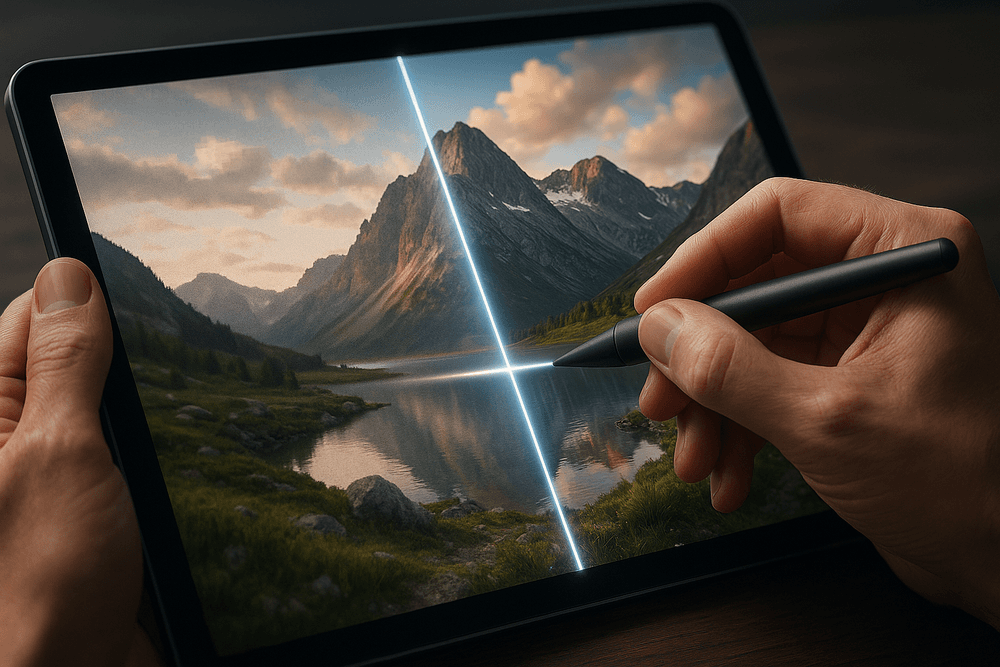
Harnessing the power of AI image upscaling is more than a one-click fix; it's a craft. While the technology is astonishingly effective, achieving results that look professional—not artificially generated—requires a strategic approach. By following a few key best practices, you can ensure your final images are crisp, detailed, and believable.
Start With a High-Quality Source for Optimal Output
The golden rule of any digital enhancement process applies here: garbage in, garbage out. An AI can only interpret and enhance the data it's given. The better the source image, the more information the AI has to work with, leading to a dramatically better result.
Before you begin, find the highest-resolution, least-compressed version of your image available. An image saved with heavy JPEG compression is filled with blocky artifacts, and an out-of-focus photo lacks fundamental detail. While AI image upscaling can mitigate these issues, it will also amplify them if they are too severe. A clean, 300x300 pixel image will almost always upscale more effectively than a blurry, artifact-ridden 800x800 pixel image. Starting strong is the single most important step toward a professional-quality upscale.
Select the Right AI Model for Your Image Type
Modern AI upscaling tools are not one-size-fits-all. Many advanced platforms offer specialized models trained on specific types of imagery. Choosing the correct one is critical for preserving the unique characteristics of your source file.
- Photographic Models: These are trained on vast libraries of real-world photographs. Use this model for portraits, landscapes, and product shots. It excels at realistically reconstructing textures like skin, fabric, and foliage while maintaining natural lighting and depth.
- Digital Art & Illustration Models: If you're upscaling a digital painting, vector-style graphic, or anime art, this is your go-to. It's designed to keep lines sharp, colors vibrant, and gradients smooth without introducing unwanted photographic textures.
- Text-Optimized Models: For screenshots, documents, or graphics heavy with text, a standard model can leave letters looking soft or distorted. A dedicated text model focuses on creating clean, razor-sharp edges for maximum legibility.
How to Avoid the Over-Processed, Artificial Look
The most common pitfall of AI image upscaling is the dreaded "plastic" or "waxy" effect, where textures are smoothed into an unnatural finish. This happens when the AI is too aggressive in its reconstruction.
To avoid this, be conservative with your settings. Many tools offer sliders for "Noise Reduction" or "Artifact Removal." Instead of maxing them out, start with a low setting and slowly increase it until you find a balance. It's often better to leave a tiny amount of original noise than to erase all texture. Furthermore, avoid extreme magnification in a single step. If you need an 8x upscale, try performing a 4x upscale first, then another 2x on the result. This can often produce a more natural-looking image.
Post-Upscaling: Final Adjustments and Sharpening Tips
Think of the AI as your talented assistant, not the final artist. Once the upscaling is complete, bring the image into a photo editor like Adobe Photoshop, Affinity Photo, or GIMP for the finishing touches that separate amateur work from professional results.
First, apply subtle sharpening. The AI process can sometimes leave an image feeling slightly soft. Use a high-pass filter or an "Unsharp Mask" tool, but be gentle. View the image at 100% zoom to ensure you aren't creating white halos around edges. Next, consider adding a touch of film grain. A very fine, low-opacity layer of grain can break up the digital perfection and reintroduce an organic, photographic quality, effectively counteracting any remaining artificial smoothness. Finally, make any necessary minor adjustments to contrast, levels, and color balance to perfect your stunning, high-resolution final image.
Real-World Use Cases for AI Image Upscaling
The theory behind enhancing resolution is impressive, but the true value of AI image upscaling is revealed in its practical, real-world applications. This technology isn't just a niche tool for tech enthusiasts; it's a powerful problem-solver for professionals, creatives, and anyone looking to improve their digital images. From preserving precious memories to driving business goals, AI upscaling is making a tangible impact. Here are some of the most common and powerful use cases.
Breathing New Life into Old, Low-Resolution Family Photos
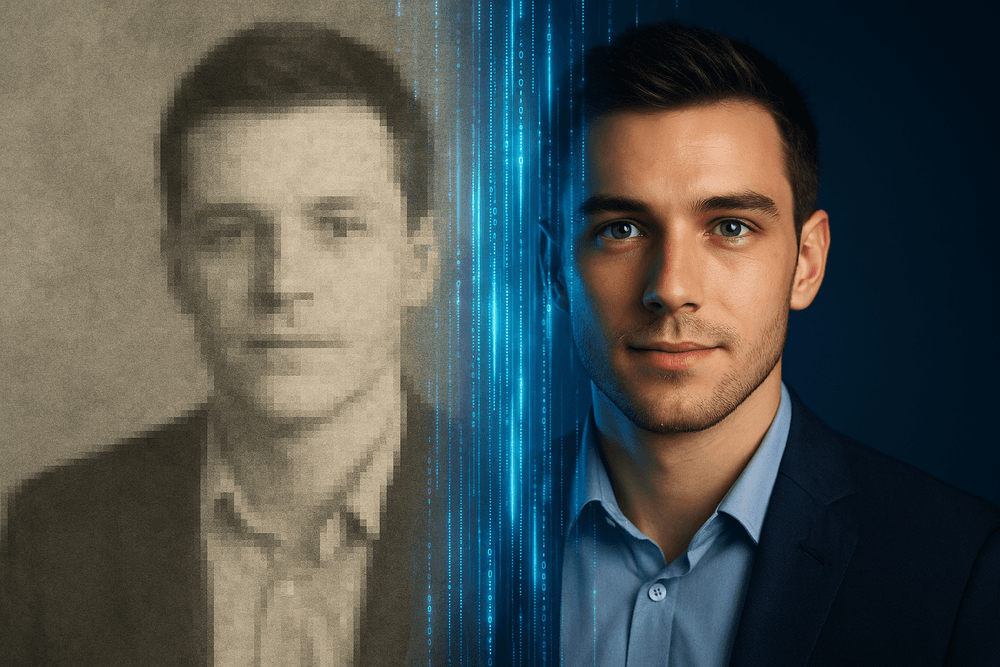
Many of us have a digital archive of cherished family photos that suffer from the limitations of older technology. Pictures from early digital cameras, low-quality phone snapshots, or poorly scanned prints often hold priceless memories but look blurry and pixelated on modern high-resolution screens. Printing them is often out of the question.
This is where AI image upscaling provides a touch of digital magic. By intelligently analyzing the existing data in the photo, the AI can reconstruct facial features with stunning clarity, restore texture to clothing and hair, and sharpen soft or blurry backgrounds. It goes beyond simple enlargement, adding plausible detail that makes the image feel new again. This process allows you to rescue irreplaceable moments from digital decay, making them perfect for printing, sharing on social media, or displaying proudly in a 4K digital photo frame.
Preparing E-commerce Product Images for High-Resolution Displays
In the competitive landscape of e-commerce, visual appeal is everything. Customers rely on crisp, detailed product images to make purchasing decisions, and a blurry photo can instantly erode trust and kill a potential sale. Modern online stores often require a "zoom" feature, which exposes any lack of resolution in the source image.
Instead of investing in expensive and time-consuming reshoots, especially for vast product catalogs or when using supplier-provided images, businesses can leverage AI image upscaling. This technology allows them to efficiently increase the resolution of their entire image library. The result is consistently sharp, professional-looking product photos that look pristine on every device, from retina-display smartphones to large desktop monitors. This enhancement directly improves the customer experience, boosts confidence, and can lead to higher conversion rates.
Upscaling Digital Art and Illustrations for Large-Format Printing
For digital artists, illustrators, and graphic designers, the initial canvas size can become a creative bottleneck. An illustration created for a small web graphic may be entirely unsuitable for a large-format poster, a canvas print, or merchandise. Attempting to simply stretch the image results in a soft, unprofessional final product.
AI image upscaling is a game-changer for creative professionals. It allows an artist to take a finished, lower-resolution piece and intelligently enlarge it for high-quality printing. The AI algorithms are particularly skilled at preserving sharp lines, smooth color gradients, and complex textures found in digital artwork. This empowers creators to repurpose their portfolio for new and profitable ventures, like selling gallery-quality prints or adapting designs for different products without starting from scratch.
Enhancing Real Estate Photos to Attract More Buyers
First impressions are paramount in the real estate market, and today, that first impression almost always happens online. Property photos must be compelling enough to make a potential buyer stop scrolling and click for a closer look. While an image may look fine as a small thumbnail, it needs to hold up when viewed full-screen.
Using AI image upscaling, real estate agents and photographers can ensure every photo in their listing is sharp, clear, and inviting. It can bring out crucial details, like the grain in hardwood floors, the texture of a granite countertop, or the pristine view from a window. High-resolution images make a property appear more valuable and well-maintained, capturing buyer interest and ultimately leading to more inquiries and viewings.
Conclusion: The Future of Your Images Is Clearer with AI
The journey from a pixelated, blurry image to a sharp, detailed masterpiece is no longer a complex task reserved for editing wizards. As we've explored, AI image upscaling has fundamentally changed the game, democratizing high-resolution results for everyone from professional photographers and graphic designers to hobbyists and family archivists. This technology doesn't just stretch pixels; it intelligently understands and reconstructs your images, adding authentic detail and breathing new life into forgotten visuals. The power to restore, enhance, and reimagine is now just a few clicks away.
Choosing the Right AI Image Upscaling Tool for You
Throughout this guide, we've navigated the diverse landscape of upscaling solutions. The key takeaway is that the "best" tool is the one that aligns perfectly with your specific needs.
- For the Casual User: If you need to quickly enhance a social media post or an old family photo, a user-friendly, browser-based tool is likely your ideal choice. These often offer free trials or tiers and require no technical expertise.
- For the Creative Professional: Photographers, artists, and designers should look for solutions offering batch processing, RAW file support, and fine-tuning controls. Standalone software or plugins for Adobe Photoshop and Lightroom provide seamless integration into existing workflows.
- For the Developer or Business: If you need to integrate this technology into an app or website, an API-first service is the only way to go. Prioritize services with robust documentation, scalable infrastructure, and reliable performance.
Before you commit, revisit your priorities: Is speed paramount? Or is achieving the most photorealistic texture the goal? Answering these questions will guide you to the perfect AI image upscaling partner for your projects.
Get Started on Your First Upscaling Project Today
Theory is valuable, but seeing the results for yourself is transformative. We encourage you to stop reading and start doing. Find an image that you previously thought was unusable—a low-resolution photo from an old phone, a pixelated logo, or a grainy scan of a cherished print.
Choose one of the tools we’ve discussed that fits your comfort level and upload your image. Experiment with the settings, try a 2x or 4x upscale, and compare the before-and-after. Witnessing the AI fill in the details, sharpen the edges, and remove the noise is the best way to truly grasp the power at your fingertips. Your journey from low-res frustration to high-definition satisfaction begins now.
Emerging Trends in AI Image Restoration and Enhancement
The field of AI image upscaling is just the beginning. The technology is evolving at a breathtaking pace, pointing toward an even more exciting future:
- Hyper-Realistic Generation: AI models are moving beyond simple enhancement to generating incredibly realistic textures, skin, and hair, making upscaled images indistinguishable from high-resolution originals.
- Text-Guided Enhancement: Imagine upscaling a landscape photo and adding a text prompt like "make the sky a dramatic sunset." The integration of generative AI will allow for creative enhancement during the upscaling process itself.
- Advanced Damage Repair: Future tools will not only upscale but also perform complex restoration tasks simultaneously, such as colorizing black-and-white photos, removing severe scratches, and even realistically reconstructing missing parts of an image.
- Real-Time Video Upscaling: Soon, this technology will be applied seamlessly to live video streams, improving everything from video conferencing quality to the visual fidelity of classic films and video games in real-time.
The future of visual media is being built on the foundation of AI enhancement. What was once a static, fixed-resolution world is becoming a dynamic canvas, ready to be perfected and reimagined. Your images have a bright, clear future ahead.