
June 18, 2025
An Introduction to AI Image Upscaling
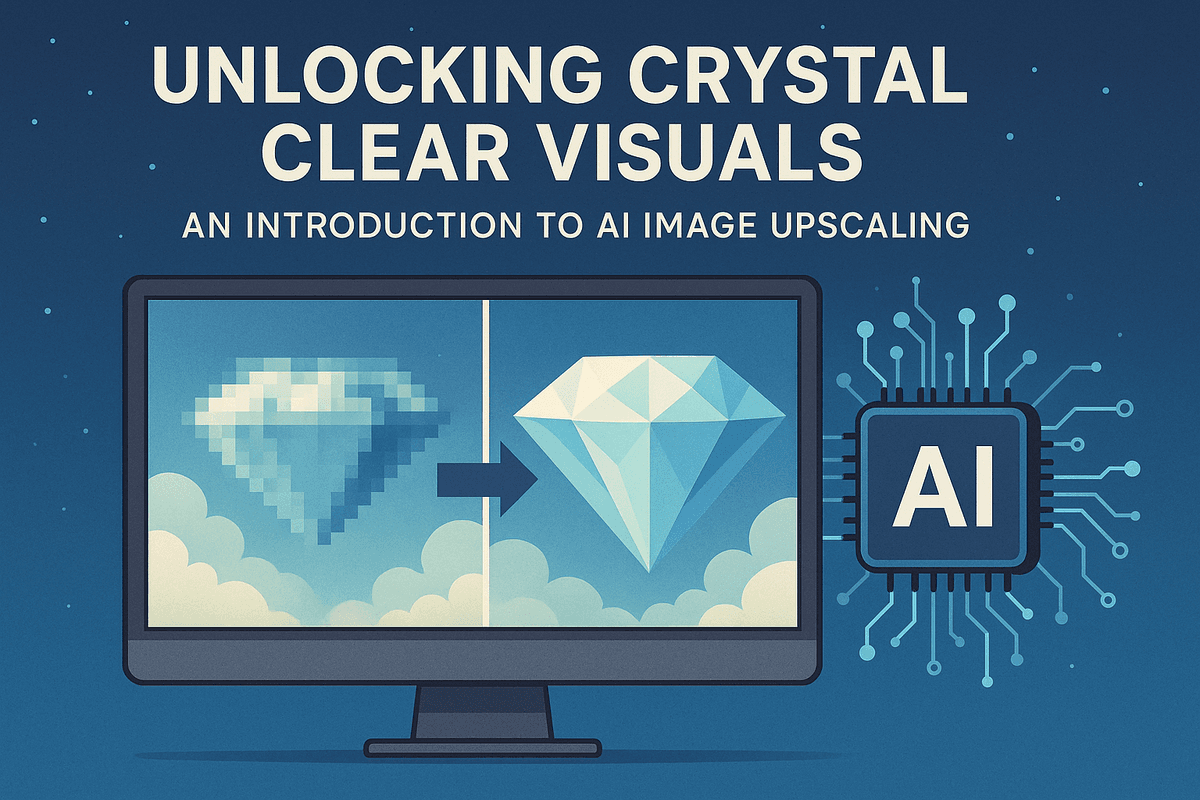
Unlocking Crystal Clear Visuals: An Introduction to AI Image Upscaling
Ever stumbled upon a fantastic image, only to find it’s too small or pixelated for your needs? We've all been there. Whether it's a cherished old photo, a crucial product shot, or a graphic for your presentation, low resolution can be a roadblock. But what if you could not just enlarge images, but genuinely enhance them? Welcome to AI image upscaling, a revolutionary technology changing our approach to image quality.
So, what exactly is AI image upscaling? It’s a sophisticated process using artificial intelligence to increase image resolution while simultaneously improving visual quality. This is far more advanced than traditional resizing (like bicubic interpolation), which often stretches pixels, leading to blurriness and lost detail. AI image upscaling, however, intelligently analyzes image content and generates new pixel data consistent with the original, effectively "imagining" the higher-resolution version.
Why does this matter for quality? In today's visual world, quality is paramount. High-quality visuals capture attention and convey professionalism. AI image upscaling helps:
- Preserve and Recover Detail: Resurrect fine textures that would otherwise be lost.
- Reduce Artifacts: Minimize common issues like pixelation and noise that plague low-resolution images.
- Achieve Professional Results: Transform grainy or blurry photos into crisp, clear, and print-ready visuals. For anyone working with digital imagery, from photographers and graphic designers to marketers and content creators, the ability to enhance image resolution without sacrificing (and often improving) quality is a game-changer.
Beyond Simple Resizing: The Intelligent Difference of AI
The magic behind AI image upscaling lies in its machine learning models, particularly deep learning neural networks like Generative Adversarial Networks (GANs) or Super-Resolution Convolutional Neural Networks (SRCNNs). These models are trained on vast datasets containing millions of image pairs – one low-resolution, the other its high-resolution counterpart. Through this extensive training, the AI learns complex patterns, textures, and structural information inherent in images.
When you feed a low-resolution image to an AI image upscaling tool, it doesn’t just blindly add pixels. Instead, it leverages its learned knowledge to:
- Analyze Context: The AI examines the surrounding pixels to understand the content – is it a face, a landscape, text, or a complex texture?
- Predict Missing Information: Based on its training, it intelligently predicts and generates new pixel data that plausibly fills in the gaps, effectively reconstructing details that weren't explicitly there in the low-resolution version.
- Enhance Edges and Textures: It sharpens edges without introducing harsh halos and reconstructs fine textures with remarkable accuracy, leading to a much more natural and detailed result than traditional methods could ever achieve. This intelligent enhancement means AI image upscaling doesn't just make your image bigger; it makes it better, adding a level of clarity and detail that can truly transform your visuals.
Is AI Image Upscaling Your Secret Weapon for Stunning Visuals?
Absolutely! If you're looking to elevate your visual content, AI image upscaling is an indispensable tool in your arsenal. Think of it as your secret weapon for overcoming the limitations of low-resolution imagery and unlocking truly stunning results across a multitude of applications.
Consider the possibilities:
- Revitalize Old Memories: Breathe new life into scanned vintage photos, making them sharp enough for modern displays and prints.
- E-commerce Excellence: Enhance product photos to showcase details, reduce customer uncertainty, and boost conversions.
- Print Perfection: Upscale images for large-format printing like posters, banners, and artwork without pixelation.
- Digital Content Creation: Improve the quality of graphics for websites, blogs, social media, and presentations, ensuring a professional look.
- For All Users: Whether you're a graphic designer needing to upscale client assets, a photographer wanting to salvage a slightly out-of-focus shot, or a hobbyist looking to improve personal photos, AI image upscaling offers significant benefits.
Tools leveraging this technology, such as Aethera, are designed to make this powerful capability accessible, often streamlining workflows and boosting productivity. By intelligently adding detail and clarity, AI image upscaling empowers you to transform ordinary images into extraordinary visuals, ensuring your work always looks its best. It's not just about bigger pictures; it's about better, more impactful storytelling through high-quality imagery.
The Science Behind Flawless Pixels: How AI Image Upscaling Technology Works
Ever wondered how a blurry, pixelated image can transform into a crisp, high-definition masterpiece with just a click? It's not magic, but the sophisticated science of AI image upscaling. This technology delves deep into the realm of artificial intelligence, particularly neural networks, to intelligently reconstruct and enhance your images. Let's lift the curtain on the core components that make flawless pixel perfection possible.
The Brains of the Operation: Neural Networks in AI Image Upscaling
At the heart of any advanced AI image upscaling tool are neural networks, complex algorithms inspired by the human brain's structure. These networks consist of interconnected layers of "neurons" that process information and learn from vast amounts of data. Two prominent architectures have revolutionized how we approach AI image upscaling:
- Generative Adversarial Networks (GANs): Imagine an art forger (the "generator") trying to create a realistic high-resolution image from a low-resolution input, while an art detective (the "discriminator") tries to tell if the image is a genuine high-resolution photo or the forger's creation. This is the essence of GANs. The generator in an AI image upscaling context strives to produce convincing upscaled images, while the discriminator pushes it to improve by spotting fakes. This constant cat-and-mouse game results in incredibly realistic textures and details that older methods could only dream of. Models like ESRGAN (Enhanced Super-Resolution Generative Adversarial Network) build upon this, achieving even more impressive results in AI image upscaling.
- Super-Resolution Residual Networks (SRResNet): SRResNet takes a slightly different, yet highly effective, approach. Instead of learning the direct mapping from low to high resolution, it focuses on learning the "residual" – the difference or the missing high-frequency details between the input and the target high-resolution image. By focusing on these residuals, the network can more efficiently reconstruct sharp details and fine textures, leading to AI image upscaling that is both accurate and visually pleasing. This architecture is celebrated for its ability to maintain image fidelity while significantly boosting resolution.
These neural networks are the engines driving modern AI image upscaling, enabling them to add new, plausible information to an image rather than just stretching existing pixels.
Beyond Simple Stretching: Interpolation vs. AI Super-Resolution
To truly appreciate the advancements in AI image upscaling, it's important to distinguish it from older, simpler techniques like interpolation.
- Traditional Interpolation: Methods like bilinear, bicubic, or nearest-neighbor interpolation have been around for decades. They enlarge images by essentially guessing new pixel values based on mathematical formulas applied to surrounding existing pixels. While they can increase image dimensions, they don't add any new detail. The result is often a larger image that appears blurry, blocky, or suffers from jagged edges (pixelation). They are merely "stretching" the available information.
- AI Super-Resolution: This is where AI image upscaling truly shines. Instead of simple averaging, AI super-resolution techniques, powered by the neural networks mentioned above, learn how to generate new, high-frequency details. They analyze the low-resolution input and, based on their extensive training, intelligently predict and fill in the missing information to create a genuinely higher-resolution output. The AI doesn't just make pixels bigger; it creates new, plausible pixels, resulting in sharper details, clearer textures, and an overall more aesthetically pleasing image. This intelligent reconstruction is the hallmark of effective AI image upscaling.
The difference is stark: interpolation offers a basic size increase with a quality trade-off, while AI image upscaling aims to enhance both size and visual quality simultaneously.
The Digital Diet: Why Training Data is Crucial for Realistic AI Image Upscaling
The "intelligence" in AI image upscaling isn't innate; it's learned. And the teacher is data – massive, diverse datasets of images.
The secret to achieving realistic and impressive AI image upscaling results lies in the quality and quantity of the training data used to "teach" the neural network. Here's how it works: Developers feed the AI model countless pairs of images: a low-resolution version and its corresponding original high-resolution counterpart. The AI diligently analyzes these pairs, learning the intricate patterns and relationships between low-quality patches and their high-quality equivalents. It learns, for instance, how a blurry representation of hair should translate into individual, sharp strands, or how indistinct textures can be resolved into detailed fabric or foliage.
The diversity of this training data is paramount. An AI image upscaling model trained only on portraits might struggle with landscapes, and vice-versa. Therefore, robust models are trained on a wide variety of subjects, lighting conditions, textures, and noise patterns. The higher the quality and the more comprehensive the dataset, the better the AI becomes at generalizing its knowledge to new, unseen images. This meticulous training process is what enables sophisticated AI image upscaling tools like Aethera to produce consistently stunning and natural-looking enhancements across a broad spectrum of image types. Ultimately, the realism and detail you see in an AI-upscaled image are a direct reflection of the "digital diet" its underlying model was fed.
Reap the Rewards: Top Benefits of Using AI Image Upscaling
Are you tired of grainy, pixelated images holding back your creative projects or business presentations? The good news is that the limitations of low-resolution visuals are rapidly becoming a thing of the past. Thanks to the power of AI image upscaling, you can now unlock a wealth of benefits, transforming subpar images into stunning, high-definition assets. This revolutionary technology isn't just about making pictures bigger; it's about making them better, clearer, and more impactful, all while saving you precious time and resources. Let's dive into the top advantages that AI image upscaling brings to the table.
From Pixelated to Perfection: Transform Low-Resolution Images into High-Quality Assets with AI Image Upscaling
One of the most significant advantages of AI image upscaling is its remarkable ability to breathe new life into low-resolution images. Imagine unearthing a cherished old family photograph, only to find it small and pixelated, or needing to use a client-provided logo that’s far too tiny for your design. Traditionally, simply enlarging these images would result in a blurry, unprofessional mess. However, AI image upscaling employs sophisticated algorithms trained on vast datasets of images. These algorithms intelligently analyze the existing pixels, predict missing details, and generate new, high-fidelity pixels to increase resolution without the usual artifacts. This means you can rescue seemingly unusable images, upscale user-generated content for marketing campaigns, or prepare small web graphics for high-quality print. The result is a crisp, clear, and professional-looking asset, ready for any application, thanks to advanced AI image upscaling techniques. This capability empowers users to work with a wider range of source materials, ensuring visual consistency and quality across all platforms.
Supercharge Your Workflow: How AI Image Upscaling Boosts Productivity
In today's fast-paced digital environment, efficiency is paramount, especially for creatives. AI image upscaling offers a substantial boost in productivity by automating what was once a time-consuming, or often impossible, manual task. Photographers, graphic designers, marketers, and content creators can save countless hours previously spent searching for higher-resolution alternatives or painstakingly attempting to manually enhance images. Instead of laborious editing, AI image upscaling tools, such as Aethera, can deliver significantly improved results in mere seconds or minutes. This allows professionals to focus on the creative aspects of their work rather than getting bogged down in technical image correction. For instance, resizing a batch of images for a website or a social media campaign can be streamlined dramatically. The ability to quickly upscale and enhance visuals means faster project turnaround times, reduced effort, and the capacity to handle a larger volume of work. This efficient process, powered by AI image upscaling, not only saves money but also frees up valuable creative energy.
Captivate Your Audience: Enhance User Experience with AI Image Upscaling
The quality of your visuals directly impacts how your audience perceives your brand, product, or message. In an increasingly visual world, sharp, detailed images are crucial for capturing attention and building trust. AI image upscaling plays a vital role in enhancing the user experience by ensuring your visuals are always presented in the best possible light. Whether it's for e-commerce product listings, website banners, blog post illustrations, or social media content, high-resolution images contribute to a more professional and engaging presentation. Blurry or pixelated images can make a website or application look outdated or untrustworthy, leading to higher bounce rates or lower conversion rates. By utilizing AI image upscaling, you can transform standard or even sub-par images into crisp, clear, and visually appealing assets that draw users in. These enhanced details, from subtle textures to sharp lines, make your content more immersive and persuasive. Ultimately, AI image upscaling helps you make a stronger first impression and maintain a high standard of visual excellence, leading to improved engagement and a more positive user experience overall.
Choosing the Right Tool: Comparing AI Image Upscaling Solutions (feat. Aethera)
Navigating the expanding universe of AI image upscaling tools can be daunting. With various options available, understanding their strengths, weaknesses, and core features is crucial to making an informed decision that aligns with your specific needs, whether you're a professional photographer, graphic designer, or an enthusiast looking to enhance your personal photos. This section breaks down key considerations, from a spotlight on Aethera to comparing free versus paid, and online versus desktop solutions.
Aethera for AI Image Upscaling: Maximizing Productivity and Quality
Aethera stands as a leading choice for AI image upscaling, effectively balancing superior quality with workflow efficiency. Designed for users demanding top-tier results, Aethera utilizes advanced neural networks to intelligently enhance details, minimize noise, and sharpen edges, transforming low-resolution pictures into high-definition visuals. Key to its appeal is a focus on productivity: features like intuitive batch processing for simultaneous AI image upscaling of multiple files, coupled with optimized processing speeds, save significant time without sacrificing detail. Aethera provides a robust platform for consistent, high-quality AI image upscaling, making it a go-to for impactful image enhancement and a prime example of effective AI in creative workflows.
Essential Features to Look for in an AI Image Upscaling Service
When selecting an AI image upscaling tool, certain features are critical for achieving optimal results and a smooth user experience. Prioritize the following:
- Superior Upscaling Quality & AI Models: The tool's core strength is its ability to enhance resolution cleanly, without introducing artifacts or unnatural textures. Look for services that offer diverse AI models, perhaps trained for specific image types like photographs, digital art, or even faces, to ensure the best possible detail reconstruction and noise reduction in your AI image upscaling projects.
- Supported Formats and Scaling Options: Versatility is key. Ensure the tool supports common image formats (JPEG, PNG, TIFF, etc.) and offers flexible upscaling factors (e.g., 2x, 4x, 6x, or even custom scaling percentages) to meet diverse project requirements for AI image upscaling.
- Batch Processing: For users handling multiple images, batch AI image upscaling is a non-negotiable time-saver. This feature allows you to apply upscaling settings to entire folders or selections of images simultaneously.
- Processing Speed: Time is a valuable commodity. An efficient AI image upscaling tool should deliver results promptly, especially when dealing with large files or extensive batches, without keeping you waiting unnecessarily.
- Intuitive User Interface (UI): A clean, well-organized, and user-friendly interface makes the AI image upscaling process significantly smoother, regardless of your technical expertise. Clear navigation and straightforward controls are essential.
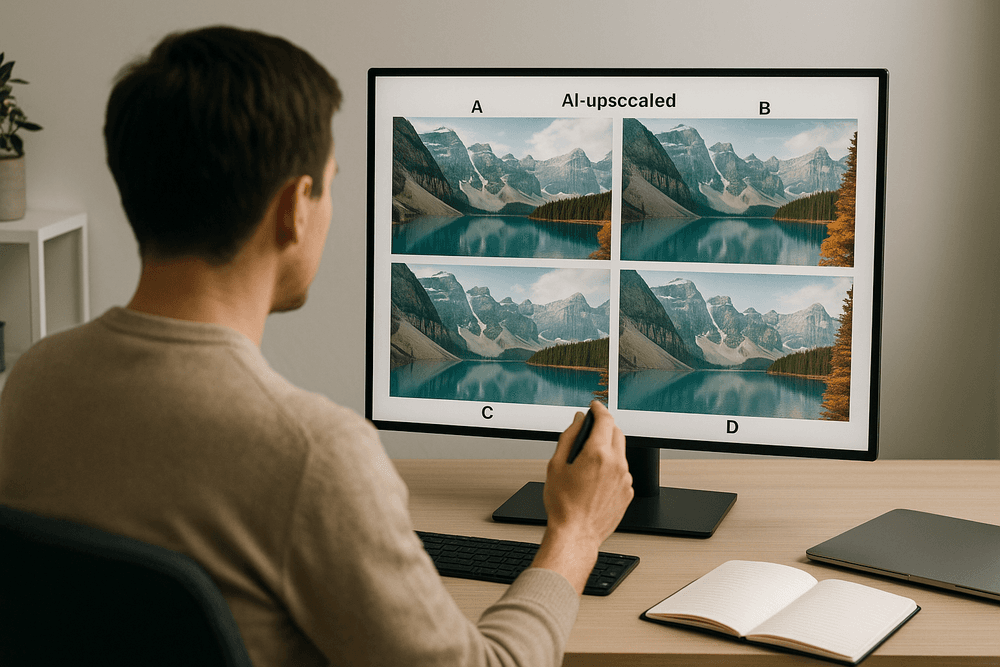
- Preview Capabilities: The ability to preview the upscaled image, ideally with a before-and-after slider or side-by-side comparison, is crucial. This allows you to assess the quality of the AI image upscaling and make adjustments if necessary before committing to the final output.
Free vs. Paid AI Image Upscaling Software: Making the Right Choice for Your Needs
The decision between free and paid AI image upscaling software often boils down to your specific requirements, frequency of use, and desired quality.
Free AI Image Upscaling Tools
- Pros: The most obvious advantage is the zero cost. This makes them ideal for occasional, non-critical upscaling tasks, quick enhancements, or for users wanting to experiment with AI image upscaling technology before committing financially.
- Cons: Free versions often come with significant limitations. These can include restricted upscaling factors (e.g., only up to 2x), caps on the number of images processed per day or month, watermarks on output images, slower processing speeds due to lower server priority or less optimized algorithms, and potentially less sophisticated AI leading to lower quality results or more noticeable artifacts. Privacy might also be a concern with some online free tools.
Paid AI Image Upscaling Software
- Pros: Paid solutions, such as Aethera, generally offer vastly superior AI image upscaling quality with more advanced, meticulously trained algorithms that excel at detail generation, noise removal, and artifact suppression. They typically provide a wider range of features like unlimited batch processing, support for larger files and more formats, significantly faster performance, dedicated customer support, and, crucially, no watermarks.
- Cons: The primary drawback is the cost, which could be a one-time purchase fee or a recurring subscription.
Making Your Choice: If you only need occasional, basic AI image upscaling and can tolerate potential limitations, a free tool might suffice. However, for professionals, businesses, or anyone requiring high-quality, consistent results, frequent use, advanced features, and reliable performance, investing in a paid AI image upscaling solution is usually the more productive and ultimately more satisfying choice.
Online AI Image Upscaling vs. Desktop Software: Pros and Cons
Your workflow, internet reliability, and privacy considerations will largely dictate whether an online or desktop AI image upscaling solution is a better fit.
Online AI Image Upscaling Tools
- Pros: Accessibility is a major plus; you can use them from any device with an internet connection without needing to install any software. Updates are typically handled server-side by the provider, ensuring you're always using the latest version of the AI image upscaling engine. They are great for quick, one-off tasks when you're on the go.
- Cons: A stable and reasonably fast internet connection is mandatory for uploading source images and downloading results. Processing large files or batches can be slow and consume significant bandwidth. There might be privacy concerns for sensitive or confidential images being processed on third-party servers, and you're reliant on the provider's server capacity and uptime.
Desktop AI Image Upscaling Software
- Pros: Desktop applications allow you to perform AI image upscaling offline, offering greater flexibility and independence from internet connectivity. Processing is often faster as it leverages your computer's local resources (CPU, GPU, RAM) directly. Desktop software generally provides more robust features, better handling of very large files, and enhanced privacy and security since images are processed locally on your machine. Solutions like Aethera often fall into this category, offering power, control, and security.
- Cons: This type of software requires installation and consumes local system resources. Updates may need to be manually downloaded and installed. It's less convenient for quick access across multiple different devices compared to web-based tools.
Decision Point: If your AI image upscaling tasks involve high-volume work, demand top-tier performance and control, or involve sensitive files, desktop software is often the superior option. For maximum convenience, accessibility for occasional use, and if you have a reliable internet connection, online tools can be very effective.
AI Image Upscaling in the Real World: Powerful Use Cases and Applications
The transformative power of ai image upscaling extends far beyond theory, offering tangible solutions across diverse industries. From breathing life into cherished memories to driving commercial success, its practical applications are vast. Let's explore key areas where ai image upscaling is making a real difference.
Revitalize Vintage Photos: AI Image Upscaling for Photo Restoration
Precious family heirlooms and historical archives often suffer from time: faded colors, scratches, and low detail from old photographic technology. AI image upscaling provides a remarkable solution for photo restoration. By intelligently analyzing and reconstructing pixel data, these algorithms significantly enhance old photograph resolution, revealing forgotten details and sharpening once-hazy faces. This isn't just about enlarging images; ai image upscaling tools can reduce noise, improve clarity, and even assist in colorizing faded prints. This process effectively preserves priceless memories for future generations, transforming a grainy ancestral portrait into a clear, vibrant image suitable for display, connecting us more deeply with our past using ai image upscaling.
E-commerce Gold: Creating Stunning Product Images with AI Image Upscaling
In online retail, high-quality product images are fundamental. Customers rely on visuals for purchasing decisions, and blurry images undermine trust and sales. AI image upscaling is an e-commerce game-changer, transforming standard product photos into crisp, high-resolution visuals that showcase every detail. This allows customers to zoom confidently, examining textures and features, leading to higher conversion rates and fewer returns. Whether upscaling supplier-provided images, enhancing user-generated content for social proof, or ensuring visuals meet professional standards without costly reshoots, ai image upscaling offers a cost-effective way to create stunning product listings that captivate and convert, boosting the appeal of an online store.
AI Image Upscaling for Graphic Designers: Enhancing Illustrations and Digital Art
Graphic designers constantly face resolution demands, especially when repurposing assets or working with AI-generated art. A logo designed for a business card might pixelate on a large banner. AI image upscaling empowers designers by enhancing illustrations and digital art beyond their original resolution. This technology intelligently adds detail and smoothness to graphics, textures, and complex digital paintings. For designers, this means greater flexibility with source materials, the ability to revive older projects for contemporary needs, and confidence that their vision will be rendered sharply for web, print, or large displays. AI image upscaling is a key tool for maintaining quality.
Boosting Content Marketing with High-Resolution AI Upscaled Images
Engaging visuals are vital for content marketing success. High-resolution images are crucial for blogs, social media, and presentations, but sourcing them can be challenging or costly. AI image upscaling offers a powerful solution. It allows marketers to enhance stock photos, user-generated content, or older in-house graphics to meet modern resolution standards. By ensuring all visual content is sharp, clear, and professional, ai image upscaling contributes to a polished brand image, increased user engagement, improved website dwell time, and even better SEO performance. This makes ai image upscaling an invaluable asset for any effective content strategy.
Elevate Your Visuals: Mastering AI Image Upscaling & Future Outlook
Best Practices for Achieving Optimal Results with AI Image Upscaling
To maximize AI image upscaling results, always start with the highest quality source image possible; clearer, less compressed originals invariably yield superior enhancements. Experiment with different AI models or settings if your tool provides them, as some are better suited for photographs while others excel with digital art. Crucially, understand that even advanced AI image upscaling algorithms have limitations – they can't invent details that are entirely absent from the source. For critical projects, consider an iterative approach: upscale in smaller increments or test various settings to compare outcomes. Finally, minor post-upscaling adjustments in an image editor can add that perfect finishing touch. Following these best practices for AI image upscaling will help you consistently achieve impressive, high-resolution images.
Step-by-Step: How to Integrate AI Image Upscaling into Your Workflow with Aethera
Integrating AI image upscaling into your workflow with Aethera is designed for efficiency, boosting your productivity with enhanced visuals. Here’s a simple step-by-step guide:
- Upload Your Image: Begin by uploading your low-resolution image directly onto the Aethera platform. Its user-friendly interface makes this initial step quick and effortless.
- Select the AI Image Upscaling Tool: Navigate to Aethera’s comprehensive suite of AI tools and choose the dedicated AI image upscaling feature.
- Configure Your Settings: Specify your desired output. This typically involves selecting the upscaling factor (e.g., 2x, 4x, or even higher for more significant enlargement) and choosing any specialized enhancement options Aethera offers, such as facial detail restoration or noise reduction, which are crucial for optimal AI image upscaling.
- Initiate the Process: With your settings confirmed, let Aethera’s advanced algorithms get to work. The AI image upscaling process is typically completed in just a few moments.
- Preview and Download: Once the enhancement is complete, Aethera will present a preview of your newly upscaled, high-resolution image. If you're satisfied with the crystal-clear result, download it and seamlessly integrate it into your projects.
This streamlined workflow means you can achieve professional-grade AI image upscaling without a steep learning curve, empowering you to elevate your visuals effortlessly.
The Evolving Landscape: What’s Next for AI Image Upscaling Technology?
The future of AI image upscaling is exceptionally bright, with continuous advancements promising even greater capabilities in image resolution enhancement. Expect AI models to deliver higher fidelity and more sophisticated, context-aware detail generation, making upscaled images virtually indistinguishable from natively high-resolution ones. Significantly faster processing speeds, driven by both software optimization and hardware improvements, will make real-time AI image upscaling increasingly viable for demanding applications like live video streaming, interactive gaming, and immersive AR/VR experiences.
We'll likely see the development of more specialized AI image upscaling models, meticulously trained for specific content types—from improving the clarity of grainy historical photographs to enhancing the intricate details in scientific or medical imagery. Furthermore, anticipate tighter integration of AI image upscaling with other AI-driven creative tools, forming comprehensive content creation pipelines where images can be generated, edited, and upscaled by AI in a seamless, efficient flow. Alongside these exciting technological leaps, addressing ethical considerations, including the robust detection of AI-manipulated images, will also become increasingly important. The ongoing evolution of AI image upscaling technology points towards a future where visual quality limitations become a relic of the past.
Start Your AI Image Upscaling Journey Today for Unmatched Visual Clarity
Don't let low-resolution visuals limit your impact or dilute your message. The transformative power of AI image upscaling is readily available, offering a simple and effective way to convert blurry, pixelated images into sharp, detailed, and professional-looking assets. Whether you're aiming to revitalize cherished old family photos, enhance product appeal for e-commerce platforms, prepare striking graphics for print, or simply ensure every visual asset you use meets the highest quality standards, AI image upscaling delivers tangible results.
With accessible and user-friendly platforms like Aethera, initiating your AI image upscaling journey is incredibly straightforward. Experience firsthand the unmatched visual clarity and professional polish this cutting-edge technology provides. Unlock the full potential of your images and discover the remarkable difference AI image upscaling can make to your creative projects and professional presentations today.