
November 11, 2025
The New Battleground in the Google Pixel vs Samsung Galaxy
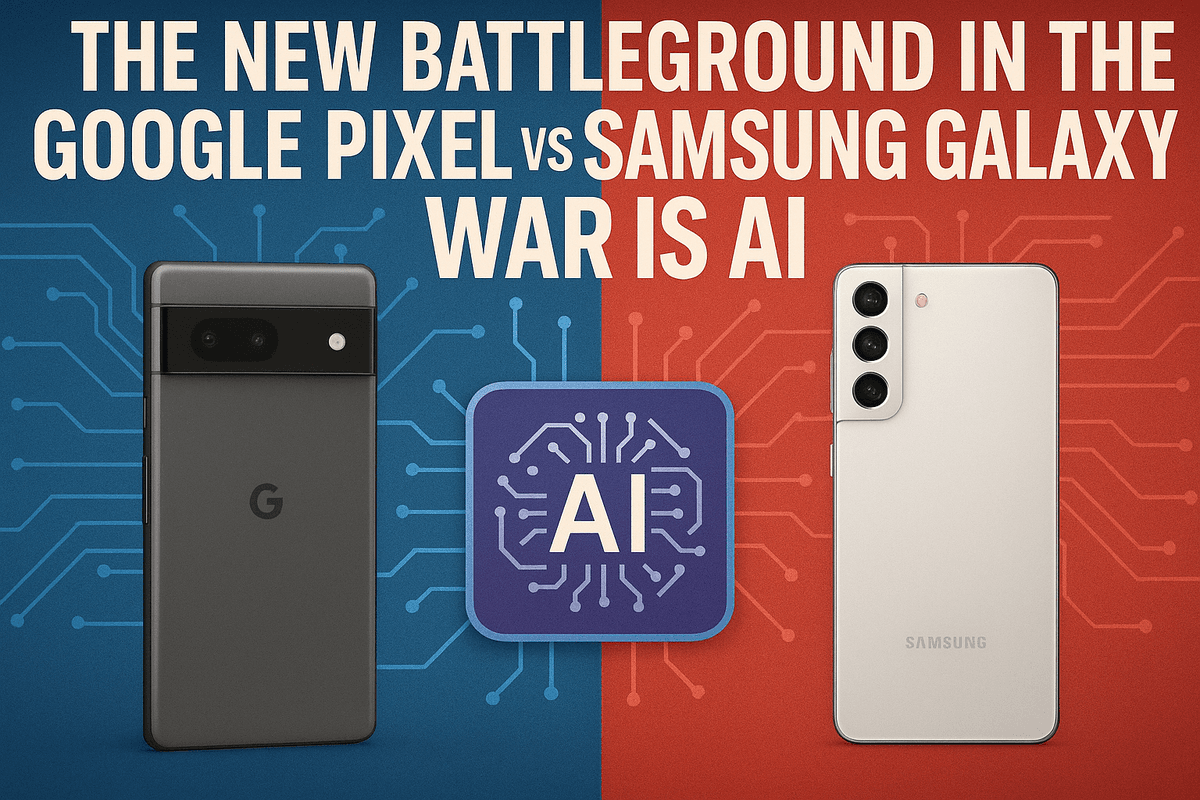
Introduction: The New Battleground in the Google Pixel vs Samsung Galaxy War is AI
For years, the smartphone arena has been dominated by a clash of titans. The epic Google Pixel vs Samsung Galaxy rivalry has traditionally been fought over camera megapixels, display brightness, and battery longevity. While those hardware battles still rage, the ground is shifting beneath our feet. The most significant and impactful innovations are no longer happening in the hardware labs alone, but in the complex world of code, machine learning, and neural networks. The new battleground is intelligence, and the weapon of choice is AI.
Why Your Next Phone's IQ Matters More Than Its Specs
We’ve reached a point of incredible hardware maturity. Most flagship phones have brilliant screens, blazing-fast processors, and fantastic cameras. But what good is all that power if your device still feels like a passive tool rather than a proactive assistant? This is where Artificial Intelligence transforms the user experience.
AI is the invisible engine that makes a smartphone truly smart. It's the force that anticipates your needs, streamlines your daily tasks, and, most importantly, protects your most valuable asset: your attention. A phone with a high IQ learns your patterns, understands your context, and works to serve you better over time. It’s no longer just about what a phone can do, but what it knows to do for you without being asked. This evolution from a simple communication device to an intelligent companion is now the central point of contention in the Google Pixel vs Samsung Galaxy debate.
Taming the Digital Noise: The Promise of AI-Powered Notifications
Think about the last hour. How many times did your phone buzz, ping, or light up? We are drowning in a constant flood of notifications from apps, emails, messages, and news alerts. This "notification fatigue" shatters our focus and drains our productivity. The old solutions—a blanket "Do Not Disturb" mode or manually muting app channels—are clumsy and inefficient.
AI-powered notification management offers a more elegant solution. Instead of a sledgehammer, it provides a scalpel. By learning your behavior, an intelligent system can discern between a critical work email from your boss and a 20% off coupon from a store you rarely visit. It can understand that a text from your partner is always high-priority but can group social media updates to show you later. This isn't about silencing your phone; it's about curating your digital life, ensuring the truly important information surfaces immediately while the rest is quietly organized for when you have a moment.
Setting the Stage: What We're Comparing
In this deep dive, we’re moving beyond the spec sheets to analyze the AI brains behind the two biggest names in Android. On one side, we have the Google Pixel, the vessel for Google’s purest vision of an AI-infused operating system. On the other, the Samsung Galaxy, a hardware juggernaut loaded with its own powerful suite of "Galaxy AI" features built atop the Android framework. We will dissect how each ecosystem leverages its unique AI philosophy to tackle the chaos of modern notifications, enhance productivity, and ultimately, win the war for your focus in the relentless Google Pixel vs Samsung Galaxy showdown.
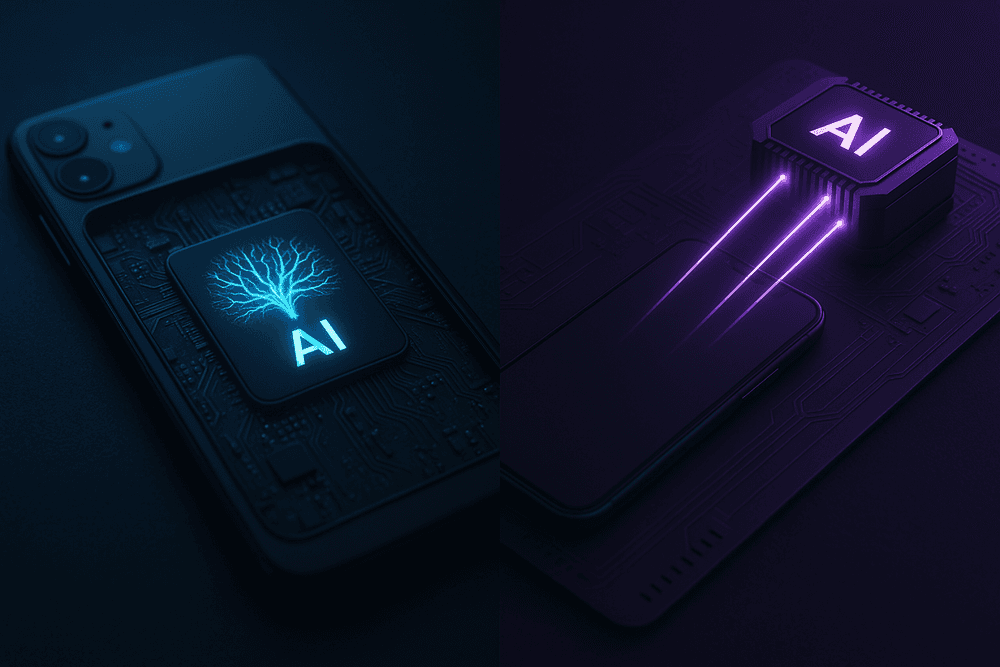
Under the Hood: Comparing the AI Engines of Google Pixel vs Samsung Galaxy
A smartphone's intelligence isn't just software; it's forged in the silicon of its processor. When we analyze the google pixel vs samsung galaxy rivalry, their distinct hardware philosophies become the foundation for everything they can do. How they process information, learn your habits, and manage tasks like notifications is directly tied to the "engine" they use. This choice between a custom-built, specialized processor and a powerful, versatile one defines their entire approach to AI.
Google’s On-Device Approach with the Tensor Chip
Google took a unique path by designing its own processor: the Tensor chip. This wasn't a play for raw benchmark speed but a strategic move to create a chip optimized specifically for Google's machine learning and AI models. The core advantage of Tensor is its emphasis on on-device AI.
Instead of sending your data to the cloud for processing, the Tensor Processing Unit (TPU) handles complex AI tasks directly on your Pixel. This has three major benefits for daily productivity:
- Speed: Features like real-time language translation or the Magic Eraser in photos happen almost instantly because there’s no lag from communicating with a remote server.
- Privacy: Sensitive information, such as the content of your messages or the apps you use most, is analyzed locally. This allows the OS to learn your notification habits and prioritize them without your data ever leaving the device.
- Efficiency: By handling AI tasks on a dedicated, highly efficient core, the phone conserves battery life, allowing for "always-on" features like Now Playing song recognition without a significant power drain.
For productivity, this means the Pixel’s AI feels more ambient and predictive. It learns in the background, subtly organizing your digital life—like managing your notification shade—with minimal input from you.
Samsung's Combination of Galaxy AI and Flagship Processors
Samsung leverages the industry's top-tier processors, typically using Qualcomm's latest Snapdragon chip in some regions and its own powerful Exynos chip in others. While not custom-built for a single company's AI models like Tensor, these chips contain formidable AI engines of their own.
Samsung's strategy is to build a comprehensive software suite, branded as "Galaxy AI," that sits on top of this powerful hardware. This suite is a hybrid model, combining the on-device capabilities of the Snapdragon/Exynos AI engines with cloud-based processing for more intensive tasks. This is all integrated through its One UI software layer and Bixby assistant. This approach gives Samsung a powerful toolkit for creating a wide array of user-facing features, such as Live Translate during calls or advanced photo editing suggestions.
How Hardware Choices Impact Your Daily Productivity
The fundamental difference in hardware directly shapes your experience. The google pixel vs samsung galaxy debate on AI comes down to a proactive, integrated system versus a powerful, feature-rich toolkit.
- Google Pixel's on-device focus creates a seamless, low-friction experience. Its AI works best when you almost forget it's there. It proactively silences non-urgent notifications and boosts important ones because the Tensor chip has been learning your personal patterns securely on the device. It’s an assistant that anticipates your needs.
- Samsung Galaxy's approach puts more tools directly in your hands. You get granular control through features like Bixby Routines, allowing you to build complex "if-then" rules for how your phone behaves and manages notifications. The AI is a powerful feature you actively use, rather than an ambient force working in the background.
Ultimately, your choice depends on what you value more in productivity: an intelligent system that automates and adapts with little intervention, or a versatile and powerful set of AI tools that you can command and customize to your exact specifications.
AI-Powered Productivity: How Google Pixel vs Samsung Galaxy Manage Your Notifications
In our hyper-connected world, the constant barrage of notifications is a primary productivity killer. A smart device should help you focus, not distract you. This is where the AI-driven philosophies of Google and Samsung diverge significantly. In the ongoing google pixel vs samsung galaxy showdown, how each device tames the torrent of digital noise can be a deciding factor for users aiming to reclaim their attention.
Google Pixel: The Silent, Predictive Assistant
Google’s approach is rooted in ambient computing—the idea that technology should work for you in the background, almost invisibly. The Pixel embodies this with two key AI features that manage your notifications with minimal user input.
Adaptive Notifications: This is machine learning at its most practical. The Pixel’s AI learns your habits over time, observing which notifications you interact with and which you consistently dismiss. It then automatically organizes your alerts into "Priority" and "Gentle" categories. Critical messages from contacts will vibrate your phone, while that 20% off coupon from a retailer will be delivered silently, waiting for you when you have a free moment. It’s a subtle but powerful way to declutter your digital life without you having to lift a finger.
At a Glance Widget: More than just a simple widget, At a Glance is a proactive information hub powered by Google's AI. It anticipates your needs and surfaces relevant information on your home and lock screen. It will show you the weather before you ask, your flight's gate information on travel day, the ETA for your Uber, or a notification that your package was just delivered. It turns your lock screen from a wall of reactive pings into a proactive, truly "smart" surface.
Samsung Galaxy: The Customizable Command Center
Where Google automates, Samsung empowers. The Galaxy ecosystem, powered by Bixby Routines, offers a different flavor of AI assistance—one that puts the user firmly in the driver's seat.
Bixby Routines: This is Samsung’s powerful "if this, then that" (IFTTT) engine built directly into the OS. Instead of letting the AI guess what’s important, you create specific rules, or "Routines," to manage your phone's behavior based on context. For example, you can create a "Work" routine that triggers when you arrive at the office (based on location or Wi-Fi network) and automatically silences all social media notifications, puts your phone on vibrate, and opens your calendar app. You could set a "Driving" routine that activates upon connecting to your car’s Bluetooth, reading your incoming texts aloud so you can keep your eyes on the road. It’s an incredibly robust system for users who love to tinker and tailor their device to their exact workflow.
Head-to-Head: Which Phone Offers Smarter Alerts and Replies?
The choice between Google Pixel and Samsung Galaxy for notification management comes down to your preferred style of interaction.
- The Pixel's AI is predictive: It works for the user who wants a "set it and forget it" experience. Its strength lies in its ability to learn and adapt, quietly curating your digital environment to reduce noise without requiring you to build complex rules.
- The Galaxy's AI is prescriptive: It’s built for the power user who wants granular control. Bixby Routines can automate nearly any aspect of your phone, but it requires you to define what you want it to do.
When it comes to smart replies, both platforms excel. However, Google’s deep integration with its LaMDA language models often gives Pixel's suggested replies a slight edge in contextual awareness and natural language. Ultimately, the google pixel vs samsung galaxy debate in this arena isn't about which is "smarter," but which smart philosophy aligns with your personal productivity style: the silent, adaptive assistant or the powerful, customizable toolkit.
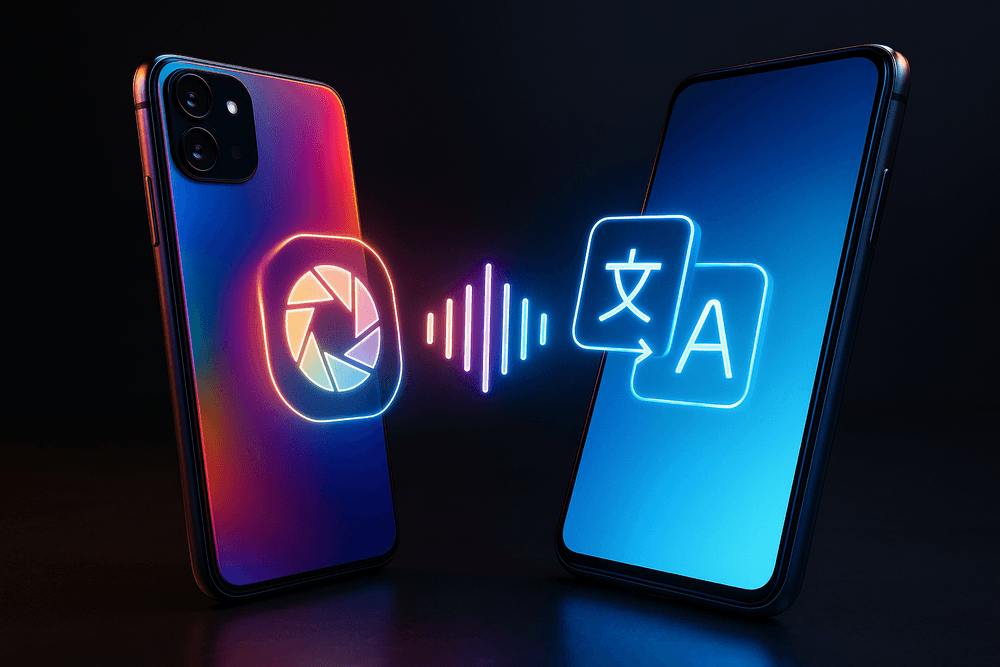
Beyond Notifications: A Full AI Feature Showdown
While intelligent notifications are a daily convenience, the real AI battleground in the Google Pixel vs Samsung Galaxy debate is fought across a suite of powerful, head-turning features. From photography to real-time communication, both tech giants leverage artificial intelligence to redefine what a smartphone can do. Let’s break down three key clashes.
Camera Wars: Magic Eraser vs. Object Eraser
A perfect photo ruined by a photobomber is a universal frustration, and both Google and Samsung offer an AI-powered solution. Google pioneered this space with its much-lauded Magic Eraser. Integrated into Google Photos on Pixel devices, it uses complex computational photography to intelligently identify and remove unwanted objects or people from your pictures, seamlessly filling in the background. For years, it was the undisputed champion, feeling like pure magic.
Samsung fired back with its own Object Eraser. While early versions were less refined, the recent enhancements within the Galaxy AI suite have dramatically closed the gap. It now offers a remarkably competent experience, often matching the Pixel's ability to cleanly remove distractions. The core difference now lies in nuance. Magic Eraser sometimes has a slight edge in handling complex textures and shadows, while Samsung’s tool is tightly integrated into its Gallery app, offering a very intuitive user flow. For casual photographers, it’s a toss-up, but this feature alone shows how fierce the AI competition has become.
Talk Smarter: Call Screen vs. Bixby Text Call
Unwanted calls are a modern plague, and here, the two brands take slightly different AI-driven approaches to give you back control. Google’s Call Screen is a defensive masterpiece. When an unknown number calls your Pixel, you can tap a button to have the Google Assistant answer on your behalf. It asks the caller for their name and reason for calling, transcribing the entire exchange for you in real-time. This allows you to screen for spam, telemarketers, or legitimate calls without ever having to speak.
Samsung’s Bixby Text Call offers a different kind of utility. Instead of just screening, it allows you to answer a call by typing. Bixby converts your text to audio for the caller, and transcribes their spoken words back to you as text. It’s the perfect solution for situations where you can’t talk—like in a quiet library or a loud concert—but still need to handle an important call. In the Google Pixel vs Samsung Galaxy showdown for call management, Google provides the ultimate spam shield, while Samsung delivers a unique tool for silent communication.
Live Translate vs. Galaxy AI Live Translate: Who Breaks Down Barriers Better?
Real-time translation is one of AI's most ambitious promises, and both platforms deliver impressive results. Google Pixel’s Live Translate is a system-wide feature that works across messaging apps, camera views (pointing at signs), and in-person conversations with its Interpreter Mode. It’s deeply integrated and incredibly versatile for travelers and multilingual users, breaking down language barriers in everyday digital and physical interactions.
Samsung, with its new Galaxy AI, has focused its efforts on a single, show-stopping feature: Live Translate for phone calls. This allows two people speaking different languages to have a conversation over a standard phone call, with the AI providing real-time voice translations for both parties. It’s an astonishing feat of on-device processing. While Google’s tool is more of an all-around utility, Samsung's on-call translation is a game-changer for international business or personal communication, proving that in the AI race, a single killer feature can make all the difference.
Real-World Use Cases: Which Phone is Best for the Busy Professional?
Theory and specs are one thing, but how do these AI features perform under the pressure of a demanding workday? We put both phones to the test by simulating a day in the life of a busy professional, where every second counts and focus is paramount.
A Day in the Life with Google Pixel's Proactive AI
Meet Sarah, a project manager juggling multiple deadlines. Her day starts not with an alarm, but with the Google Pixel’s “At a Glance” widget, which is already showing the weather, her first meeting, and real-time traffic data for her commute. This is proactive AI in action—providing crucial information before she even thinks to ask.
During a brainstorming session, an urgent but unknown number calls. Instead of interrupting her flow, Sarah taps “Screen Call,” and the Google Assistant professionally handles the caller, transcribing the conversation in real-time. It’s a spam call, and the interruption is avoided without a single awkward moment.
Later, while preparing for a client presentation in a noisy cafe, she receives a video message from a colleague. With “Live Caption,” she can read the entire message without needing headphones, ensuring she doesn’t miss a critical detail. Throughout the day, Pixel’s Adaptive Notifications have been quietly bundling non-urgent alerts, presenting them in a silent, tidy group. This prevents the constant drip of distractions, allowing her to maintain deep focus. The Pixel doesn’t ask Sarah to build a system; it intelligently creates one for her.
Maximizing Your Workflow with Samsung Galaxy's Customization
Now consider Mark, a sales executive who thrives on efficiency and control. His Samsung Galaxy is his command center, meticulously tailored to his workflow using Bixby Routines. The moment his phone connects to his car’s Bluetooth, it automatically launches his map app, starts his favorite podcast, and reads out his first appointment.
Once at a client’s office, he uses Samsung DeX to connect his Galaxy to a monitor, instantly creating a powerful desktop environment. He presents his slide deck, edits a spreadsheet, and responds to emails with a full-sized keyboard and mouse—all powered by his phone. During the meeting, he uses his S Pen to take notes directly on a PDF contract. The handwriting is instantly converted to text and saved, creating a clean, shareable document on the spot.
Mark has also configured custom “Modes.” His “Meeting Mode,” triggered by his calendar, silences all but the most critical notifications from his boss and key clients. Edge Panels give him one-swipe access to his calculator, CRM app, and top contacts. For Mark, the google pixel vs samsung galaxy debate is settled by empowerment; Samsung gives him the tools to build a productivity machine that operates exactly as he demands.
From Cluttered Inbox to Focused Work: A Productivity Test
To settle the score on notification management, we subjected both devices to a controlled barrage of alerts: emails, social media updates, news headlines, and app pings.
The Google Pixel’s AI acted like an expert personal assistant. It immediately recognized emails from primary contacts and allowed them through with a subtle vibration. Promotional emails and social media likes, however, were automatically silenced and grouped into a summary for later review. The system worked brilliantly with zero setup, making it ideal for the professional who wants an intelligent filter out of the box.
The Samsung Galaxy required a few minutes of initial configuration via Modes and Routines. We set up a “Deep Work” mode that blocked all social apps, silenced notifications from specific email accounts, and even changed the home screen to display only work-related apps. The result was a completely distraction-free fortress of focus.
The Verdict: Your ideal phone depends on your work style. The Google Pixel is the proactive partner that anticipates your needs and curates your digital environment for you. The Samsung Galaxy is the ultimate power tool, offering unparalleled customization for those who want to architect their own perfect workflow.
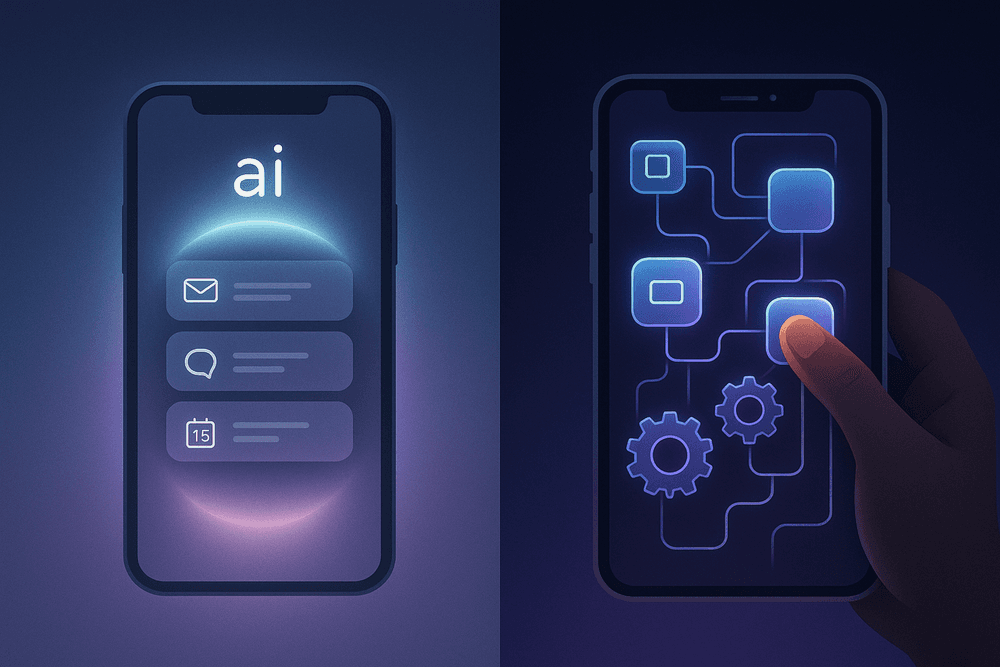
Conclusion: Declaring a Winner in the Google Pixel vs Samsung Galaxy AI Clash
After a deep dive into the intelligent cores of today’s leading Android devices, the Google Pixel vs Samsung Galaxy debate reveals a fascinating truth: the "best" AI phone isn't a single device, but a reflection of the user's philosophy. This clash isn't about which phone has more features, but which one integrates artificial intelligence into your daily life more effectively. Both platforms leverage sophisticated AI to manage the relentless flow of notifications and boost productivity, but they do so with fundamentally different approaches. The ultimate choice comes down to a simple question: Do you want an AI assistant that anticipates your needs, or an AI toolkit you can command?
Final Verdict: The Best AI Phone for Simplicity vs. Customization
For the Proponent of Simplicity: Google Pixel The Google Pixel stands out as the champion for users who want their technology to be smart, seamless, and subtle. Google's AI excels at working proactively in the background. Features like Adaptive Notifications and the At a Glance widget learn your habits with uncanny precision, prioritizing what’s important and quieting the noise without you ever needing to open a settings menu. This ambient computing approach means the phone adapts to you, not the other way around. If your ideal AI is an invisible butler that tidies up your digital life and surfaces critical information at the perfect moment, the Pixel is your undisputed winner.
For the Power User of Customization: Samsung Galaxy Samsung, with its powerful Galaxy AI suite and Bixby Routines, hands the keys to the kingdom directly to the user. This is the ultimate device for those who love to tinker, customize, and build their own automated workflows. Want to create a specific rule that mutes all social media notifications the second your phone connects to your office Wi-Fi? Bixby Routines can do that. Samsung’s AI is less about quiet anticipation and more about providing a robust set of tools for you to construct a highly personalized productivity system. If you see your phone as a command center and enjoy fine-tuning every aspect of its behavior, the Galaxy is the superior choice.
What's Next? The Future of AI on Smartphones
The current battle in the Google Pixel vs Samsung Galaxy arena is just the beginning. The future of on-device AI is rapidly moving beyond simple prediction and into the realm of true generative assistance. We can expect AI to become even more proactive, not just sorting notifications but understanding their content and context to suggest or even automate entire tasks. Imagine your phone not only flagging an urgent email but also auto-drafting a polite "I'll look at this shortly" response based on your calendar availability. This evolution towards hyper-personalization will enable our devices to function as true cognitive partners, anticipating needs we haven't even articulated yet and creating a truly frictionless user experience.
Share Your Experience: Which AI Features Do You Use Most?
Now, the conversation turns to you. The true test of any feature is its real-world impact. Are you a Pixel user who relies on Call Screen to fend off spam, or a Galaxy owner who has crafted the perfect Bixby Routine for your commute? What AI-powered feature, on either platform, has genuinely saved you time or reduced your digital stress?
Share your experiences in the comments below. Your insights help everyone navigate the exciting and ever-changing world of smartphone AI.