
September 29, 2025
An Introduction to AI Image Generation Tools
The Creative Revolution: An Introduction to AI Image Generation Tools
Imagine having the ability to paint with words. You describe a scene—a synthwave cityscape at dusk, a photorealistic portrait of a 17th-century philosopher holding a smartphone, or a whimsical watercolor of a fox reading a book—and in seconds, a stunning, original image appears before you. This isn't science fiction; it's the reality made possible by the latest wave of AI image generation tools.
What Exactly Are AI Image Generation Tools?
At their core, AI image generation tools are sophisticated software applications that use a form of artificial intelligence called generative AI to create visual content from text-based instructions, known as "prompts." These tools are built on complex machine learning models, like Generative Adversarial Networks (GANs) and diffusion models, which have been trained on vast datasets containing billions of images and their corresponding text descriptions.
This extensive training allows the AI to understand the intricate relationships between words, concepts, objects, and artistic styles. When you provide a prompt, the AI doesn't just search for a matching picture; it deconstructs your request and generates a completely new, unique image by piecing together pixels based on its learned understanding. It can blend styles, combine unrelated concepts, and produce visuals in resolutions that are perfect for everything from social media posts to professional print projects. It’s a seamless fusion of language and visual art, powered by code.
How AI is Changing the Landscape of Digital Art and Design
The arrival of powerful and accessible AI image generation tools marks a pivotal moment in creative industries. This technology is not merely an incremental update to existing software like Photoshop; it's a fundamental paradigm shift that is reshaping workflows and democratizing creativity.
For decades, creating high-quality digital art required specialized skills, expensive software, and countless hours of labor. Now, anyone with an idea can bring it to life, breaking down barriers for marketers, entrepreneurs, writers, and small business owners. Professional artists and designers are also embracing these tools as powerful collaborators. They can be used for rapid ideation, generating dozens of concept variations in minutes, creating mood boards, or producing unique textures and backgrounds. This technology accelerates the creative process, freeing up artists to focus on curation, composition, and refinement rather than tedious manual work. The result is a more dynamic and efficient creative landscape where imagination is the primary currency.
Why Your Next Project Needs an AI Image Generator
Integrating an AI image generator into your workflow isn’t just about staying current—it's about gaining a significant competitive advantage. Whether you're a marketer, a content creator, or a project manager, these tools offer tangible benefits.
First, consider the cost and time savings. Sourcing the perfect stock photo can be time-consuming and expensive, and hiring a graphic designer for every small visual task is often impractical. AI image generation tools provide a cost-effective alternative for creating custom blog headers, social media graphics, and presentation visuals.
Second is the power of complete customization. You are no longer limited by the offerings of a stock photo library. You can create images that perfectly match your brand's aesthetic, color palette, and messaging. Need an image of a diverse team collaborating in a futuristic office with your company's logo subtly visible on a screen? You can generate that exact scene instead of settling for a generic alternative. This level of specificity ensures your visual content is unique, memorable, and perfectly aligned with your vision, helping you stand out in a crowded digital world.
The Best AI Image Generation Tools in 2024: A Head-to-Head Comparison
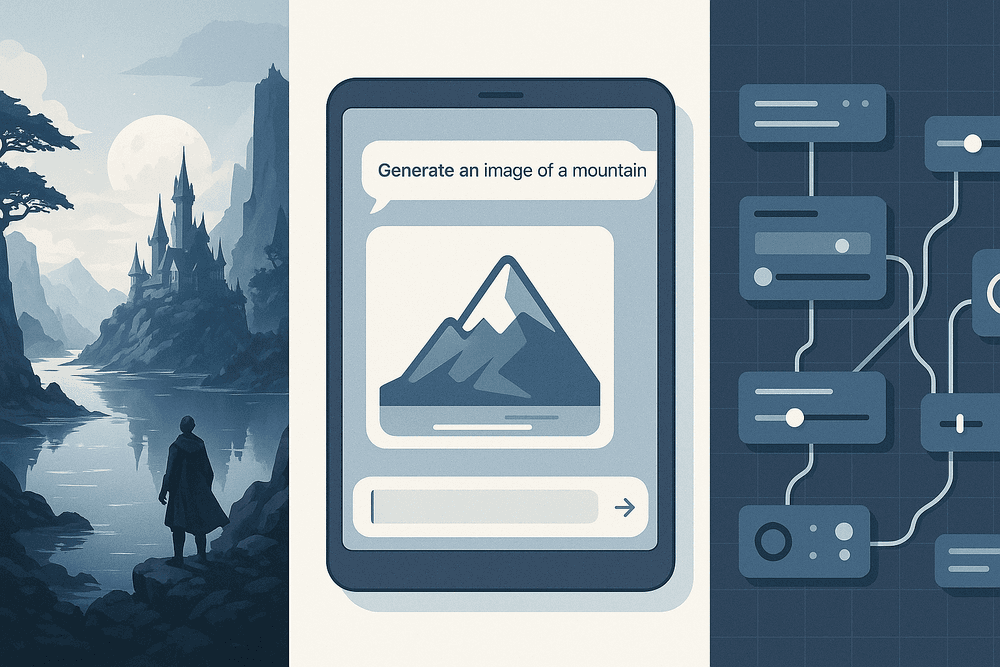
The world of AI image generation tools is bustling with innovation, but three names consistently dominate the conversation: Midjourney, DALL-E 3, and Stable Diffusion. While all three can transform text into stunning visuals, they cater to vastly different needs and workflows. Choosing the right one depends entirely on your goals, technical skill, and desired level of creative control. Let’s dive into a head-to-head comparison to find your perfect match.
Midjourney: For Artistic and Hyper-Realistic Outputs
Midjourney is the artist of the group. It’s renowned for producing images with a distinct, often beautiful and cinematic aesthetic right out of the box. If your goal is to create breathtaking digital art, fantastical scenes, or hyper-realistic portraits that are rich with detail and mood, Midjourney is a powerhouse.
Its latest models have made incredible leaps in photorealism and can handle complex prompts with grace. The platform operates exclusively through Discord, which fosters a vibrant community for inspiration and collaboration but can present a slight learning curve for those unfamiliar with the interface. Midjourney is the go-to choice for designers, artists, and creatives who prioritize aesthetic quality and are looking for a tool with a strong, artistic point of view.
Best for: Digital artists, concept designers, and anyone seeking the highest level of artistic or photorealistic quality with minimal fuss.
DALL-E 3: For Seamless Integration and Ease of Use
DALL-E 3, developed by OpenAI, is the great communicator. Its biggest strength is its native integration with ChatGPT and Microsoft Copilot. This allows you to generate images using simple, conversational language. You can describe an idea, and ChatGPT will help you refine and expand that prompt to get the best possible result.
This makes DALL-E 3 arguably the most user-friendly of the top-tier AI image generation tools. It excels at interpreting complex, nuanced prompts and is remarkably good at rendering legible text within images—a common challenge for other models. While it may not always have the same default artistic flair as Midjourney, its ability to follow instructions precisely makes it an invaluable tool for specific and practical applications.
Best for: Beginners, marketers, content creators, and anyone who values ease of use and seamless workflow integration.
Stable Diffusion: For Ultimate Control and Open-Source Flexibility
Stable Diffusion is the engineer's dream. As an open-source model, its power lies in its limitless customizability. You can run it on your own local hardware (with a powerful enough GPU), fine-tune it with custom datasets, and leverage a massive ecosystem of community-built models, extensions, and workflows.
Tools like ControlNet give you unprecedented, pixel-perfect control over composition, poses, and style. You can guide the generation process with sketches, depth maps, or existing images. This level of control is unmatched, but it comes with the steepest learning curve of the three. It requires more technical knowledge and setup, but for those willing to invest the time, Stable Diffusion offers unparalleled creative freedom.
Best for: Developers, tinkerers, technical artists, and professionals who require granular control and custom-tailored results.
Choosing Your Champion: A Feature-by-Feature Breakdown
| Feature | Midjourney | DALL-E 3 | Stable Diffusion |
| :--- | :--- | :--- | :--- |
| Ease of Use | Moderate (via Discord) | Very High (Conversational) | Low (High Skill Ceiling) |
| Artistic Quality | Exceptional, Stylized | Very Good, Versatile | Excellent (Model Dependent) |
| Photorealism | Exceptional | Very Good | Excellent (with fine-tuning) |
| Customization | Good (Parameters/Styles) | Limited | Ultimate (Open-Source) |
| Accessibility | Discord | ChatGPT Plus, Copilot | Local PC, Web UIs |
Unlocking Creativity: Key Features of Top AI Image Generation Tools
Moving beyond simple text commands unlocks the true potential of the best ai image generation tools. These platforms are packed with features that give you granular control over your creations, transforming you from a mere prompter into a digital artist. Understanding these key features is the difference between a generic AI image and a unique, polished masterpiece.
Mastering Text-to-Image and Image-to-Image Prompts
At the heart of every AI image generator are its core prompting methods.
- Text-to-Image (txt2img): This is the classic function where you describe the image you want in a text prompt. The more detailed and evocative your language, the better the result. Instead of "a dog," try "a photorealistic golden retriever puppy with floppy ears, sitting in a field of wildflowers during a golden hour sunset, soft focus background." This specificity guides the AI to produce a more accurate and compelling image.
- Image-to-Image (img2img): This powerful technique uses an existing image as a foundation. You upload a sketch, a photo, or even another AI-generated image and provide a text prompt to modify it. For example, you could upload a simple line drawing of a house and use the prompt "a cozy, ivy-covered stone cottage in a fantasy forest" to have the AI "paint" over your sketch, retaining the basic composition while transforming the style and details.
Utilizing Style and Artist Modifiers for Unique Aesthetics
To truly make an image your own, you need to command its style. This is where modifiers come in. By adding specific keywords to your prompt, you can steer the AI toward a particular look and feel.
- Artistic Styles: Include phrases like "in the style of Van Gogh," "as a watercolor painting," "futuristic cyberpunk art," or "minimalist line art."
- Artist Modifiers: Mentioning specific artists (e.g., "in the style of Alphonse Mucha") can train the AI on a vast library of artistic history to emulate their unique aesthetics.
- Technical Descriptors: Use terms like "cinematic lighting," "4K," "hyper-detailed," "Unreal Engine render," or "macro photography" to define the visual quality and composition of the final image.
Exploring Advanced Settings: Aspect Ratios, Negative Prompts, and Seeds
The best ai image generation tools offer advanced settings for fine-tuning your output.
- Aspect Ratios: Don't settle for the default square. Set the aspect ratio to match your intended use, such as 16:9 for a YouTube thumbnail, 9:16 for an Instagram Story, or 3:2 for a standard photo print.
- Negative Prompts: This is a game-changer for refinement. A negative prompt tells the AI what to avoid. If you're getting images with distorted hands or garish colors, you can add "deformed hands, extra fingers, ugly, oversaturated" to the negative prompt to clean up the result.
- Seed Number: The seed is the random starting number for the image generation process. If you use the same prompt with the same seed, you will get the exact same image. This is invaluable for making small tweaks to a prompt while keeping the overall composition consistent.
Upscaling and Inpainting: Perfecting Your AI-Generated Masterpiece
Your first generation is often just a starting point. Post-generation tools are crucial for perfecting your work.
- Upscaling: Most AI images are generated at a lower resolution to save time. Upscaling tools use AI to intelligently increase the image's size and pixel density without losing detail, making it suitable for high-resolution displays or printing.
- Inpainting and Outpainting: Think of this as AI-powered editing. With inpainting, you can mask a specific area of your image and regenerate only that part with a new prompt (e.g., changing a character's shirt). Outpainting allows you to extend the image's canvas, and the AI will intelligently fill in the new space, creating a wider scene or a different composition.
From Prompt to Perfection: Best Practices for Using AI Image Generation Tools
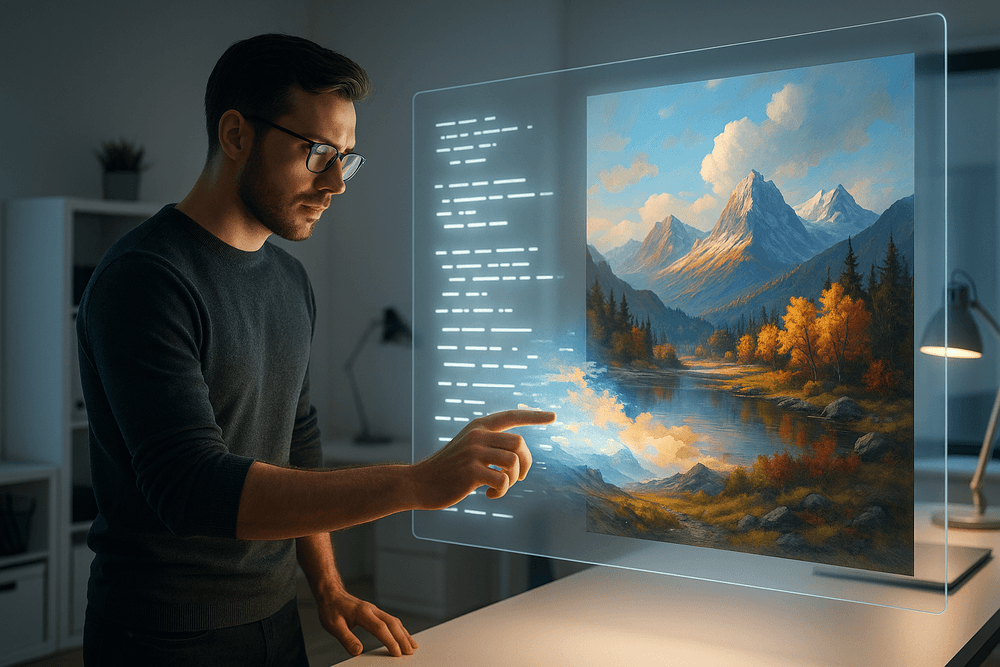
Mastering ai image generation tools is less about technical skill and more about creative communication. Your ability to translate a mental image into a precise text prompt is the key to unlocking stunning visuals. Here’s how to refine your process from the first idea to the final, perfect image.
The Anatomy of a Perfect Prompt: Being Specific and Descriptive
The quality of your output is directly tied to the quality of your input. A vague prompt like "a dog in a field" will yield a generic image. To get a masterpiece, you need to be an artist with your words. A great prompt typically includes:
- Subject: Clearly define your main character or object. Instead of "a car," try "a vintage 1967 cherry red Ford Mustang."
- Setting & Context: Where is your subject? What is happening? Don't just say "in a city"; describe it as "on a rain-slicked neon-lit street in Tokyo at midnight."
- Style & Medium: This is crucial for defining the aesthetic. Do you want a "photograph," an "oil painting," a "watercolor sketch," a "3D render," or a "pixel art" design?
- Details & Modifiers: Add layers with keywords for lighting, color palette, camera angle, and mood. For example: "dramatic backlighting, cinematic, low-angle shot, hyper-realistic, 8k resolution."
Simple Prompt: a knight Perfected Prompt: Portrait of a weathered female knight in ornate silver armor, grim determination on her face, cinematic lighting, fantasy, highly detailed, digital painting, artstation
How to Iterate and Refine Your Ideas for Better Results
Your first attempt is rarely your last. Iteration is a fundamental part of the creative process when working with AI.
- Start Broad, Then Narrow: Begin with a simple concept to see what the AI generates. Analyze the results—what do you like? What’s missing?
- Add, Remove, and Tweak: Refine your prompt based on the initial output. If the image is too dark, add "bright, sun-drenched." If you see unwanted elements, use a "negative prompt" (if available) like
--no peopleto exclude them. - Use Variations: Most ai image generation tools have a "variation" or "remix" feature. If you get an image that's close to your vision, use it as a base to generate similar alternatives, allowing you to fine-tune composition and details without starting over.
Understanding and Avoiding Common AI Artifacts and Glitches
AI models are brilliant but not flawless. You will inevitably encounter strange glitches or "artifacts." The most common issues include mangled hands and fingers, distorted faces in the background, nonsensical text, and objects that defy physics.
To combat this:
- Generate in Batches: Create 4-6 images at once. This increases the odds of getting at least one that is free of major flaws.
- Refine the Problem Area: If hands are the issue, add phrases like "beautifully detailed hands" to your prompt or use negative prompts like
--no distorted hands. - Use Inpainting/Outpainting: Advanced tools allow you to select a flawed part of an image (like a warped face) and have the AI regenerate only that specific area with a new prompt.
Ethical Considerations: Copyright, Style Imitation, and Responsible Creation
Using these powerful tools comes with responsibility. Keep these ethical points in mind:
- Copyright: The legal landscape for AI-generated art is still evolving. The terms of service for your chosen tool will dictate whether you can use images for commercial purposes. Always check the rules before using your creations professionally.
- Style Imitation: Prompting "in the style of a living artist" is a gray area. While it's a great way to learn and experiment, be mindful of an artist's livelihood. Avoid selling or claiming work that heavily imitates a contemporary creator's unique style.
- Responsible Creation: The most important rule is to create responsibly. Do not use ai image generation tools to create harmful, misleading (e.g., deepfakes), hateful, or non-consensual content. The goal is to augment human creativity, not to cause harm.
AI Image Generation Tools in Action: Real-World Use Cases
The theory behind AI image generation is fascinating, but its true value lies in practical application. Across industries, professionals are discovering that these platforms are more than just novelties; they are powerful creative engines that solve real-world problems, save time, and unlock new possibilities. Let's explore how modern ai image generation tools are revolutionizing workflows for marketers, designers, and content creators.
For Marketers: Creating Unique Ad Creatives and Social Media Content
In the crowded digital landscape, standing out is everything. Marketers are constantly battling stock photo fatigue and the high cost of custom photoshoots. AI image generation tools offer a game-changing solution. Instead of searching for a "close enough" stock image, marketers can now generate hyper-specific, on-brand visuals in seconds. Imagine creating an ad creative featuring "a diverse group of friends laughing while using a futuristic smartphone on a rooftop in Tokyo at sunset, cinematic lighting." This level of creative control allows for perfectly tailored campaigns that resonate deeply with target audiences. This technology also accelerates A/B testing, enabling teams to generate dozens of visual variations for an ad set to quickly identify what performs best, maximizing ROI. For social media, it means an endless supply of unique, scroll-stopping content that can be adapted to any trend, holiday, or promotion on the fly.
For Designers: Rapid Prototyping and Concept Art Exploration
For graphic designers, architects, and game developers, the initial stages of ideation can be the most time-consuming. AI image generation tools act as a powerful creative accelerant, serving as an endless mood board and brainstorming partner. A designer can rapidly prototype different logo concepts, website layouts, or product packaging designs by simply describing their vision. This allows them to explore a vast range of styles, color palettes, and compositions in minutes, not days. For concept artists, these tools are invaluable for brainstorming character designs, environments, and key story moments. Generating a dozen different takes on "a cyberpunk wizard's magical staff, glowing with neon energy" provides a rich visual foundation to build upon. This process of rapid visualization helps secure client buy-in early on and allows designers to use the generated images as a starting point, refining and perfecting them with their professional skills in tools like Photoshop or Illustrator.
For Content Creators: Generating Blog Post Images and YouTube Thumbnails
High-quality, relevant visuals are crucial for engaging audiences, but sourcing them can be a major hurdle for bloggers and YouTubers. Copyright issues and the generic feel of free stock photos are common pain points. With AI image generators, creators can produce completely original, royalty-free images that perfectly illustrate their content. A food blogger can generate a unique image of "a rustic, steaming apple pie on a wooden table, with autumn leaves scattered around, photorealistic." A tech YouTuber can create a compelling, high-click-through-rate (CTR) thumbnail depicting "a glowing brain made of circuit boards" without needing any advanced design experience. This accessibility empowers creators to elevate their content's visual quality, make complex topics more understandable with custom diagrams, and ensure every blog post and video has a unique visual identity that captures audience attention from the very first glance.
The Future is Visual: Choosing Your AI Image Generation Tool
The world of digital creation is undergoing a seismic shift, and you’re standing at the epicenter. We've explored the power, nuances, and incredible potential of the best AI image generation tools available today. Now, it's time to put that knowledge into action and choose the right creative partner for your vision.
Quick Recap: Which AI Tool Fits Your Needs Best?
Navigating the vibrant ecosystem of AI art generators can be daunting. Let's distill it down. Your ideal tool depends entirely on your goals, technical comfort level, and desired creative output.
- For Unmatched Artistic Flair: Midjourney If your primary goal is to create stunning, stylized, and often breathtakingly beautiful images that look like professional digital art, Midjourney is your champion. It excels at composition, lighting, and creating a distinct, polished aesthetic. It’s the choice for artists, designers, and anyone who prioritizes jaw-dropping visuals over literal prompt interpretation.
- For Simplicity and Cohesion: DALL-E 3 (via ChatGPT Plus) If you value ease of use and a tool that understands the nuances of your text prompts with remarkable accuracy, DALL-E 3 is the perfect starting point. Its integration with ChatGPT makes the creation process conversational and intuitive. It’s ideal for marketers, content creators, and anyone needing specific scenes or concepts rendered reliably.
- For Ultimate Control and Customization: Stable Diffusion If you're a tinkerer, a developer, or a creator who wants to get under the hood, Stable Diffusion is your playground. Being open-source, it offers unparalleled control. You can run it on your own hardware, train custom models, and fine-tune every parameter. It’s the best choice for those who want to push the technical boundaries of AI image generation.
- For Integrated Workflows: Adobe Firefly & Canva If you already live inside the Adobe or Canva ecosystems, their built-in AI image generation tools are designed for you. They prioritize commercial safety (trained on licensed or public domain data) and seamless integration, making them perfect for creating on-brand assets without leaving your favorite design environment.
Start Your Creative Journey Today
The most important step is the one you take right now. The barrier to entry for creating stunning visuals has never been lower. Don't fall into "analysis paralysis" by trying to master everything at once. The best way to learn is by doing.
Pick the tool from the list above that resonates most with your immediate needs and commit to generating your first ten images. Play with prompts. Experiment with styles. See what works and what doesn't. You are just a few keystrokes away from unlocking a new dimension of creativity. Your visual journey starts not tomorrow, but with your very next text prompt.
The Evolving Landscape: What's Next for AI Image Generation?
As incredible as today’s technology is, we are only at the dawn of the visual AI era. The pace of innovation is staggering, and the future promises even more revolutionary capabilities. Keep your eyes on these developing trends:
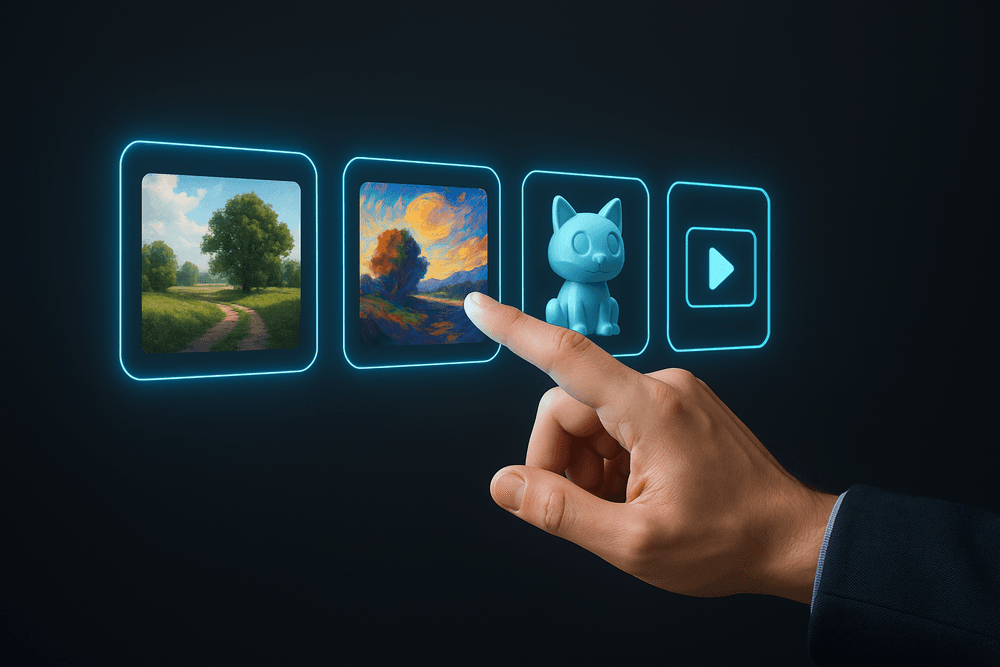
- AI Video Generation: The leap from static images to dynamic video is already happening. Tools are emerging that can create short, high-quality video clips from a single text prompt, poised to revolutionize marketing, filmmaking, and content creation.
- 3D Model Creation: Imagine describing an object and receiving a fully-rendered 3D model, ready for use in games, AR/VR, or product design. This is the next frontier, bridging the gap between 2D concepts and 3D assets.
- Enhanced Realism and Consistency: Future models will offer even greater photorealism and, crucially, the ability to maintain character and style consistency across multiple images—a current challenge that, once solved, will be a game-changer for storytelling.
- Ethical Frameworks and Provenance: As these tools become more powerful, expect a greater focus on digital watermarking and content provenance standards (like C2PA) to help distinguish AI-generated content from reality and ensure responsible use.
The future isn't just about better AI image generation tools; it's about a fundamental change in how we visualize and create. The skills you build today will be the foundation for an exciting and visually rich tomorrow.