
October 28, 2025
An Introduction to AI Lesson Planning
Revolutionize Your Classroom: An Introduction to AI Lesson Planning
Imagine a world where the hours spent on tedious administrative tasks are transformed into minutes, freeing you to focus on what you do best: inspiring students. This isn't a futuristic dream; it's the current reality made possible by AI lesson planning. As educators, we are constantly searching for ways to enhance learning experiences while managing an ever-growing workload. Artificial intelligence has emerged as a powerful ally, poised to fundamentally change how we approach the craft of teaching. This guide is your starting point for understanding and harnessing this incredible technology to create a more dynamic, responsive, and engaging classroom.
What is AI Lesson Planning and Why is it a Game-Changer?
At its core, AI lesson planning involves using specialized artificial intelligence tools to generate, refine, and differentiate educational materials. Think of it as a brilliant, endlessly creative assistant who is an expert on pedagogy and curriculum standards. You provide the initial prompt—a topic, a learning objective, a grade level, and specific student needs—and the AI generates a comprehensive lesson plan, complete with activities, assessment questions, and resource suggestions.
So, why is this a game-changer?
- Personalization at Scale: AI can instantly create multiple versions of a lesson to cater to different learning styles, abilities, and interests, making true differentiation feasible for every single class.
- Unleashed Creativity: It breaks through creative blocks by suggesting innovative project ideas, engaging hooks, and interdisciplinary connections you might not have considered.
- Data-Informed Instruction: Many platforms can analyze student performance data to suggest specific areas for review, helping you tailor future lessons with precision.
Ultimately, AI lesson planning isn't about replacing the art of teaching; it's about augmenting it. It handles the structural heavy lifting, allowing you to infuse the plans with your unique expertise, passion, and understanding of your students.
From Hours to Minutes: The Core Promise of AI in Education
Every teacher knows the feeling of a Sunday evening consumed by lesson planning. The search for quality resources, the meticulous alignment with curriculum standards, and the effort to create engaging activities can easily take hours. The core promise of AI lesson planning is the radical compression of this timeline. What once took an entire evening can now be drafted in the time it takes to drink a cup of coffee.
This incredible efficiency isn't about cutting corners. It's about reallocating your most valuable resource: your time. By automating the initial, often repetitive, stages of planning, you reclaim precious hours. This recovered time can be invested back into the classroom in more impactful ways—providing one-on-one student feedback, collaborating with colleagues, developing new teaching strategies, or simply recharging to bring your best self to school each day. This shift from administrative burden to instructional focus is the most profound benefit of integrating AI into your workflow.
Setting the Stage: What This Guide Will Cover
This introduction is just the beginning. To help you confidently navigate this new educational frontier, this comprehensive guide will walk you through every essential aspect of AI-powered lesson planning. We will move from theory to practical application, equipping you with the knowledge and skills to make this technology work for you.
Throughout the upcoming sections, we will explore:
- Best Practices for Crafting Effective Prompts: Learn how to "talk" to the AI to get precisely the results you need.
- A Deep Dive into Top AI Tools: We’ll review and compare the leading AI lesson planning platforms available to educators today.
- Integrating AI with Your Existing Curriculum: Discover seamless strategies for adapting and enhancing your current lesson plans with AI.
- Ethical Considerations and Future Trends: We’ll discuss responsible AI use in the classroom and look ahead at what’s next in educational technology.
Get ready to transform your planning process and unlock new possibilities for your classroom.
Comparing the Top Tools for AI Lesson Planning in 2024
The digital landscape is brimming with innovative solutions, and the world of ai lesson planning is no exception. With so many platforms emerging, each offering unique features, how do you choose the right one for your classroom? We’ve analyzed the leading contenders to help you find the perfect AI partner. Let's break down three of the most popular tools making waves in 2024.
MagicSchool AI: The All-in-One Assistant
Think of MagicSchool AI as the Swiss Army knife for educators. It's a comprehensive platform designed to assist with nearly every aspect of your workflow, far beyond just initial lesson ideation. With over 60 AI-powered tools, it helps you generate detailed lesson plans, create rubrics, write student feedback, craft assessment questions, and even compose parent emails. Its strength lies in its sheer versatility, acting as a true digital assistant. If you're looking for a single tool to streamline multiple administrative and creative tasks, MagicSchool AI is a powerful contender that centralizes and simplifies your ai lesson planning process from start to finish.
Best for: Educators who want a comprehensive, all-in-one solution to reduce their overall workload.
Curipod: For Interactive and Engaging Presentations
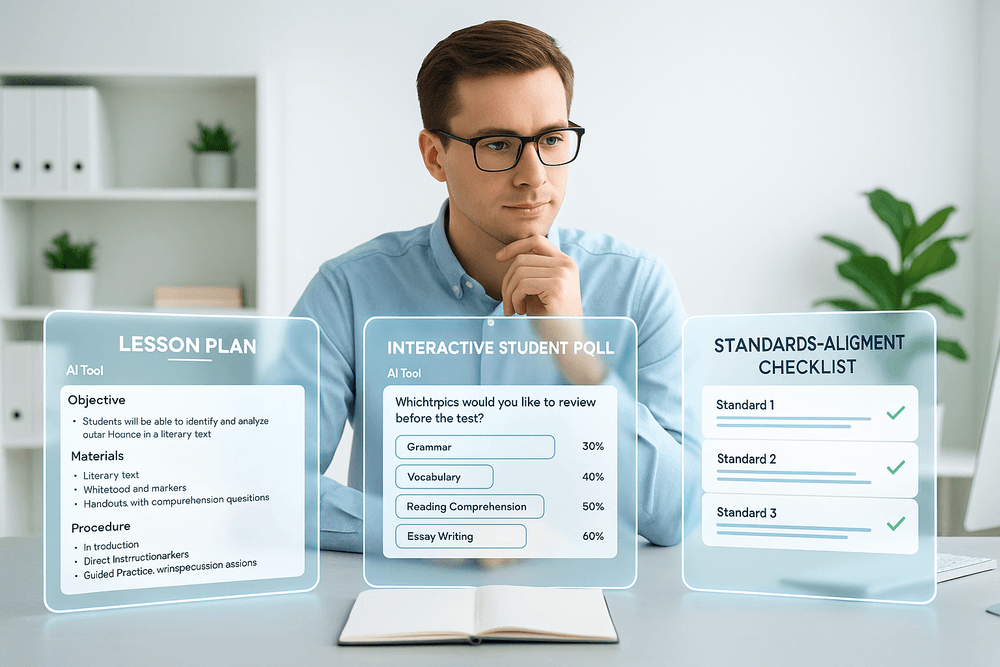
While many tools focus on the backend planning, Curipod shines in creating the final, student-facing product. Its core strength is transforming standard lesson concepts into dynamic, interactive presentations. Using Curipod, you can embed polls, word clouds, open-ended questions, and even AI-generated drawings directly into your slides. This focus on active participation makes it an exceptional tool for boosting student engagement and facilitating formative assessment on the fly. Effective ai lesson planning isn't just about the outline; it's about the delivery, and Curipod ensures your lessons are captivating and memorable.
Best for: Teachers focused on increasing student participation and creating interactive classroom experiences.
Education Copilot: Streamlining Standards-Aligned Content
For educators who live and breathe curriculum standards, Education Copilot is a game-changer. This platform excels at generating content that is precisely aligned with specific educational standards, including Common Core and various state-specific requirements. You can input a standard, and the AI will produce lesson plans, project ideas, and writing prompts that directly address it. This significantly cuts down on the time-consuming process of cross-referencing materials, ensuring your ai lesson planning is both creative and compliant. It’s the ideal tool for guaranteeing curriculum coverage without sacrificing hours of manual work.
Best for: Educators in districts with strict curriculum requirements or those who need to ensure every lesson maps directly to a learning standard.
Criteria for Choosing Your AI Lesson Planning Partner
The "best" tool depends entirely on your unique needs. As you explore, consider these key criteria:
- Functionality and Features: Does the tool specialize in one area (like Curipod's interactivity) or offer a broad suite of features (like MagicSchool)? List your most time-consuming tasks and see which platform addresses them best.
- Ease of Use: A powerful tool is useless if it's too complicated. Look for an intuitive interface. Most platforms offer free trials—use them to see which one feels most natural to you.
- Curriculum Alignment: If standards-alignment is a non-negotiable, prioritize tools like Education Copilot that are built specifically for that purpose.
- Cost and Accessibility: Evaluate the pricing models. Is there a robust free version, or are essential features behind a paywall? Consider your budget for a tool that will truly enhance your efficiency.
Unlocking Efficiency: Core Benefits of AI Lesson Planning
The shift towards AI lesson planning isn't just about adopting new technology; it's about fundamentally transforming the teaching workflow. By automating the most repetitive and time-consuming aspects of preparation, AI empowers educators to focus on what truly matters: connecting with and inspiring students. Let's explore the core benefits that make AI a game-changer in the classroom.
Automate Differentiated Instruction for Every Student
Meeting the diverse needs of every student in a single classroom is one of the greatest challenges in education. Differentiated instruction, while ideal, is incredibly time-intensive to implement manually. This is where AI lesson planning excels. By processing inputs about student reading levels, learning styles, and prior knowledge, AI tools can instantly generate tiered assignments, scaffolded materials, and personalized learning paths.
Imagine creating three different versions of a worksheet for a single history lesson—one with sentence starters for struggling readers, one at grade level, and one with advanced analytical questions for high-achievers—in a matter of seconds. AI makes this level of personalization not just possible but practical, ensuring every learner is appropriately challenged and supported without adding hours to your workload.
Generate Creative and Standards-Aligned Activities Instantly
Staring at a blank document while trying to brainstorm an engaging, standards-aligned activity can be draining. AI acts as an indefatigable creative partner, ready to generate a wealth of ideas on demand. Whether you need a hands-on lab for a science unit, a debate topic for social studies, or a project-based learning module for ELA, AI can provide a structured outline in moments.
Crucially, this creativity is grounded in academic rigor. You can prompt an AI lesson planning tool to align all generated content with specific standards, such as Common Core, NGSS, or state-specific curricula. This ensures that your innovative lessons are also purposeful and compliant, bridging the gap between imaginative teaching and accountability.
Seamlessly Integrate Technology and Pedagogy
Effective technology integration is about more than just using digital tools; it's about using them to enhance learning outcomes based on sound pedagogical principles. AI can serve as an expert consultant in this area. When designing a lesson, it can suggest relevant digital resources, from interactive simulations and educational apps to video content and collaborative online platforms.
Furthermore, AI can help structure your plans around proven frameworks like Universal Design for Learning (UDL) or the SAMR model. It can generate activities with multiple means of representation, engagement, and expression, making your lessons more accessible and effective for all students. This seamless fusion of tech and pedagogy elevates the learning experience.
Reclaim Your Time: The Biggest ROI for Teachers
Perhaps the most immediate and impactful benefit of AI lesson planning is the gift of time. Teachers consistently report spending countless hours outside of contract time on planning and preparation. AI drastically cuts this down, automating the creation of lesson outlines, instructional materials, assessments, and even parent communications.
This reclaimed time is the ultimate return on investment. It translates into more energy for direct student interaction, providing meaningful feedback, collaborating with colleagues, and pursuing professional development. Most importantly, it helps restore work-life balance, reducing the risk of burnout and allowing educators to bring their best, most refreshed selves to the classroom each day.

Mastering the Craft: Best Practices for Effective AI Lesson Planning
Harnessing the power of AI for lesson planning is more than just typing a topic into a chatbot; it's a skill that combines pedagogical expertise with smart technology use. To move from basic generation to truly effective ai lesson planning, educators must adopt a strategic approach. These best practices will help you master the craft, ensuring the final product is not only innovative but also sound, engaging, and perfectly suited for your classroom.
Writing Effective Prompts to Get the Best Results
The quality of an AI-generated lesson plan is directly proportional to the quality of your prompt. Vague requests yield generic results. To get a tailored, high-quality output, think of yourself as a director guiding an actor. Your prompt should be detailed and specific.
- Be Specific with Context: Instead of "Create a lesson on photosynthesis," try: "Act as a 5th-grade science teacher. Create a 45-minute, hands-on lesson plan on photosynthesis for a class of 25 students with diverse learning needs, including two English language learners. The goal is for students to be able to explain the roles of sunlight, water, and carbon dioxide."
- Define the Structure: Clearly state the format you want. Ask for learning objectives, a materials list, a step-by-step procedure (e.g., a 5-minute hook, 20-minute activity, 15-minute discussion, 5-minute exit ticket), and differentiation strategies.
- Request Specific Activities: You can guide the AI to include certain pedagogical approaches. For example, add "Incorporate a think-pair-share activity and a short video clip" to your prompt.
The Human in the Loop: Reviewing and Refining AI-Generated Content
Think of AI as your brilliant but inexperienced teaching assistant. It can generate a solid first draft in seconds, but your professional judgment is essential to elevate it to a masterpiece. Never copy and paste an AI-generated lesson directly into your planbook without a thorough review.
- Fact-Check and Verify: AI models can occasionally "hallucinate" or present outdated information. Always verify key facts, dates, and scientific concepts.
- Inject Your Personality: The AI doesn't know your teaching style or your students' inside jokes. Refine the language, add personal anecdotes, and modify activities to reflect your unique classroom culture. This human touch is what transforms a generic plan into an engaging experience.
- Assess Pedagogical Soundness: Does the lesson flow logically? Is the pacing appropriate? Are the assessments truly measuring the stated objectives? Your expertise as an educator is irreplaceable in making these critical judgments.
Aligning AI Outputs with Your Teaching Philosophy and State Standards
An effective lesson plan must align with your pedagogical beliefs and meet district or state requirements. You can and should build this into your ai lesson planning process.
When prompting, explicitly ask the AI to incorporate specific standards. For example: "Design a project-based learning unit for 8th-grade history that addresses California HSS 8.1.2, focusing on the philosophies of the Enlightenment."
After generation, critically review the output against the standard’s full text. Does the lesson’s rigor match the standard's expectation? Does it cover all necessary components? This verification step ensures your AI-assisted plans are not just creative but also compliant and purposeful.
Avoiding Common Pitfalls of AI Lesson Generation
- Over-Reliance: Avoid the temptation to let AI do all the thinking. Use it as a tool to brainstorm ideas, differentiate tasks, or overcome writer's block, not as a replacement for your professional creativity.
- Ignoring Bias: AI models learn from vast datasets, which can contain inherent biases. Review all generated content for stereotypes or a lack of diverse perspectives, and be prepared to revise it to ensure it's equitable and inclusive.
- Generic Outputs: If your prompts are too simple, your lessons will be bland. Always push the AI for more creative, engaging, and student-centered activities. Personalization is key.
From Theory to Practice: AI Lesson Planning Across Subjects
Understanding the potential of AI is one thing; seeing it in action is another. The true power of ai lesson planning comes alive when you apply it to real-world classroom needs. Whether you're building a month-long unit from scratch or just need a five-minute activity, AI can serve as a versatile and creative partner. Let’s explore how this technology adapts to different subjects, grade levels, and planning complexities.
Case Study: Creating a 5th Grade Science Unit on Ecosystems
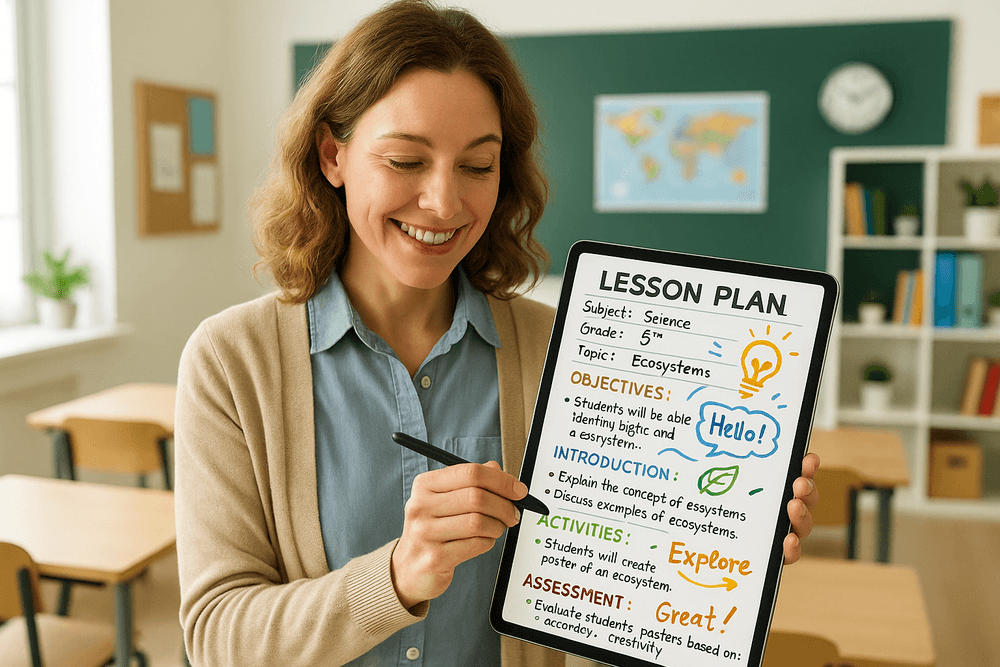
A 5th-grade teacher, Ms. Anya, needs to develop a comprehensive, three-week unit on ecosystems. Her goals are to align with Next Generation Science Standards (NGSS), incorporate hands-on activities, and create varied assessments. This is a significant time investment.
The AI-Powered Approach: Instead of starting with a blank document, Ms. Anya uses an AI tool with a detailed prompt:
"Generate a 3-week unit plan for a 5th-grade science class on ecosystems, aligned with NGSS standard 5-LS2-1. Include weekly learning objectives, a daily topic breakdown, a hands-on 'biome in a bottle' project guide, ideas for differentiated reading assignments, a 10-question formative quiz, and a rubric for a final 'Protect Our Planet' presentation."
Within minutes, the AI delivers a structured framework. It provides a logical sequence of lessons—from defining an ecosystem to exploring food webs and human impact. It drafts quiz questions, outlines project steps, and generates a solid rubric. Ms. Anya’s role shifts from creator to curator. She refines the AI's output, swapping a suggested video for one she prefers, tailoring the reading assignments to her students' levels, and adding her own creative flair to the presentation project. This strategic use of ai lesson planning saved her an entire weekend of work, allowing her to focus on preparing materials and anticipating student questions.
Example: Designing an Interactive High School History Debate
Mr. Chen wants to liven up his high school history unit on the American Revolution. He decides a class debate is more engaging than a lecture but dreads the time it will take to structure it, research roles, and create supporting materials.
The AI-Powered Approach: He prompts his AI assistant:
"Design a high school history debate on the topic 'Was the American Revolution Justified?' Create five distinct roles: a Boston merchant loyal to the Crown, a Virginia farmer and minuteman, a British Parliament member, a female poet from Philadelphia advocating for independence, and an enslaved person seeking freedom. For each role, provide three key talking points, a suggested primary source, and a critical question to ask another role."
The AI generates detailed role cards that bring the historical context to life. It suggests specific letters, pamphlets, and speeches for students to analyze, providing a rich, evidence-based foundation for their arguments. This sophisticated use of ai lesson planning elevates the activity from a simple opinion exchange to a nuanced exploration of historical perspectives, all while saving Mr. Chen hours of prep time.
Quick Wins: Generating Bell Ringers and Exit Tickets with AI
Not every planning task is a major project. The daily need for engaging bell ringers and effective exit tickets is where AI can become an indispensable daily assistant.
- Bell Ringers: Instead of recycling old questions, a teacher can generate fresh prompts in seconds. For example: "Give me five thought-provoking bell ringers for an 8th-grade civics class about the First Amendment."
- Exit Tickets: To quickly gauge understanding, a prompt like, "Create three exit ticket questions for a 6th-grade math lesson on calculating the volume of a rectangular prism," can provide instant, targeted checks for understanding.
These small but consistent uses of AI streamline daily routines, reduce repetitive work, and provide a low-stakes entry point for educators new to the world of ai lesson planning.
The Future is Now: Getting Started with AI Lesson Planning
The leap into AI-powered education isn’t a distant dream; it’s a practical step you can take today to reclaim your time and enrich your teaching. Transitioning to AI lesson planning is about augmenting your professional expertise, not replacing it. It’s about handing off the tedious drafting and brainstorming so you can focus on what truly matters: connecting with and inspiring your students. Let's break down how you can get started right now.
Recap: Choosing the Right Tool for Your Classroom Needs
As we've explored, the market is filled with incredible AI tools, but the best one is the one that fits seamlessly into your unique teaching context. Before you jump in, take a moment to reflect on your core requirements. Remember to consider:
- Curriculum & Standards Alignment: Does the tool allow you to specify your local, state, or national standards (e.g., Common Core, NGSS)? The more specific, the better.
- Subject & Grade Level Focus: While some tools are generalists, others are fine-tuned for specific subjects like high school physics or early elementary literacy. Find your niche.
- Ease of Use & Customization: The ideal platform has a minimal learning curve but offers deep customization. You want an AI partner that generates a solid first draft you can easily tweak, not a rigid template you have to fight against.
- Integration: How well does it fit with your existing digital ecosystem, like Google Classroom or your school's LMS?
Choosing thoughtfully upfront will make your first foray into AI lesson planning a success story rather than a frustrating experiment.
A Simple Workflow to Integrate AI Into Your Planning Today
Ready to build your first AI-assisted lesson? Follow this simple, four-step workflow to transform your process.
- Define Your Destination (The Prompt): The quality of your AI-generated lesson plan depends entirely on the quality of your prompt. Be specific. Instead of asking for a "lesson on fractions," try a detailed prompt like: "Generate a 45-minute lesson plan for a 4th-grade math class on adding fractions with unlike denominators. Include a 5-minute engaging hook, a 10-minute direct instruction component, a 20-minute collaborative hands-on activity using manipulatives, and a 5-minute exit ticket to assess understanding."
- Generate the First Draft (The AI's Turn): Paste your detailed prompt into your chosen tool. In seconds, you’ll have a structured, comprehensive outline. This is the heavy lifting you used to do from scratch. View this as your creative starting block.
- Infuse Your Expertise (The Teacher's Touch): This is the most crucial step. Read through the AI-generated plan with your professional lens. Is the content accurate? Is the pacing realistic for your students? Where can you add a personal story, a relevant real-world example, or a specific classroom management strategy? Edit, delete, and add to make the lesson plan truly yours.
- Differentiate and Iterate (The AI's Superpower): Now, leverage AI for its greatest strength: differentiation. Ask the AI to modify the plan with follow-up prompts like: "Create three leveled versions of the exit ticket," or "Suggest a scaffolded version of the hands-on activity for English Language Learners," or "Propose an extension project for advanced learners."
Join the Community: Where to Find More Resources and Support
You are not on this journey alone. An entire global community of innovative educators is exploring AI lesson planning right alongside you. Tapping into their collective wisdom is the best way to discover new tools, troubleshoot challenges, and share successes.
- Social Media Hubs: Search for hashtags like #AIinEducation, #EdTech, and #TeacherAI on X (formerly Twitter) and Threads to find vibrant, real-time conversations.
- Educator Groups: Join dedicated Facebook Groups or Reddit communities like r/Teachers, where educators are actively discussing which AI tools work best and sharing their AI-generated resources.
- Platform-Specific Communities: Many top AI tools, such as MagicSchool.ai and Curipod, have their own user communities, forums, or Discord channels where you can get direct support and swap ideas with other power users.
By connecting with these communities, you move from simply using a tool to being part of a movement that is shaping the future of education.