
January 9, 2026
From Blurry to Brilliant
The Revolution of AI Image Upscaling: From Blurry to Brilliant
In the modern digital economy, visual fidelity is not just an aesthetic choice; it is a currency of trust. We live in an era of 4K monitors and Retina displays, where the human eye has been trained to equate high resolution with high quality. When a potential customer lands on your website or views your social media ad, a low-resolution, pixelated image acts as an immediate subconscious red flag. It suggests negligence, lack of professionalism, or outdated operations.
Using low-quality visual assets can actively damage brand perception. A blurry product photo can decrease conversion rates because it obscures details necessary for a purchase decision. Similarly, grainy marketing materials can dilute the impact of an otherwise compelling campaign. To maintain authority and capture attention, clarity is non-negotiable. This is where the technological leap of ai image upscaling transforms the landscape, turning unusable assets into professional-grade visuals.
Beyond Stretching: How AI Differs from Traditional Resizing
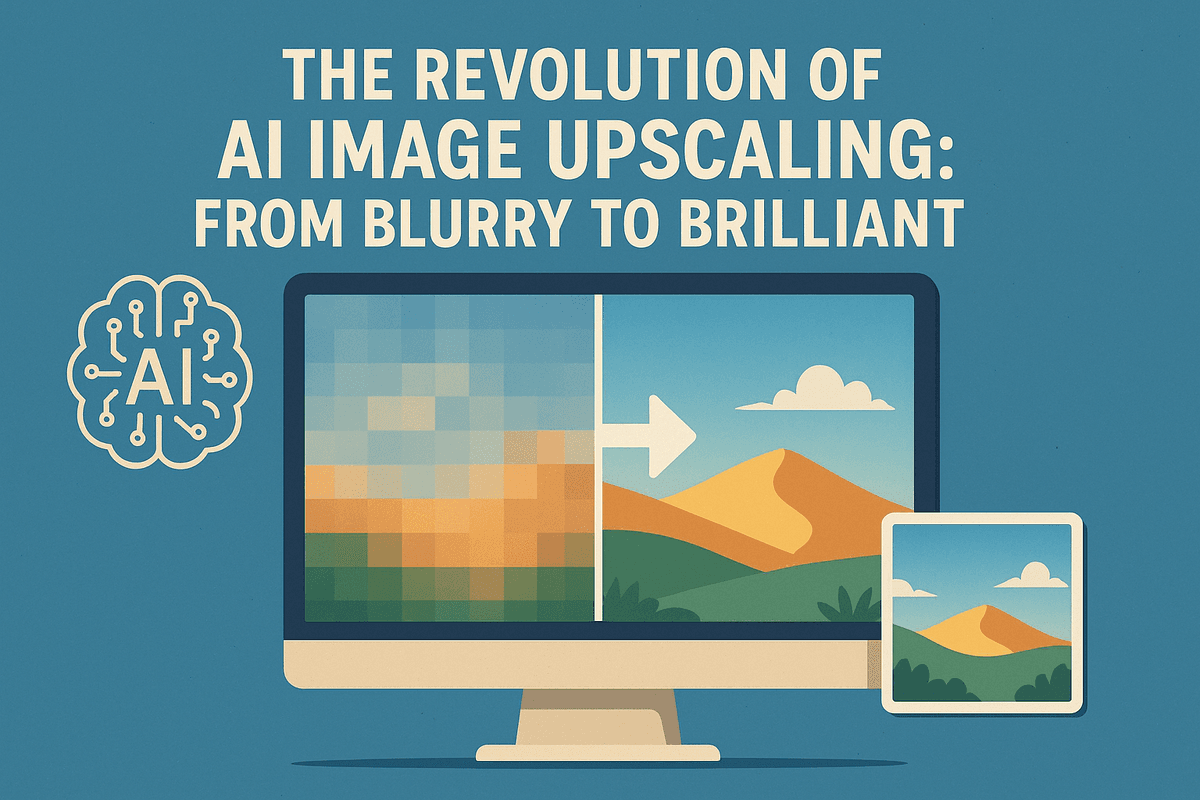
To appreciate the power of modern tools, it is essential to understand how they differ from the methods designers have used for decades. Traditional resizing, often known as interpolation (such as bicubic or bilinear resampling), works by taking existing pixels and stretching them to fill a larger space. It mathematically guesses the color of the new pixels based on their neighbors. While this increases the size of the image, it rarely increases the quality. The result is often a "soft," blurry, or blocky image that lacks definition.
AI image upscaling operates on an entirely different principle. Instead of simply stretching the image, it reconstructs it. Powered by deep learning and Generative Adversarial Networks (GANs), these AI models have been trained on millions of pairs of low-resolution and high-resolution images.
When you feed a low-quality photo into an AI upscaler, the system recognizes textures, edges, and patterns—such as the weave of a fabric, strands of hair, or the leaves on a tree. It then predicts and generates new pixels to fill in the missing details with remarkable accuracy. It doesn't just make the image bigger; it hallucinates the missing data based on its training, effectively increasing the resolution while sharpening the subject.
The Immediate Impact on Creative Workflows
Integrating an AI photo enhancer into your daily workflow offers immediate, tangible benefits that go beyond simple aesthetics. It serves as a bridge between limited resources and high-end output.
- Revitalizing Legacy Assets: Brands often have archives of older photos that were shot on lower-resolution cameras or saved strictly for web use. AI upscaling allows you to repurpose this "dead" content for modern high-definition platforms or even large-format print materials without scheduling expensive reshoots.
- E-Commerce Optimization: Online stores require zoom functionality on product images. AI tools can take a standard shot and upscale it by 200% or 400%, allowing customers to inspect fine details without the image breaking apart, directly influencing buyer confidence.
- Cross-Platform Versatility: A social media manager might receive a small image file via a messaging app that needs to be used for a website hero banner. Instead of rejecting the asset, an AI upscaler can enhance the density and clarity of the image in seconds, ensuring consistency across all channels.
By automating the restoration of image quality, ai image upscaling frees creatives to focus on design and strategy rather than struggling with technical limitations.
How AI Image Upscaling Technology Actually Works
For decades, the concept of "enhancing" a blurry, low-resolution photograph was largely a Hollywood trope—a magic button pressed by detectives to reveal a license plate from a pixelated mess. Today, ai image upscaling has turned that fiction into reality. But how does software turn a blocky thumbnail into a crisp, high-definition poster? The secret lies in moving away from simple mathematics and embracing intelligent reconstruction.
Deep Learning vs. Bicubic Interpolation
To appreciate the power of modern upscalers, it helps to understand what came before them. Traditional upscaling relies on a method known as bicubic interpolation.
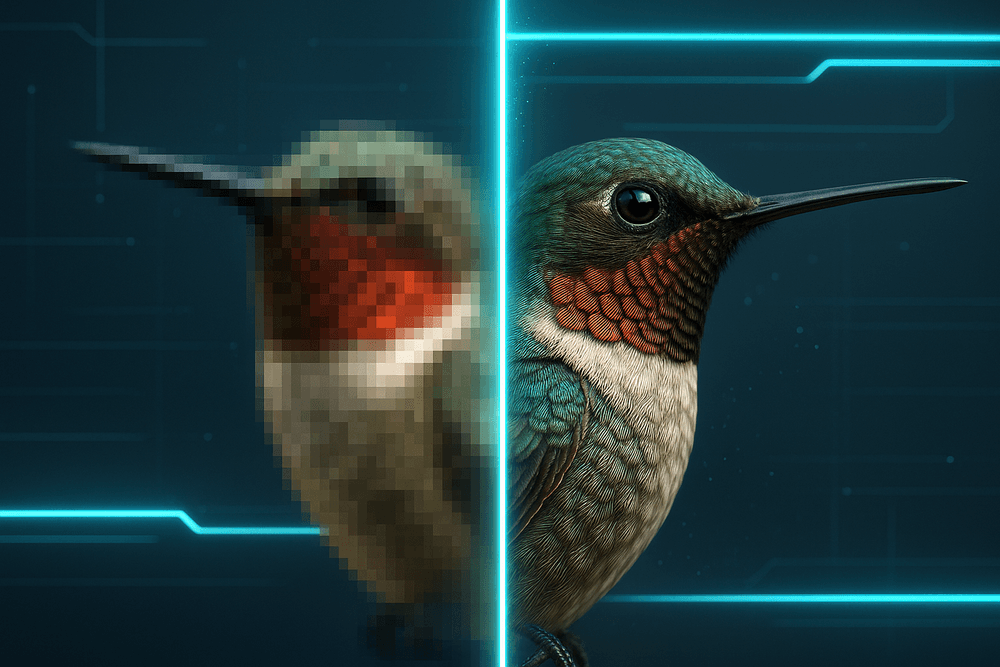
When standard software enlarges an image, it pulls the pixels apart, creating gaps. Bicubic interpolation fills these gaps by analyzing the colors of neighboring pixels and calculating an average value to insert between them. While this method is fast, it is mathematically rigid. It simply stretches the existing data, resulting in a larger image that looks blurry, soft, and lacks definition.
AI image upscaling works differently. Instead of guessing based on averages, it uses Deep Learning models, specifically Convolutional Neural Networks (CNNs). These models have been trained on millions of "before and after" image pairs (low-resolution vs. high-resolution). Through this training, the AI learns what high-quality textures looks like—from the weave of a fabric to the pores on human skin—allowing it to predict how the low-res image should look when enlarged.
Generative AI and "Hallucinating" Details
The core differentiator of AI upscaling is its ability to create new data where none existed before. This process is often described as the AI "hallucinating" details, but in a highly controlled and accurate way.
When the software encounters a blurry patch of green pixels, it doesn't just smooth them out. It analyzes the context of the image. If the AI identifies that blurry patch as "grass" or "leaves" based on its training data, it effectively draws new, high-resolution leaf textures into those pixels.
This is fundamentally generative. The AI is not just exposing hidden details; it is using its vast knowledge base to reconstruct missing pixels that are statistically likely to be there. This allows ai image upscaling tools to restore sharp edges to typography and realistic texture to hair, effectively bridging the gap between low-fidelity inputs and high-fidelity outputs.
Noise Reduction and Artifact Removal
Increasing resolution is only half the battle. Low-resolution images are often plagued by two distinct problems: digital noise (grain) and compression artifacts (blocky distortions common in JPEGs). If you use traditional methods to enlarge these images, you simply enlarge the ugly defects along with the subject.
Advanced AI upscalers perform a dual function. While they generate new pixels for sharpness, they simultaneously identify and eliminate visual errors:
- Denoising: The AI distinguishes between important detail and random sensor noise, smoothing out the grain without scrubbing away the texture of the subject.
- De-blocking: The models recognize the square, blocky patterns caused by heavy file compression and smooth them out to create seamless transitions.
By combining generative reconstruction with intelligent cleanup, ai image upscaling transforms the structural integrity of the photo, delivering a result that looks like it was originally shot at a much higher resolution.
Top AI Image Upscaling Tools to Automate Your Workflow
Selecting the right software is just as critical as understanding the underlying technology. With the market flooded with various enhancement solutions, finding a tool that balances speed, cost, and fidelity can be a challenge. Whether you are a professional photographer needing print-quality assets or a developer integrating an API, there is an AI image upscaling solution tailored to your specific workflow.
Desktop Powerhouses: Maximum Control and Quality
For professionals who demand the highest possible fidelity and often work with heavy batch processing, desktop applications remain the gold standard. These tools utilize your local GPU power to render images without relying on internet speeds or cloud compression.
Topaz Gigapixel AI is widely regarded as the industry leader in this space. Unlike basic interpolation tools, Gigapixel uses neural networks trained on millions of images to understand photorealism. It excels at:
- Deep Learning Reconstruction: It hallucinates missing details like skin texture or brickwork that didn't exist in the source file.
- Face Recovery: A specific model designed to rescue low-resolution portraits, ensuring eyes and facial features remain natural rather than robotic.
- Batch Processing: Users can upscale hundreds of images simultaneously, a vital feature for archivists and commercial photographers.
Adobe Super Resolution, integrated directly into Photoshop (via Camera Raw) and Lightroom, offers a seamless alternative for Creative Cloud subscribers. While it may offer fewer manual controls than Topaz, its strength lies in workflow integration. You can double the resolution of a RAW file instantly without leaving your editing environment, making it the most efficient path for photographers already embedded in the Adobe ecosystem.
Best Browser-Based Upscalers for Quick Enhancements
Not every project requires a heavy desktop installation. For social media managers, e-commerce site owners, and marketers needing quick turnarounds, browser-based AI image upscaling tools offer agility and accessibility.
Let’s Enhance and Icons8 Smart Upscaler are standout performers in the cloud-based arena. These platforms allow users to simply drag and drop files for immediate processing. Key benefits include:
- Accessibility: Upscale images from any device, including tablets and smartphones, as long as you have an internet connection.
- Preset Configurations: Many online tools offer "Smart Enhance" features that automatically detect whether an image is a portrait, landscape, or digital illustration, applying the correct algorithm without manual tweaking.
- Cloud Processing: Since the heavy lifting happens on remote servers, users with older computers can still achieve high-end results.
Open-Source Options for Developers and Tech-Savvy Users
For those who prioritize data privacy, cost-effectiveness, or integration flexibility, the open-source community offers powerful alternatives. These tools are often free and allow for local hosting, which is essential for developers building their own applications.
Upscayl has gained significant traction as a user-friendly, cross-platform tool. It provides a sleek graphical interface (GUI) for powerful algorithms like Real-ESRGAN, allowing users to upscale images locally on Linux, macOS, and Windows without command-line knowledge.
Waifu2x remains a favorite specifically for digital art and anime. While originally designed to reduce noise and upscale illustrations, its algorithms have been forked and refined by developers worldwide. These open-source projects grant you full control over the upscaling models, enabling tech-savvy users to fine-tune the software to their specific hardware capabilities.
Strategic Use Cases for AI Image Upscaling
While understanding the underlying technology is important, the true value of super-resolution algorithms lies in their application. AI image upscaling has graduated from a novelty feature to a critical component of professional visual workflows. By intelligently predicting and inserting new pixels based on deep learning models, this technology solves resolution constraints that previously required expensive reshoots or manual digital painting.
Here are the three most impactful strategic applications where AI upscaling is currently redefining industry standards.
Revitalizing Vintage Photos and Historical Archives
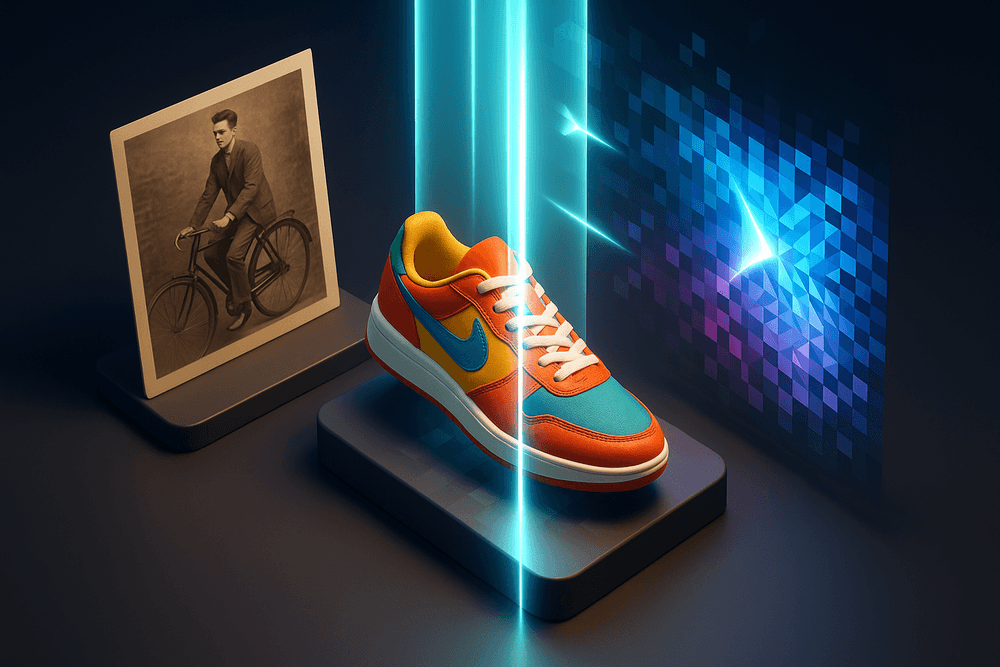
One of the most emotionally resonant applications of AI image upscaling is the restoration of vintage photography. Historical archives and family albums often suffer from physical degradation, film grain, and the limitations of early camera technology. Traditional scanning can digitize these images, but it cannot invent detail that wasn't captured on the original film.
AI models trained on vast datasets of textures and faces change this dynamic. When applied to vintage photos, these tools do more than sharpen edges; they hallucinate context-aware details to repair scratches, reduce noise, and clarify blurred facial features. This allows archivists and families to enlarge wallet-sized sepia prints into frameable, high-definition portraits without introducing the jagged artifacts common in standard digital zooming. This capability is particularly vital for documentary filmmakers and museums looking to present historical assets in 4K resolution.
Preparing Low-Res E-Commerce Assets for High-DPI Print
In the world of retail and e-commerce, image quality directly correlates with conversion rates. A common logistical nightmare for designers involves receiving product source images from suppliers that are optimized for web viewing (usually 72 DPI) but are required for physical marketing materials like catalogs, packaging, or large banners (requiring 300 DPI or higher).
Using AI image upscaling bridges this gap effectively. Instead of rejecting low-resolution assets or scheduling a costly new product photoshoot, designers can run the web-quality JPEGs through an AI upscaler. The software intelligently reconstructs the texture of fabrics, metals, and packaging text, producing a print-ready asset that remains crisp even when stretched to large formats. This not only saves budget but drastically reduces the time-to-market for print campaigns.
Enhancing Midjourney and DALL-E Generations
The explosion of generative AI has democratized art creation, but tools like Midjourney, DALL-E 3, and Stable Diffusion often have a hard ceiling regarding output resolution. A standard generation usually tops out around 1024x1024 pixels—perfect for an Instagram post, but insufficient for a desktop wallpaper, a poster, or a billboard.
To integrate AI-generated art into a professional design pipeline, upscaling is mandatory. However, generative art presents unique challenges; "hallucinating" too much detail can alter the artistic style (e.g., turning a watercolor effect into a photorealistic texture). Specialized AI image upscaling workflows are now designed to respect the artistic integrity of the prompt. They boost the resolution to 4K or 8K while maintaining the specific brushstrokes or stylized aesthetics of the original generation, effectively turning a concept sketch into a finalized, large-format masterpiece ready for commercial display.
Best Practices for Achieving Natural AI Image Upscaling Results
While modern algorithms are increasingly sophisticated, blindly feeding files into an engine often leads to mixed results. To truly leverage ai image upscaling, you need to treat the software less like a magic wand and more like a precision instrument. The difference between a professional-grade enhancement and a distorted, artifact-heavy mess usually comes down to three factors: the quality of your source material, the subtlety of your settings, and your workflow efficiency.
Optimizing Input Files: Why PNG Beats JPG
The golden rule of digital imaging applies doubly to upscaling: Garbage in, garbage out. The most common mistake users make is attempting to upscale highly compressed JPEG files without preprocessing.
JPEGs utilize lossy compression, which creates "artifacts"—faint blockiness or color fringing that the human eye might ignore at native resolution. However, ai image upscaling models are trained to detect and enhance details. Unfortunately, they often mistake JPEG artifacts for actual image features. As the AI increases the resolution, it amplifies these imperfections, resulting in a noisy, distorted final image.
For the best results, always prioritize PNG or TIFF formats for your input files. These lossless formats preserve the integrity of the pixel data. If you are generating AI art or scanning physical photos, save your raw output as PNG immediately. If you are forced to work with a low-quality JPEG, consider running a "denoise" or "artifact removal" pass before attempting to upscale the resolution. This gives the upscaler a clean canvas to work with, ensuring it enhances the subject rather than the compression errors.
Balancing Face Recovery to Avoid the "Plastic" Look
One of the most distinct giveaways of AI processing is the "waxy" or "plastic" appearance of human skin. Many upscaling tools include a "Face Recovery" or "Face Refinement" feature designed to reconstruct facial features in low-resolution images. While impressive, these features can be aggressive.
When the recovery strength is set too high, the AI obliterates natural skin texture, pores, and subtle lighting variations, replacing them with a smooth, synthetic mask. To achieve a natural look:
- Dial back the strength: Start with Face Recovery at 0% and incrementally increase it (usually between 20-40% is the sweet spot).
- Prioritize fidelity: Look for settings labeled "fidelity" or "identity preservation." These ensure the AI adheres strictly to the original facial structure rather than Hallucinating a generic "perfect" face.
- Add grain: Once the image is upscaled, adding a slight layer of film grain can reintroduce texture that bridges the gap between the hyper-smooth AI pixels and a natural photograph.
Batch Processing for Large Libraries
Upscaling a single photo is simple, but enhancing an entire archive of family photos or a website's asset library requires a strategic workflow. Most premium ai image upscaling tools offer batch processing, but efficiency requires organization.
Do not batch process a mix of landscapes, portraits, and digital art simultaneously. Different images require different AI models (e.g., a model optimized for "Standard" photography vs. one for "CG/Art"). Group your images by category first. Apply a general enhancement model to your landscape folder, then switch to a portrait-specific model with mild face recovery for your people folder.
Finally, ensure your output settings include distinct naming conventions (e.g., adding _4x_Upscale to the filename). This prevents you from overwriting your originals and allows you to quickly compare the upscaled version against the source to verify quality control.
Conclusion: Future-Proofing Your Visuals with AI Upscaling
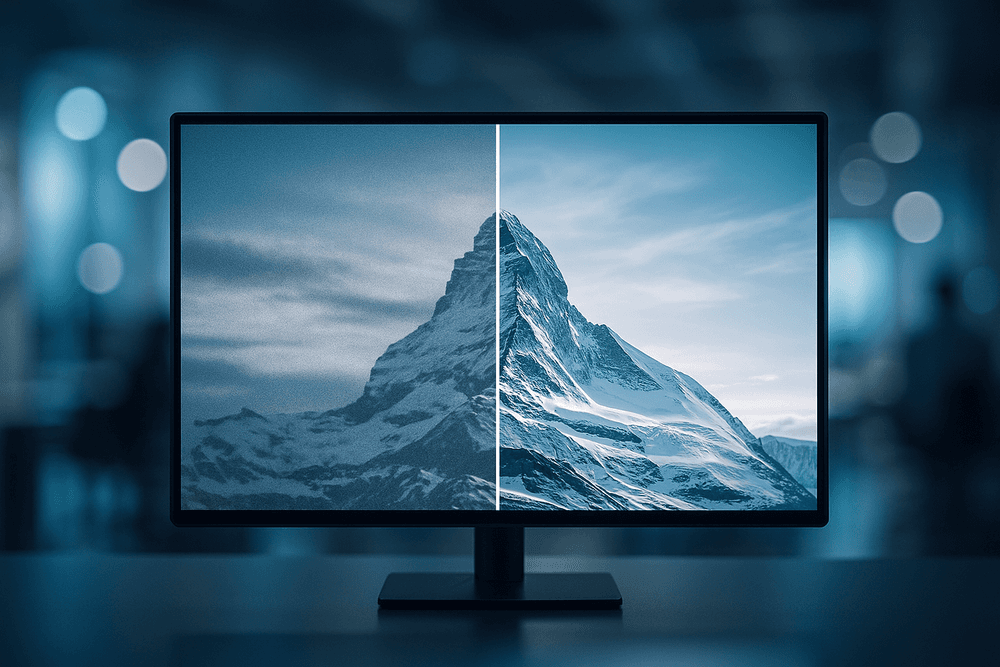
As we navigate an increasingly visual digital landscape, the clarity and quality of your imagery are no longer just aesthetic choices—they are business requirements. From e-commerce product shots to archival restoration, ai image upscaling has transitioned from a novelty to a fundamental component of modern creative workflows. By bridging the gap between low-resolution sources and high-definition displays, this technology ensures that your visual assets remain sharp, professional, and competitive.
Choosing the Right Upscaler for Your Workflow
Now that you understand the mechanics and have reviewed the top tools, the final step is selection. Not every tool fits every user, and choosing the right software depends heavily on two distinct factors: budget and volume.
For freelancers, hobbyists, or occasional users, browser-based solutions often provide the best balance. If you only need to enhance a handful of images a month, look for tools that offer a "pay-per-image" credit system or a generous free tier. These platforms usually handle the heavy processing in the cloud, saving you from needing expensive hardware.
Conversely, agencies, e-commerce platforms, and enterprise teams dealing with thousands of assets should prioritize automation over per-unit cost. In these high-volume scenarios, a standalone desktop application with batch-processing capabilities or an API-integrated solution is essential. While the upfront cost or monthly subscription is higher, the ROI is realized through time saved. Manually editing noise and blur out of five hundred product photos is impossible; an ai image upscaling API can do it overnight.
The Future of Super-Resolution Technology
We are only scratching the surface of what super-resolution can achieve. The technology is rapidly evolving from simple pixel multiplication to complex "hallucination" of missing details based on contextual understanding.
Future iterations of Generative Adversarial Networks (GANs) will likely focus on:
- Context-Aware Reconstruction: AI will become better at distinguishing between textures—understanding that skin requires a different upscaling approach than concrete or fabric.
- Video Upscaling: While currently resource-intensive, real-time video upscaling is on the horizon, promising to revitalize vintage film and low-res footage into 4K or 8K experiences instantaneously.
- Text Recovery: One of the hardest challenges for current AI is legibility. Future algorithms will excel at reconstructing blurred text within images, a game-changer for digital archiving and forensic analysis.
Start Transforming Your Low-Quality Images Today
Waiting for "perfect" technology is a strategy for stagnation. The tools available today are already capable of producing print-ready results from web-sized JPEGs. Whether you are looking to rescue a grainy photograph from the past or ensure your website loads crisp visuals on Retina displays, the solution is readily available.
Don’t let pixelation compromise your brand’s credibility. Evaluate your current asset library, identify the images that are holding you back, and apply the power of ai image upscaling. By integrating these tools into your pipeline now, you aren't just fixing old photos; you are future-proofing your visual identity for the high-definition standards of tomorrow.