
June 4, 2025
Beyond Basic Filters
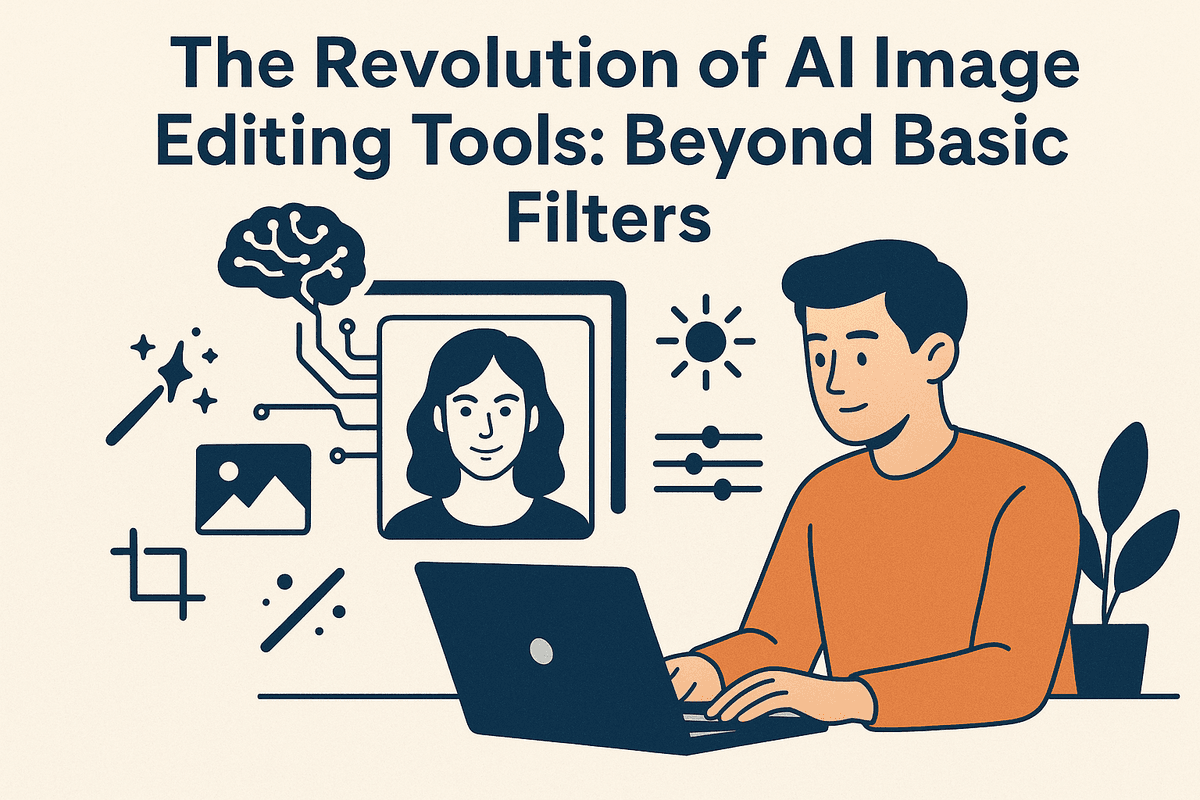
The Revolution of AI Image Editing Tools: Beyond Basic Filters
Remember when "editing" a photo meant slapping on a pre-set filter or struggling with complex sliders? Those days are fading fast. We're now in the era of AI image editing tools, a groundbreaking shift that's redefining what’s possible with digital images. These aren't just your standard photo enhancers; they are sophisticated platforms powered by artificial intelligence, moving far beyond basic adjustments to offer truly transformative capabilities.
What Sets AI Image Editing Tools Apart?
Traditional image editing software, like early Photoshop versions, has long been the professional's workhorse. However, these tools demand significant technical skill, a deep understanding of layers and masks, and considerable time for intricate edits. Mastering them can take years.
Enter AI image editing tools. The fundamental difference lies in their intelligence and automation. Instead of relying solely on explicit user commands for every detail, these tools leverage machine learning (ML) and deep learning. Trained on vast image datasets, they understand context, recognize objects, and interpret aesthetics. This allows AI image editing tools to automate complex tasks like one-click background removal or intelligent object selection, offer intuitive interfaces for powerful editing, and even understand semantic requests like "make the sky more dramatic." This shift means less time on tedious labor and more on creative exploration.
The AI "Magic" Unveiled: Transforming Pixels into Possibilities
How do AI image editing tools perform this "magic"? It's sophisticated AI at work. Key techniques include:
- Computer Vision: Enabling software to "see" and interpret image content—objects, faces, scenes.
- Machine Learning Models: Algorithms learn from data to perform tasks like noise reduction or image upscaling with accuracy.
- Generative AI (GANs, Diffusion Models): These power features like generating new image content, realistically filling missing parts (inpainting), or expanding images (outpainting).
This tech translates into transformative capabilities. AI image editing tools can seamlessly remove objects, intelligently enhance lighting and color, sharpen details, and creatively alter elements in ways previously unimaginable or incredibly time-consuming, making powerful image manipulation more intuitive.
The Indispensable Toolkit: Why Creators and Businesses Need AI Image Editing Tools
The evolution of AI image editing tools makes them essential.
For individual creators—photographers, designers, influencers—these tools are a game-changer, offering:
- Unprecedented Speed: Slashing editing time, boosting output and creative focus.
- Enhanced Creativity: Simplifying complex manipulations and sparking novel visual ideas.
- Professional Results, Democratized: High-quality images without years of training.
For businesses, particularly in marketing and e-commerce, AI image editing tools mean:
- Cost Efficiency: Reducing reliance on manual retouching or large editing teams.
- Scalability: Effortlessly processing image volumes (product shots, campaign visuals) with consistency.
- Improved Engagement: Creating compelling visuals faster for better customer connection.
- Streamlined Workflows: Optimizing the content creation pipeline.
AI image editing tools are now a fundamental part of the modern digital toolkit, empowering users to achieve more with their images, faster and smarter than ever before.
Comparing the Landscape: Which AI Image Editing Tools Reign Supreme?
The world of AI image editing tools is bustling and diverse, offering a solution for nearly every creative need and skill level. But with so many options, how do you determine which ones truly stand out and, more importantly, which is right for you? Let's dive into the landscape, comparing flagship offerings, contrasting niche versus all-in-one solutions, and outlining how to evaluate these tools for your specific projects.
Exploring Flagship AI Image Editing Tools: Features, Pros, and Cons
Many users will first encounter powerful, well-known AI image editing tools. These are often comprehensive software suites from established companies or innovative AI-focused developers, designed to be robust platforms for a wide range of image manipulation tasks.
Common Features Often Found:
- AI-Powered Selection & Masking: Intelligently identifies and isolates subjects or elements within an image.
- Generative AI Capabilities: Tools like generative fill can realistically add, remove, or expand content based on textual prompts or surrounding pixels.
- Smart Enhancement: Automated adjustments for exposure, color, sharpness, and noise reduction tailored to the image content.
- Object Removal & Retouching: Seamlessly erase unwanted objects or blemishes with AI assistance.
- Background Manipulation: Sophisticated background removal, replacement, or blurring.
- Style Transfer & Artistic Effects: Applying creative styles or transforming photos into different artistic mediums.
Pros:
- Comprehensive Power: Tackle diverse editing needs within a single, integrated platform.
- Cutting-Edge Results: Often leverage the most advanced algorithms for professional-grade output.
- Ongoing Innovation: Typically benefit from regular updates and the integration of new AI features.
Cons:
- Learning Investment: The breadth of features can mean a steeper learning curve for new users.
- Cost Factor: Flagship tools often come with subscription fees or higher one-time purchase prices.
- System Demands: May require more powerful computer hardware for smooth operation, especially with complex AI processes.
Niche vs. All-in-One AI Image Editing Tools: Finding Your Perfect Match
Beyond the big names, the market for AI image editing tools bifurcates into specialized niche applications and versatile all-in-one solutions. Understanding this distinction is crucial for finding the most efficient and cost-effective tool for your workflow.
Niche AI Image Editing Tools: These tools are laser-focused on performing one or a few specific tasks exceptionally well. Examples include dedicated AI background removers, AI portrait enhancers that specialize in skin smoothing and facial feature adjustments, or AI upscalers designed solely for increasing image resolution.
- Pros: Often simpler and more intuitive to use, can be faster for their designated task, potentially more affordable or even offer free tiers for basic use, highly optimized algorithms for their specific function.
- Cons: Limited overall functionality; you might need to string together multiple niche tools to accomplish a complex editing project.
All-in-One AI Image Editing Tools: These are the more comprehensive suites mentioned earlier, aiming to provide a complete spectrum of editing capabilities, with AI integrated across numerous features. They strive to be the single software solution for all your image manipulation needs.
- Pros: Unmatched versatility to handle a wide array of editing challenges, often better integration between different AI-driven features within the same ecosystem.
- Cons: Can be more expensive, might include many features you never use (making them feel like overkill), and generally have a steeper learning curve due to their complexity.
Your choice here hinges on your primary needs. If your work predominantly involves a single, repetitive AI task (like removing backgrounds for product photos), a niche tool offers efficiency. However, if your projects are varied and demand a broad range of AI interventions, an all-in-one solution may prove more practical and valuable in the long run.
How to Evaluate AI Image Editing Tools for Your Specific Needs
The "best" AI image editing tools are subjective and depend entirely on your specific use case. Here’s a breakdown of how to evaluate them based on common applications:
For Professional Photography
Professionals demand precision, uncompromising quality, and granular control.
- Key Considerations: Support for RAW files, non-destructive editing workflows, color accuracy and management, fine-grained control over AI adjustments (intensity, area of effect), and seamless integration with existing professional software (e.g., as plugins for Adobe Lightroom or Photoshop).
- Look for AI features like: Advanced AI masking for intricate selections (hair, complex edges), intelligent noise reduction that preserves critical detail, detail enhancement without artificial-looking artifacts, realistic portrait retouching (avoiding overly smooth or "plastic" skin), and sophisticated content-aware fill for complex object removal or image reconstruction. The underlying quality and subtlety of the AI algorithms are paramount.
For Social Media Content Creation
Here, speed, ease of use, and creating visually engaging content quickly are the top priorities.
- Key Considerations: An intuitive user interface, rapid processing times, a library of pre-set templates or trendy styles, batch processing capabilities for creating multiple assets efficiently, and robust mobile app availability or a well-designed mobile web experience.
- Look for AI features like: One-click auto-enhancements for instant improvements, effortless background removal or replacement, captivating artistic style transfers, AI-powered filters, intelligent cropping and resizing for various social media platform dimensions, and perhaps even text-to-image features for generating unique graphical elements or custom stickers.
For E-commerce Product Images
Consistency, clarity, professional presentation, and adherence to online marketplace guidelines are absolutely crucial.
- Key Considerations: Reliable batch processing for large product catalogs, highly accurate background removal (often requiring perfectly white or transparent backgrounds), consistent color correction across multiple images, and the ability to create or add realistic shadows for product depth.
- Look for AI features like: Automated background removal and replacement tools optimized for product shapes, precise object isolation, AI shadow generation or enhancement, automated product photo cleanup (removing minor dust, scratches, or imperfections), color matching tools to ensure product color accuracy, and AI upscaling to guarantee product details are sharp and clear on zoom.
Unveiling the Power: Essential Features of Top-Tier AI Image Editing Tools
The magic behind modern image manipulation lies significantly in the advanced capabilities of ai image editing tools. These platforms are no longer just about simple filters; they harness sophisticated algorithms to perform complex tasks with astounding ease and precision. Let's delve into the essential features that define top-tier ai image editing tools and revolutionize how we interact with our visuals.
Effortless Edits: AI-Powered Background Removal and Object Manipulation
One of the most time-consuming tasks in traditional editing is isolating subjects from their backgrounds or removing unwanted elements. AI image editing tools have transformed this, offering near-instantaneous results.
Precision Background Removal
Forget meticulous manual selections with lasso or pen tools. Advanced ai image editing tools utilize sophisticated image segmentation algorithms. These AI models are trained on vast datasets, enabling them to accurately identify and distinguish foreground subjects (people, products, animals) from complex backgrounds. With a single click, you can achieve clean cutouts, perfect for e-commerce product listings, professional headshots, or creative composites. The precision offered by AI significantly reduces editing time and makes professional-looking results accessible to everyone.
Seamless Object Replacement & Removal
Beyond just removing backgrounds, leading ai image editing tools excel at intelligent object removal and replacement. The AI doesn't just delete pixels; it analyzes the surrounding area and intelligently fills in the gap, making it appear as if the object was never there (often called content-aware fill). Similarly, you can select an object and instruct the AI to replace it with something else, either from a library or generated based on a text prompt, ensuring contextual coherence and realism.
Intelligent Enhancement: Upscaling, Denoising, and Perfecting Color with AI
Improving the fundamental quality of an image is a core strength of modern ai image editing tools. They go beyond basic adjustments, employing AI to intelligently enhance various aspects of your photos.
Crystal-Clear Upscaling
Need to enlarge a small image without it becoming a pixelated mess? AI-powered smart upscaling is the answer. Instead of simply stretching pixels, these ai image editing tools use machine learning models to analyze the image content and intelligently add new, realistic detail, effectively increasing resolution while maintaining or even enhancing sharpness. This is invaluable for preparing images for print or rescuing low-resolution shots.
Noise-Free Images
Low-light photography or images taken with high ISO settings often suffer from distracting digital noise. AI denoising algorithms are adept at identifying and reducing this noise (both luminance and color noise) while preserving crucial image details and textures. The result is a cleaner, smoother, and more professional-looking image, breathing new life into otherwise compromised shots.
Smart Color Correction
Achieving perfect color balance, contrast, and exposure can be challenging. AI image editing tools offer smart color correction features that analyze the image's content and automatically suggest or apply optimal adjustments. Some tools can even learn your preferred style or match the color grading of a reference image, ensuring consistency and aesthetic appeal across your work.
Expanding Reality: Generative AI for Seamless Additions and Expansions
Generative AI is arguably one of the most exciting frontiers in image editing, allowing users to add, extend, and transform images in ways previously unimaginable.
Generative Fill: Adding What Isn't There
Imagine selecting an empty space in your photo and typing "a red sports car" – and it appears, seamlessly integrated. This is the power of generative fill. By understanding textual prompts and image context, these ai image editing tools can generate entirely new elements or fill in missing parts of an image with astonishing realism, matching lighting, perspective, and style.
Outpainting & Inpainting: Extending Your Canvas
Ever wished your photo had a bit more sky or a wider landscape? AI outpainting (or image expansion) allows you to extend the borders of your image, with the AI intelligently generating new content that plausibly continues the existing scene. Conversely, inpainting (often used for object removal) meticulously reconstructs areas where elements have been removed. These capabilities in ai image editing tools offer unparalleled creative freedom.
Unleashing Creativity: Artistic Style Transfer and Intelligent AI Filters
For those looking to imbue their photos with artistic flair, ai image editing tools offer powerful creative transformation features.
Transformative Style Transfer
This feature allows you to apply the artistic style of famous painters (like Van Gogh or Monet) or specific art movements to your photographs. The AI analyzes the stylistic elements of a source artwork—brushstrokes, color palettes, textures—and reinterprets your photo in that style, creating unique and eye-catching visuals.
Adaptive AI Filters
Moving beyond simple preset overlays, modern AI filters are context-aware. They intelligently adapt their effects based on the content of your image – recognizing faces, landscapes, or objects – to apply enhancements or artistic effects more thoughtfully and effectively. This results in more nuanced and tailored creative outcomes than traditional filters can offer. These features in ai image editing tools truly empower users to explore diverse aesthetic possibilities.
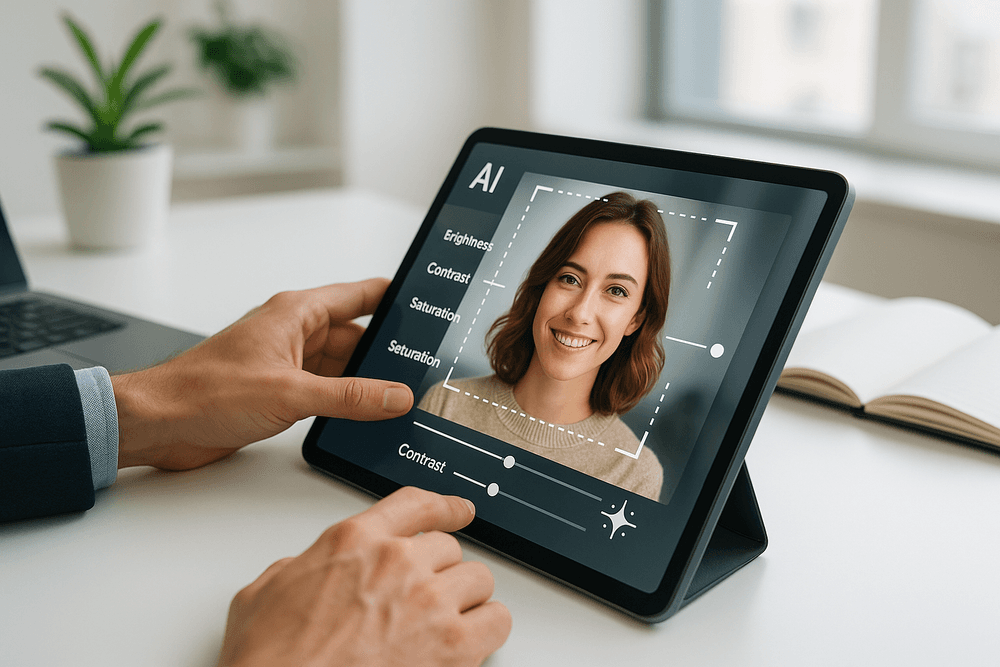
Pro Tips: Getting the Most Out of Your AI Image Editing Tools
Unlocking the full potential of ai image editing tools goes beyond simply clicking a button. To truly elevate your images and streamline your workflow, a strategic approach is essential. These pro tips will help you harness the power of AI effectively, understand its boundaries, and integrate it seamlessly into your creative endeavors.
Optimize Your Input: Garbage In, Masterpiece Out
The adage "garbage in, garbage out" holds particularly true for ai image editing tools. While AI can perform wonders, starting with a well-optimized image significantly enhances the quality of the final output. Before you let an AI loose on your pixels:
- Prioritize High Resolution: AI algorithms thrive on data. A higher resolution source image provides more detail for the AI to analyze and manipulate accurately, especially for tasks like upscaling, object removal, or intricate enhancements.
- Correct Basic Flaws: Address significant exposure issues, poor white balance, or excessive noise manually if possible. While some AI tools can correct these, providing a cleaner slate allows the AI to focus on more complex enhancements rather than basic fixes, leading to more refined results.
- Consider Composition: Even if you plan to use AI for reframing or element generation, a thoughtfully composed initial shot gives the AI a stronger foundation. Clear subjects and uncluttered backgrounds can also improve the accuracy of AI selection and masking tools.
- Sharpen Judiciously: A slightly soft image can sometimes be sharpened by AI, but an overly sharpened or artifact-laden image will only have those issues amplified. Aim for natural clarity.
By preparing your images, you empower ai image editing tools to deliver their best work, saving you time and frustration in the long run.
Know the Boundaries: AI Strengths, Limitations, and the Human Touch
AI image editing tools are powerful allies, but they are not infallible magic wands. Understanding their capabilities and limitations is crucial for achieving professional results and knowing when to apply your own expertise.
- AI Excels At: Repetitive tasks (e.g., batch adjustments, sky replacement), rapid object removal in clear scenarios, intelligent upscaling, and generating creative variations or inspiration. They can dramatically speed up tedious parts of the editing process.
- AI Can Stumble With:
- Subtlety and Nuance: Fine-art edits requiring delicate, subjective adjustments often still need a human touch.
- Complex Context: AI might misinterpret intricate scenes, leading to unrealistic or "hallucinated" elements.
- Maintaining Artistic Style: AI can sometimes over-process images, giving them an artificial look if not guided carefully.
- Fine Details in Complex Selections: While AI selection is improving, intricate hair selections or highly detailed edges might still require manual refinement.
The most effective approach often involves a hybrid strategy: use ai image editing tools for the heavy lifting and initial transformations, then apply your manual editing skills for fine-tuning, correcting AI imperfections, and adding your unique artistic signature.
Editing Ethically: Navigating the Moral Maze of AI Manipulation
The power of ai image editing tools to alter and generate images brings with it significant ethical responsibilities. As creators, it's vital to use these tools thoughtfully and transparently.
- Authenticity and Disclosure: When AI significantly alters the reality of an image (especially in photojournalism, documentary, or evidence), transparency is key. Consider disclosing the use of AI to maintain trust with your audience. Avoid creating or spreading misleading "deepfakes" or manipulated content that could cause harm.
- Copyright and Intellectual Property: Be mindful of the images you input into AI tools and the terms of service regarding output ownership. Some AI models are trained on vast datasets; ensure you have the rights to edit the images you use, and understand how the AI tool's EULA addresses copyright of AI-generated or assisted creations.
- Algorithmic Bias: AI models can inherit biases present in their training data. This can manifest in skewed results, particularly in tools that alter human appearance or generate people. Be critically aware of potential biases and strive for fair and equitable representation in your work.
- Client Communication: If you're using ai image editing tools for client work, discuss the extent of AI involvement. Transparency builds trust and manages expectations regarding the final product.
Responsible use ensures that these powerful tools contribute positively to the creative landscape.
Workflow Wonders: Weaving AI into Your Creative Process
Integrating ai image editing tools effectively can revolutionize your creative workflow, boosting efficiency and opening new artistic avenues. The goal is to make AI a seamless assistant, not a cumbersome extra step.
- Identify Bottlenecks: Analyze your current editing process. Where do you spend the most time on repetitive or laborious tasks? These are prime candidates for AI intervention, such as culling images, batch processing basic adjustments, or performing initial sky replacements.
- Choose the Right Tools for the Job: Explore whether plugins for your existing software (like Photoshop or Lightroom) or standalone ai image editing tools best suit your needs. Some tools excel at specific tasks (e.g., noise reduction, sharpening, generative fill), while others offer a broader suite of features.
- Embrace Experimentation (and Learning): Dedicate time to learn the nuances of your chosen AI tools. Understand their strengths, weaknesses, and optimal settings. Many tools offer non-destructive editing options or work with layers, allowing for greater flexibility.
- Develop an Iterative Approach: Use AI for initial passes – perhaps for quick enhancements, object removal, or generating a few creative options. Then, refine these AI-assisted edits with your manual techniques to achieve the perfect final image. This blend of AI efficiency and human artistry often yields the best results.
By thoughtfully incorporating ai image editing tools, you can free up valuable time to focus on the more creative and strategic aspects of your image-making.
From Theory to Reality: Success Stories with AI Image Editing Tools
The buzz around artificial intelligence is palpable, but how are ai image editing tools translating from exciting concepts into practical, game-changing applications? The impact is already significant, reshaping how businesses and creators approach visual content. From bustling e-commerce platforms to dynamic social media feeds and the demanding workflows of creative professionals, AI is not just enhancing pixels; it's unlocking new levels of efficiency and creativity.
Transforming E-commerce: Creating Stunning Product Photos
The digital storefront is paramount, and ai image editing tools are empowering e-commerce businesses like never before. Forget costly photoshoots and endless editing for perfect product imagery. Online retailers now leverage these intelligent solutions to instantly remove backgrounds, ensuring clean, consistent visuals across their entire catalog. Imagine swapping a plain backdrop for a compelling lifestyle scene or correcting colors with a click, ensuring products are showcased accurately and attractively. AI image editing tools also masterfully upscale images without quality loss, vital for displaying intricate details that can sway purchasing decisions. The result? Professional-grade product photos that not only capture attention but also significantly boost customer trust and conversions, democratizing high-quality visuals for businesses of all sizes.
Boosting Social Media Engagement with AI-Enhanced Visuals
In the fast-scrolling, highly competitive world of social media, captivating visuals are non-negotiable for cutting through the noise. AI image editing tools have become the secret weapon for creators and marketers aiming to stop thumbs and supercharge engagement. These tools offer far more than basic filters; they can intelligently analyze an image, suggest optimal enhancements, apply artistic styles with a single click, or even help generate entirely new visual elements to make posts pop. Need an image perfectly resized and formatted for Instagram, Facebook, and X (formerly Twitter)? AI handles it in seconds. Want to transform a simple photograph into an eye-catching graphic complete with dynamic text overlays? AI image editing tools streamline this process, enabling rapid content creation and effective A/B testing of different visual approaches. The outcome is a more vibrant, professional, and engaging social media presence that translates into increased reach, higher interaction rates, and ultimately, stronger brand impact.
Streamlining Workflows for Photographers and Graphic Designers
For creative professionals like photographers and graphic designers, time is an invaluable commodity. AI image editing tools are not designed to replace creative expertise but to augment it, acting as powerful digital assistants that deftly handle the more tedious and time-consuming aspects of post-production. Imagine automating repetitive tasks such as culling hundreds of event photos, performing initial blemish removal or skin smoothing across a portrait series, or making intricate selections for complex compositions that once consumed hours. AI-powered features like advanced content-aware fill can seamlessly remove unwanted objects or extend backgrounds, while smart noise reduction can salvage images shot in challenging low-light conditions. This automation frees up professionals to dedicate more energy to the artistic and strategic elements of their work, leading to faster client turnaround times, improved overall efficiency, and the capacity to take on more ambitious projects. AI image editing tools are fundamentally revolutionizing creative workflows, allowing talent to focus on what truly matters: impactful visual storytelling.
Real-World Impact: How Businesses Leverage AI for Marketing
The transformative power of ai image editing tools isn't just theoretical; it's vividly demonstrated in real-world applications across diverse industries. Businesses are harnessing these tools to achieve tangible, impressive results in their marketing campaigns and daily operations:
E-commerce Success Story
Consider an emerging online boutique aiming to compete with established retailers' polished imagery. By adopting ai image editing tools, they were able to standardize their product photos efficiently, creating clean, consistent white backgrounds for their website and generating vibrant lifestyle mockups for social media – all without the expense of a professional studio. This significant upgrade in visual presentation led to a measurable increase in add-to-cart rates and a noticeable reduction in product returns, as customers gained a clearer, more appealing understanding of what they were purchasing. The professional sheen, powered by AI, directly boosted their bottom line.
Marketing Campaign Optimization
A dynamic digital marketing agency faced the perennial challenge of quickly producing a wide array of diverse ad creatives for multiple client campaigns. By leveraging ai image editing tools, their team could rapidly generate dozens of variations of a core image – effortlessly changing backgrounds, adding compelling text overlays, and adjusting color schemes to suit different target audiences – for comprehensive A/B testing. This AI-assisted agility allowed them to optimize ad performance significantly faster, resulting in an average improvement in click-through rates and a better return on ad spend for their clients' campaigns.
Enhanced Content for Creators
A passionate travel blogger sought to elevate their photography to stand out in a visually saturated market. Using ai image editing tools, they were able to dramatically enhance the colors and details of their landscape shots, seamlessly remove distracting elements like tourists from scenic views, and even create stunning, shareable collages for their blog posts and Instagram stories. The markedly improved visual appeal directly contributed to substantial growth in their social media following and increased engagement on their blog, opening doors to new brand collaborations and monetization opportunities.
These scenarios offer just a glimpse into how strategically applied ai image editing tools are driving tangible success, offering businesses and individual creators alike powerful new capabilities to enhance their visual content and achieve their marketing and creative goals.
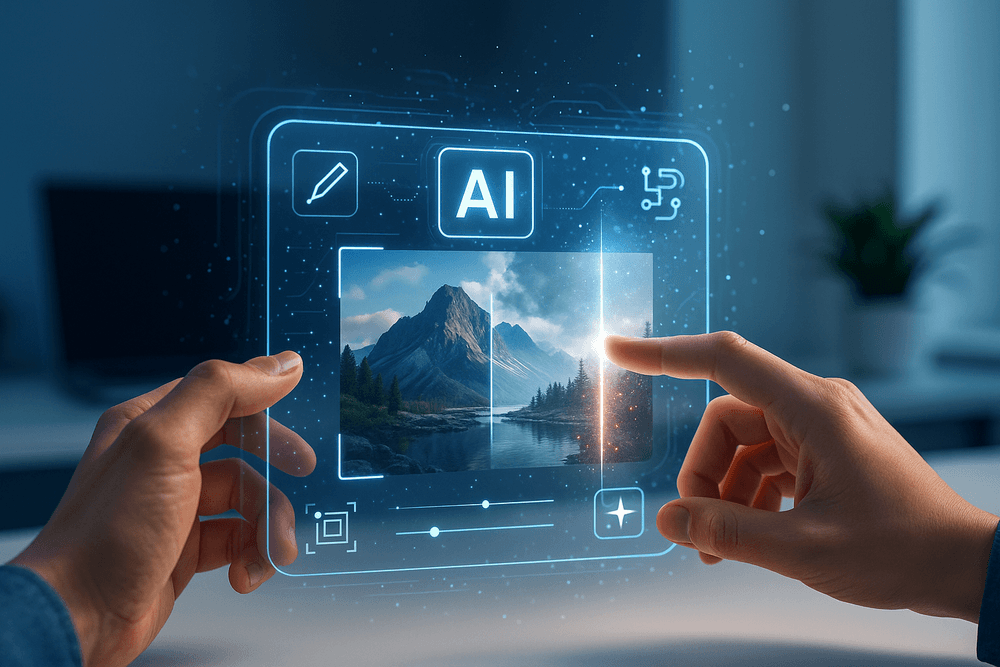
Embrace the Future: Your Next Steps with AI Image Editing Tools
The landscape of digital imagery is undergoing a seismic shift, largely propelled by the rapid advancements in AI image editing tools. If you've been following the evolution of image manipulation, you understand that artificial intelligence is no longer a futuristic concept but a present-day powerhouse. It’s time to move beyond observation and actively integrate these transformative tools into your creative workflow. This section will guide you through what's on the horizon and how to strategically choose the AI image editing tools that will elevate your work.
What's Next? Emerging Trends in AI Image Editing Tools
The innovation cycle for AI image editing tools is breathtakingly fast. What seems cutting-edge today quickly becomes standard tomorrow. Staying ahead means anticipating the next wave of enhancements:
- Hyper-Personalization and Contextual Understanding: Future AI image editing tools will boast an even deeper understanding of image content and context. Imagine AI that not only suggests edits but tailors them to your specific artistic style, learned over time. Expect tools that can perform complex alterations, like changing the mood of an image by adjusting lighting and color balance, all while maintaining photorealism and respecting the subtle nuances of the original scene.
- Advanced Generative AI Integration: The capabilities of generative AI will become more seamlessly woven into the editing process. We're moving towards AI image editing tools that allow for intricate in-painting and out-painting with remarkable coherence, generating entirely new, contextually relevant elements from text prompts or simple sketches directly within your existing editing interface. This blurs the line between editing and creation, offering unprecedented artistic freedom.
- AI-Powered Video Editing Synergy: The convergence of still image and video editing is accelerating. Expect AI image editing tools to increasingly offer sophisticated AI-driven video editing features, allowing for consistent application of complex edits, color grading, and effects across entire video sequences with minimal manual intervention.
- Ethical AI and Content Provenance: As AI-generated and manipulated content becomes ubiquitous, responsible AI image editing tools will likely incorporate features for establishing content authenticity and provenance. This could involve built-in metadata systems or watermarking technologies that help distinguish between original captures, AI-assisted edits, and fully AI-generated visuals, addressing concerns around misinformation.
- Sophisticated 3D and Volumetric Awareness: AI is getting better at understanding images not just as 2D planes but as representations of 3D space. Future AI image editing tools will likely offer more intuitive ways to manipulate depth, re-light scenes in 3D, and even generate or integrate 3D assets with greater realism and ease.
Choosing the Right AI Image Editing Tools to Start Your Journey
With a burgeoning market, selecting the ideal AI image editing tools can feel overwhelming. Here’s a practical approach to navigate your options and find the perfect fit:
- Define Your Primary Objectives: What are your most common image editing tasks? Are you focused on quick enhancements for social media, professional retouching, intricate background removal, artistic stylization, or generating novel visual concepts? Different AI image editing tools specialize in distinct areas. A clear understanding of your needs will significantly narrow your search.
- Assess Your Current Skill Level: Are you a beginner seeking intuitive, one-click solutions, or an experienced professional who demands granular control and advanced customization? Many AI image editing tools cater to a broad spectrum of users, but some are specifically designed for ease of use, while others offer complex, powerful features that require a steeper learning curve.
- Key Features to Evaluate:
- Effectiveness of AI: How well do the AI-powered features perform? Look for tools that produce natural, high-quality results for tasks like object selection, sky replacement, noise reduction, or generative fill.
- User Interface (UI) and User Experience (UX): Is the tool intuitive to navigate? Can you easily find and apply the AI features? A clean, well-organized interface significantly enhances workflow efficiency.
- Integration Capabilities: Does the tool work as a standalone application, a plugin for software you already use (like Photoshop or Lightroom), or a web-based service? Consider how it will fit into your existing ecosystem.
- Processing Speed and Resource Demands: Some AI image editing tools, especially those performing complex calculations, can be resource-intensive. Check if your hardware meets the requirements, or opt for cloud-based solutions if local processing power is a concern.
- Pricing Structure: Evaluate the cost relative to the value provided. Options range from free and freemium models to subscriptions and one-time purchases. Choose what aligns with your budget and frequency of use.
- Leverage Free Trials and Reviews: The most effective way to determine if an AI image editing tool is right for you is to try it. Take advantage of free trial periods or freemium versions. Supplement your hands-on experience by reading user reviews and watching tutorial videos to see the tool in action.
Revolutionize Your Visuals: Take the AI Plunge Today!
The evolution of visual media is relentless, and AI image editing tools are not just a fleeting trend—they are fundamental to the future of creative expression and efficiency. The potential to transform your images, streamline your workflow, and unlock new artistic avenues is immense.
Don't remain on the sidelines. The most profound way to grasp the transformative power of these technologies is through direct experience. Challenge yourself this week: select one promising AI image editing tool and explore its capabilities. Whether it's effortlessly removing a distracting element from a cherished photo, intelligently enhancing a portrait to professional standards, or conjuring an entirely new visual concept from a simple text prompt, the journey into AI-assisted creativity begins with that first exploratory step.
The barrier to entry has never been lower, and the rewards—in terms of time saved, quality achieved, and creative boundaries shattered—are extraordinary. Embrace the future of image editing. Experiment with an AI image editing tool today and revolutionize your visuals! Your next masterpiece is not just a possibility; it's an AI-enhanced probability.