
June 22, 2026
Start the Design of Presentation With a Client-Ready Message Strategy
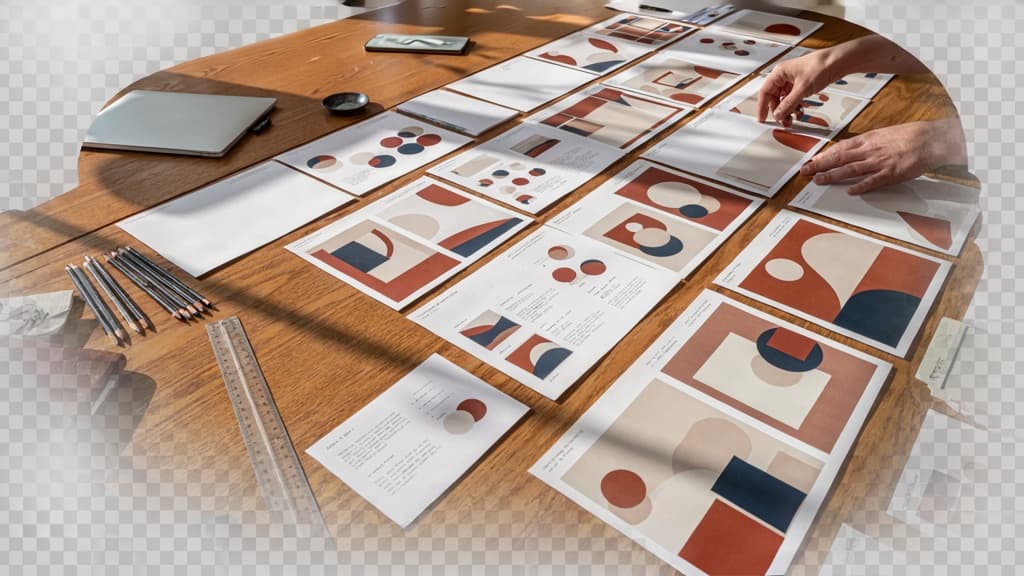
Before a deck becomes slides, it has to become a decision tool. For agencies, that shift matters: a beautifully produced presentation that does not move the client, stakeholder, or buyer toward a clear choice creates revision loops, diluted feedback, and “can we see another version?” conversations.
Strong presentation work starts by deciding what the deck must make easier for the audience to believe, approve, fund, buy, or do next.
Define the decision the deck must drive
Every deck should be tied to one primary decision. Not a vague goal like “explain the campaign” or “share the strategy,” but a specific outcome:
- Approve the proposed creative direction
- Choose between three brand routes
- Sign off on a website scope
- Increase media budget for the next quarter
- Align internal stakeholders before launch
- Move from proposal to paid engagement
This decision becomes the filter for everything that follows. If a point does not help the audience make that decision, it probably belongs in the appendix, speaker notes, or nowhere at all.
For agency teams, this also protects the deck from becoming a dumping ground for every insight, mockup, data point, and strategic thought produced during the project. The client does not need to see the entire workshop wall. They need the clearest path to confidence.
A useful pre-slide prompt:
“By the end of this presentation, the client should feel ready to ______ because they now understand ______.”
That sentence forces the design of presentation to serve a business moment, not just a content handoff.
Map the audience’s questions before drafting slides
Once the decision is clear, map the questions standing between the audience and that decision. Different stakeholders will have different concerns, even if they are in the same meeting.
A founder may ask: “Will this help us grow?” A marketing lead may ask: “Can my team execute this?” A finance stakeholder may ask: “Is this worth the investment?” A sales leader may ask: “Will this make our story easier to sell?”
Write these questions down before drafting. Then shape the deck around answering them in the right order.
For example, a rebrand recommendation might need to answer:
- Why change now?
- What is not working with the current brand?
- What did we learn from customers, competitors, or culture?
- What strategic direction are we recommending?
- How does this direction show up in practice?
- What risks have we considered?
- What decision is needed today?
This approach reduces the temptation to organize the presentation around the agency’s internal process. Clients rarely need a chronological tour of how the team got there. They need the reasoning that helps them say yes with confidence.
Turn the presentation into a simple narrative arc
A client-ready deck needs momentum. The simplest structure is:
- Context: What situation are we in?
- Tension: What problem, opportunity, or risk needs attention?
- Insight: What have we learned that changes the way we see it?
- Recommendation: What should we do?
- Proof: Why is this the right move?
- Next step: What decision or action is required?
This narrative arc gives the presentation a sense of progress. Each section earns the next one. Instead of presenting disconnected slides, the agency is guiding the room from shared understanding to informed action.
For small teams, this is also where efficiency improves. When the story is clear upfront, writers, strategists, designers, and account leads make fewer competing assumptions. Feedback gets sharper. Review cycles get shorter. The final deck feels less like a collection of contributions and more like one coherent argument the client can act on.

Build Slide Layouts That Make Each Idea Easy to Scan
Once the story is set, the design of presentation work becomes a packaging problem: each slide needs to make the next idea immediately obvious without forcing the client, stakeholder, or buyer to decode it.
Use one core idea per slide
A crowded slide usually signals an unresolved decision, not a design problem. If a slide tries to explain the problem, show three proof points, introduce a recommendation, and preview next steps, the audience has to choose what matters.
For agency teams, this is where decks often lose polish during version rounds. A strategist adds context. A designer adds supporting visuals. An account lead adds “just one more” client request. The slide becomes a dumping ground.
Instead, give every slide one job:
- State the insight
- Show the evidence
- Compare the options
- Explain the recommendation
- Ask for the decision
If a slide needs “and” in its purpose, split it. For example, don’t combine “campaign performance was strongest on LinkedIn” with “we recommend shifting budget next month.” Make the first slide prove the performance pattern, then let the next slide present the budget move.
This keeps the deck easier to present, easier to review, and easier to repurpose across client meetings without rebuilding the whole thing.
Choose layouts based on content type
Strong slide layouts aren’t decorative containers. They are decisions about how the audience should process the content. A timeline, a comparison, and a recommendation should not all use the same title-plus-three-boxes format.
Use layout patterns that match the slide’s job:
Content type | Best-fit layout | Agency example |
|---|---|---|
Single insight | Big statement with one supporting visual or metric | “Organic leads rose 38% after the site restructure” |
Comparison | Side-by-side columns with matched fields | Current messaging vs. proposed positioning |
Process | Horizontal or vertical sequence | Brand rollout plan across four phases |
Options | Cards with consistent criteria | Three campaign concepts with audience, channel, and budget notes |
Evidence | Chart or proof point paired with a short takeaway | Paid search results with one clear implication |
Recommendation | Clear action block with supporting rationale | “Prioritize retention emails before launching new acquisition tests” |
This prevents layout sprawl across a deck. It also helps smaller teams move faster because they are not inventing a fresh slide structure for every idea. Over time, your agency can build a practical layout library for audits, proposals, strategy decks, reporting decks, and workshop outputs.
Create spacing, alignment, and flow with a grid
A grid gives the slide structure before the content goes in. Without one, spacing becomes subjective, alignment drifts, and every slide needs manual correction before it feels client-ready.
Keep the grid simple enough for the whole team to use:
- Set consistent outer margins so content never hugs the slide edge.
- Use fixed columns for common layouts, such as halves, thirds, or a main-content/sidebar split.
- Keep related items grouped together with tighter spacing.
- Use larger gaps to separate different ideas or sections.
- Align recurring elements, such as titles, captions, charts, and callout boxes, across slides.
The goal is not rigid sameness. It is enough structure that a client can move through the deck without feeling the seams between slides designed by different people.
For small agencies, this matters operationally. When layouts are built on a shared grid, junior designers, strategists, and account leads can contribute without creating a patchwork deck. Review time drops because the team is fixing the message, not nudging boxes pixel by pixel.
Use Visual Hierarchy and Typography to Control Attention
Once the slide structure is easy to scan, the next job is control: what does the viewer notice first, second, and third? In agency work, this matters because clients often skim decks before the meeting, forward them internally, or revisit them without your narration. Strong hierarchy makes the deck feel intentional even when no one is there to explain it.
Create a clear reading order
Every slide should have an obvious entry point. Usually, that is the title or headline. From there, the viewer should naturally move to the supporting point, data, quote, or callout.
A quick test: blur your eyes or zoom out to 50%. If everything has the same visual weight, the slide has no hierarchy. If the viewer’s eye jumps between five competing elements, the hierarchy is doing too much.
For client-facing decks, use a simple attention path:
- Headline: the point you want remembered.
- Primary evidence: the chart, stat, visual, quote, or statement that supports it.
- Secondary detail: labels, annotations, footnotes, or context.
This keeps the design of presentation focused on persuasion, not decoration. A slide titled “Q3 Performance” is easy to ignore. A slide titled “Paid social drove 62% of qualified pipeline in Q3” tells the audience exactly where to look and why the slide matters.
Set a practical type scale for titles, body copy, and labels
Small agencies often lose hours because every deck becomes a fresh typography exercise. Instead, define a simple type scale that works across most client presentations.
For example:
Text role | Typical use | Practical size relationship |
|---|---|---|
Slide title | Main takeaway or section idea | Largest text on the slide |
Subhead | Context or supporting statement | 60–75% of title size |
Body copy | Short explanation or bullets | Clearly smaller than subhead |
Labels | Chart labels, captions, notes | Smallest, but still legible |
The exact point sizes will vary by format, but the relationships should stay consistent. Titles should look like titles. Labels should not compete with the main message. Body copy should never feel like a wall of legal text.
For most agency decks, avoid using too many font weights. A practical system might include regular, medium, and bold. That is enough to create contrast without making slides look patched together from multiple sources.
Use emphasis sparingly to avoid visual noise
Emphasis only works when it is rare. If every phrase is bold, highlighted, underlined, boxed, or enlarged, nothing feels important.
Choose one emphasis method per moment. For instance, use bold for a key number, a pull quote style for a client insight, or a larger size for a critical takeaway. Do not stack every treatment on the same element unless the slide truly needs a major focal point.
This is especially important when multiple team members touch the same deck. One strategist bolds key phrases, a designer adds callout boxes, an account lead highlights client priorities, and suddenly the slide feels chaotic. A shared rule such as “one primary emphasis per slide” keeps the work polished and easier to review.
Good hierarchy makes your agency look sharper before the client reads a word. It signals that the thinking is organized, the recommendation is clear, and the deck is worth taking seriously.
Apply Brand Color, Imagery, and Visual Assets Consistently
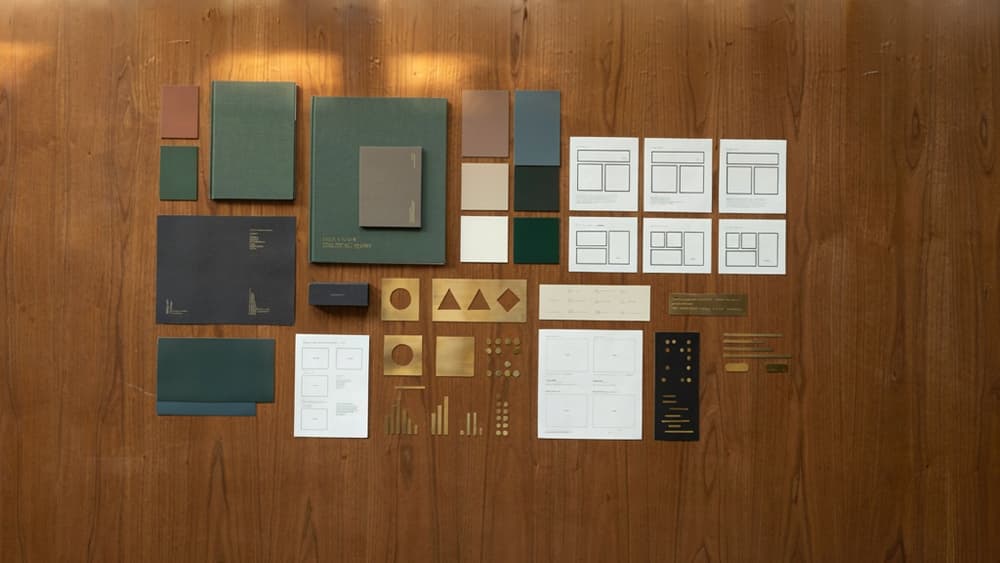
Once the structure is clear, the deck still has to feel like it came from the client—not from your agency’s default presentation template with a logo swapped in.
Translate brand guidelines into deck-ready rules
Most brand guidelines are built for broad use, not day-to-day deck production. Your team needs a smaller, practical layer: rules a designer, strategist, or account lead can apply slide by slide without interpreting the brand from scratch.
Turn the client’s guidelines into a presentation-specific mini system:
- Color roles: primary background, secondary background, accent, CTA, data highlight, warning/negative, neutral text.
- Logo usage: approved placement, minimum size, clear space, light/dark background versions.
- Shape and graphic style: rounded vs. sharp corners, line weight, icon style, border use, shadow rules.
- Chart treatment: axis style, label formatting, color order, callout style.
- Slide components: title slides, section dividers, quote slides, stat slides, case study slides, closing slides.
This is where agencies often lose margin. If every deck requires someone to reopen a 64-page PDF and make judgment calls, production slows down and consistency depends on whoever touched the file last. A deck-ready rule set keeps the design of presentation work repeatable across pitch decks, sales enablement, quarterly reports, and campaign recaps.
Use color to signal meaning, not decoration
Client colors should do more than make slides look branded. They should help the audience understand what matters.
Assign color jobs before designing the deck. For example, the client’s primary color might anchor section headers and key takeaways, while a secondary color highlights proof points. A neutral palette can carry body content so the important moments stand out. If a bright accent appears on every slide, it stops feeling special and starts adding noise.
A simple agency rule: if a color is used, it should answer “why here?” Good reasons include:
- identifying a section or topic shift
- calling attention to a key number
- separating current state from future state
- distinguishing client data from market data
- marking a recommendation, risk, or next step
Avoid inventing new color meanings mid-deck. If green means “growth” on slide 6, don’t use it as a random decorative block on slide 14. That kind of drift is small in isolation but obvious in a client-facing presentation, especially to brand-conscious stakeholders.
Select imagery and graphics that feel unmistakably on-brand
Imagery is where many otherwise solid decks become generic. A SaaS client gets the same abstract gradients as every other SaaS brand. A professional services client gets the same handshake photo. A lifestyle brand gets polished stock that looks close, but not quite right.
Create an image filter for each client. Define what the brand does and does not use:
- candid vs. staged photography
- people-led vs. product-led visuals
- warm natural light vs. high-contrast studio lighting
- editorial crops vs. centered compositions
- literal icons vs. abstract symbols
- custom illustration vs. stock vector graphics
Then apply the same discipline to icons, mockups, screenshots, diagrams, and data visuals. If the client’s brand is minimal and precise, don’t introduce playful 3D icons because they fill space nicely. If the brand is bold and expressive, don’t flatten every visual into safe corporate blue.
For small agencies, this is a practical retention lever. Clients may not articulate every inconsistency, but they feel when a deck looks “off.” When every visual choice reflects their brand system, your team looks sharper, the work feels more premium, and the client has fewer reasons to send rounds of subjective feedback.
Scale On-Brand Deck Creation With an AI-Assisted Workflow
Once the strategy, structure, and brand rules are clear, the biggest agency challenge is repeatability: producing the next deck faster without letting quality drift from client to client.
Ingest the client brand once before generating slides
For small teams, the slowest part of AI-assisted deck work is often not creating the first draft. It’s re-teaching every tool what “on-brand” means for each client.
Instead, start by centralizing the client’s brand inputs before slide generation begins:
- Brand guidelines or identity PDFs
- Approved website pages
- Past winning decks
- Campaign messaging
- Tone-of-voice notes
- Product or service descriptions
- Do-not-use language, claims, or visual styles
The goal is to create a reusable brand foundation that informs every AI-generated outline, slide title, body copy block, image direction, and speaker note. For an agency managing six, ten, or twenty retained clients, this matters. You don’t want one strategist prompting in ChatGPT, one designer referencing a PDF, and one account manager rewriting copy from memory.
A platform like Aethera is built around this exact workflow: ingest the client brand once, then keep subsequent outputs aligned to that client’s positioning, voice, and approved source material. That turns the design of presentation work from a one-off production sprint into a repeatable client system.
Use reusable prompts and review checkpoints
AI becomes more useful when your team stops prompting from scratch.
Create prompt sets for the deck types your agency delivers most often, such as:
- New business pitch decks
- Monthly performance review decks
- Brand strategy presentations
- Campaign concept decks
- Sales enablement decks
- Executive summary decks
Each prompt should define the deck type, audience, source material, desired output format, and client brand profile to apply. The more standardized the inputs, the easier it is for different team members to produce consistent first drafts.
Pair those prompts with review checkpoints at specific moments in the workflow:
- Before slide generation: confirm the right client brand profile and source materials are selected.
- After the first AI draft: check whether the deck follows the intended purpose and client context.
- After design pass: confirm the deck still feels like the client, not like a generic AI template.
- Before delivery: run a final agency-side review for polish, accuracy, and fit.
This reduces tool sprawl and protects margin. Junior team members can move faster, senior team members spend less time cleaning up avoidable inconsistencies, and partners aren’t dragged into every deck just to protect quality.
Quality-check every deck before client delivery
AI should speed up production, not remove judgment from the process. Before a deck goes to the client, review it against a simple delivery checklist:
- Does every slide reflect the selected client brand profile?
- Are claims, stats, and recommendations supported by approved inputs?
- Is the tone appropriate for the client and audience?
- Are there any generic AI phrases that weaken credibility?
- Do slide titles sound specific, useful, and client-ready?
- Are repeated sections consistent across the deck?
- Would this feel native if the client presented it themselves?
For agencies, the win is not “AI made a deck.” The win is a faster path to a deck that feels like your agency’s best work and your client’s brand at the same time. That is where AI-assisted presentation workflows become a margin lever instead of another production risk.