
September 18, 2025
An Introduction to AI Tools for Task Automation
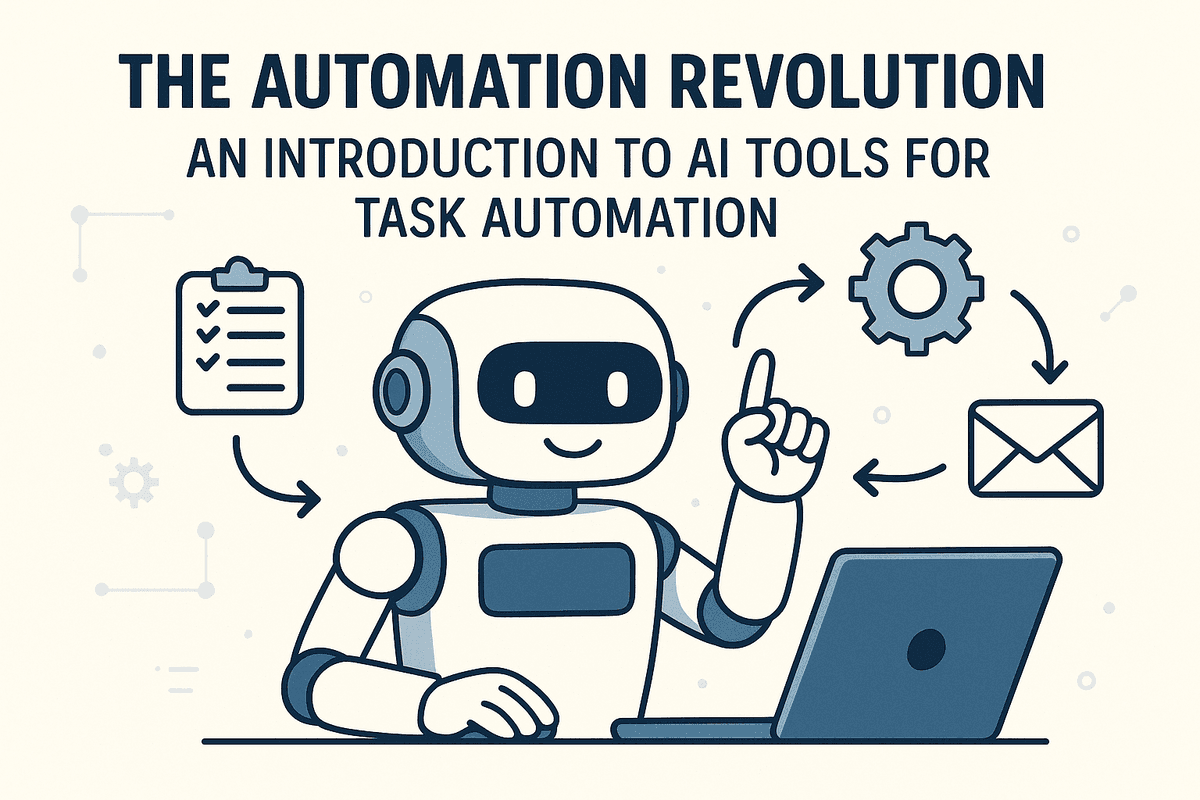
The Automation Revolution: An Introduction to AI Tools for Task Automation
Do you ever feel like you’re stuck on a hamster wheel of repetitive tasks? Answering the same emails, manually entering data, scheduling meetings, and compiling reports—these small, necessary jobs can consume a massive portion of your day, leaving little room for strategic thinking and creative work. Welcome to the challenge of modern productivity. But what if you could delegate that hamster wheel to an intelligent assistant? This is the promise of the automation revolution, powered by a new generation of AI tools for task automation.
What is AI-Powered Task Automation?
At its core, AI-powered task automation is the use of artificial intelligence and machine learning to perform tasks that traditionally required human intelligence and intervention. This goes far beyond simple macros or rule-based scripts. While traditional automation follows a rigid "if this, then that" logic, AI automation is dynamic. It can understand context, learn from past data, make decisions, and even handle complex, multi-step workflows.
Think of it this way: a traditional tool might automatically sort emails into folders based on the sender. An AI-powered tool, however, can read the content of an email, understand its urgency and sentiment, draft a personalized reply for your approval, and schedule a follow-up meeting in your calendar. The best AI tools for task automation act less like a simple machine and more like a proactive, intelligent partner in your workflow.
How AI is Transforming Productivity
The impact of AI on productivity is nothing short of transformative for both individuals and entire organizations. Businesses are leveraging these tools to streamline everything from customer support and lead nurturing to financial reconciliation and supply chain management. By automating routine operations, companies free up their teams to focus on high-value activities like innovation, customer relationships, and strategic planning. This shift from "doing" to "directing" allows for unprecedented scalability and growth.
On a personal level, AI automation is your secret weapon against digital clutter and administrative overload. It can manage your calendar, transcribe your meeting notes, summarize long documents, and even help you brainstorm ideas. By offloading the mental energy spent on mundane tasks, you reclaim valuable time and cognitive bandwidth to dedicate to deep work, learning, and what truly matters.
The Key Benefits of Integrating Automation Into Your Workflow
Adopting AI for task automation isn't just about saving a few minutes here and there; it’s about fundamentally upgrading the way you work. The core benefits include:
- Massive Time Savings: By automating repetitive and time-consuming tasks, you can reclaim hours every week. This reclaimed time can be reinvested into strategic projects, professional development, or achieving a better work-life balance.
- Reduced Human Error: AI doesn’t get tired or distracted. For data-driven tasks like entry, analysis, or report generation, automation ensures a higher degree of accuracy and consistency, leading to better decision-making.
- Enhanced Focus and Creativity: When you’re not bogged down by administrative minutiae, your mind is free to engage in more complex problem-solving and creative thinking. AI handles the "what," so you can focus on the "why" and "what if."
- Increased Scalability: AI tools for task automation empower you to handle a greater volume of work without a proportional increase in effort or resources. For freelancers and businesses, this means you can take on more clients and projects without burning out.
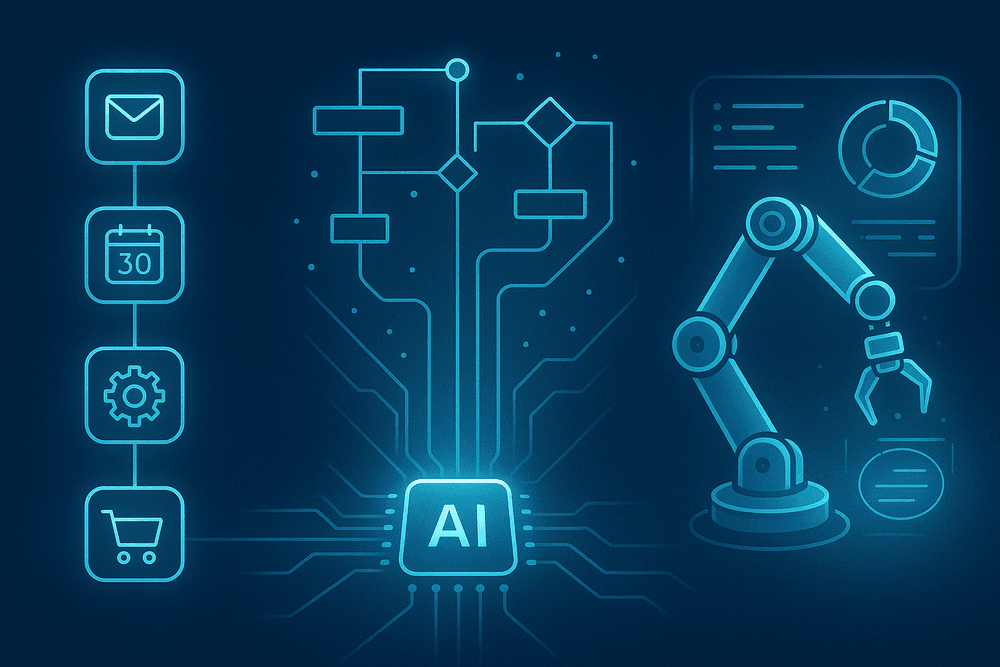
Comparing the Top AI Tools for Task Automation in 2024
Choosing the right AI tools for task automation depends heavily on your specific needs, technical skill, and budget. While hundreds of platforms exist, three leaders dominate different segments of the market: Zapier for its simplicity in connecting web apps, Make for its visual complexity, and UiPath for its enterprise-grade power. Let's break down what makes each unique and which might be the perfect fit to streamline your workflows.
Zapier: Best for Connecting Everyday Web Apps
Zapier is the undisputed champion of accessibility in the automation space. Built on a simple "if this, then that" logic, it allows anyone to connect over 6,000 web applications without writing a single line of code. Think of it as the universal translator for your digital tools.
Its strength lies in creating simple, linear automations called "Zaps." For example, you can create a Zap that automatically saves email attachments to Dropbox, adds new e-commerce customers to a Mailchimp list, and sends a Slack notification to your sales team simultaneously. Its massive integration library and user-friendly interface make it the go-to choice for marketers, freelancers, and small businesses looking for quick, reliable wins in productivity.
Make (formerly Integromat): Ideal for Visual Workflow Design
If Zapier is about linear connections, Make is about building intricate, multi-step automated systems. Its standout feature is a powerful and intuitive visual canvas where you can drag and drop app modules and see the flow of data in real-time. This visual approach makes it easier to design complex scenarios with multiple branches, conditional logic, and error-handling routes.
Make offers more granular control than Zapier, allowing for advanced functions like routers (to split a workflow into different paths) and iterators (to process multiple items one by one). It's the ideal solution for tech-savvy users, operations managers, and businesses that need to orchestrate sophisticated processes that go beyond simple trigger-and-action sequences.
UiPath: The Enterprise Choice for Robotic Process Automation (RPA)
UiPath operates on a different level entirely. As a leader in Robotic Process Automation (RPA), it doesn't just connect apps via APIs; it deploys software "bots" that mimic human actions to interact with digital systems. These bots can log into applications, copy and paste data, fill out forms, and extract information from documents—even on legacy systems that lack modern APIs.
This makes UiPath one of the most powerful AI tools for task automation in large enterprises dealing with high-volume, rule-based tasks like invoice processing, data migration, and customer service operations. While it requires significant technical expertise and investment, its ability to automate tasks across any application, on-premise or in the cloud, delivers unparalleled scalability and ROI for complex enterprise environments.
Side-by-Side Feature & Pricing Breakdown
| Feature | Zapier | Make (Integromat) | UiPath |
| :--- | :--- | :--- | :--- |
| Best For | Simple, linear app connections | Complex, visual workflows | Enterprise-level process automation (RPA) |
| Key Feature | Massive app library (6,000+) | Drag-and-drop visual scenario builder | UI and desktop automation "bots" |
| Ease of Use | Very High (Point-and-click setup) | Medium (Visual, but has a learning curve) | Low (Requires development/IT expertise) |
| Pricing Model | Freemium, then tiered by tasks/month | Freemium, then tiered by operations/month | Quote-based enterprise licensing |
| AI Capabilities | AI-powered steps for text and data | Integrated AI modules, API connections | Advanced AI Center, document understanding |
Essential Features to Look For in AI Task Automation Platforms
Navigating the market for AI tools for task automation can feel overwhelming. With so many options available, how do you distinguish the truly powerful platforms from the glorified macro recorders? The secret lies in a core set of features that enable robust, intelligent, and scalable automation. When evaluating solutions, focus on these four essential capabilities to ensure you're investing in a tool that can grow with your business and tackle complex challenges.
Intuitive No-Code and Low-Code Workflow Builders
The best AI automation platforms are built for everyone, not just developers. A no-code or low-code interface is non-negotiable. This feature provides a visual, drag-and-drop environment where users can map out and build complex workflows without writing a single line of code.
This approach democratizes automation, empowering team members in marketing, finance, or operations—the people who best understand their own processes—to become "citizen automators." It dramatically reduces the time from idea to implementation, freeing up your IT department to focus on more strategic initiatives. Look for platforms that offer a clean, intuitive canvas and a library of pre-built actions to accelerate your workflow creation.
Intelligent Data Extraction and Processing
Modern business workflows run on data, but it's often trapped in unstructured formats like emails, PDFs, invoices, and contracts. This is where AI truly shines. A top-tier platform must have sophisticated data extraction capabilities, powered by technologies like Optical Character Recognition (OCR) and Natural Language Processing (NLP).
This isn't just about pulling text from a document; it's about understanding its context. An intelligent tool can identify and extract specific fields—like an invoice number, a customer name, or a contract renewal date—and automatically structure that data for use in other systems. This capability is fundamental for automating processes like accounts payable, customer onboarding, and data entry, eliminating hours of manual, error-prone work.
Advanced Conditional Logic and Error Handling
Simple, linear automations are useful, but real-world business processes are full of exceptions, variables, and decision points. Your chosen AI automation tool must support advanced conditional logic. This means you can build workflows with "if/then/else" rules and complex branching paths. For example, "IF an invoice is over $5,000, THEN route to a manager for approval, ELSE process the payment."
Equally important is robust error handling. No system is perfect, and automations can sometimes fail due to API outages or unexpected data. A great platform won't just crash. It will have built-in mechanisms to handle errors gracefully—by retrying a step, sending a notification to a human user, or executing an alternative "fallback" workflow. This resilience is key to building automations you can truly rely on.
Seamless API Integration with Your Existing Software Stack
An automation platform is only as powerful as the systems it can connect to. Look for a tool with a vast library of pre-built connectors and seamless API integration capabilities. It must be able to communicate effortlessly with your entire tech stack, from your CRM (like Salesforce) and ERP (like SAP) to your communication tools (like Slack and Gmail) and project management software (like Asana).
A comprehensive library of integrations makes setup quick and easy. However, also ensure the platform offers the flexibility to connect to custom or niche applications via a universal API connector (e.g., REST API). This ensures your AI tools for task automation can serve as the central nervous system for your entire organization, orchestrating processes across every department and application.

Real-World Use Cases: How Businesses Leverage AI Task Automation
The true power of AI task automation isn't a far-off concept; it's a practical reality transforming departments in businesses today. Companies are moving beyond manual processes to embrace intelligent workflows, driving efficiency and freeing up human talent for more strategic initiatives. Let's explore how leading ai tools for task automation are making a tangible impact across key business functions.
Streamlining Marketing and Sales Funnels
The journey from a potential lead to a loyal customer is filled with repetitive, time-consuming tasks. AI automation steps in to create a seamless and personalized experience at scale.
- Intelligent Lead Nurturing: AI tools can automatically segment audiences and trigger personalized email sequences based on user behavior, such as website visits, content downloads, or email engagement. This ensures leads receive relevant information at the right time without manual intervention.
- Automated CRM Updates: Forget manual data entry. AI can capture information from emails, calls, and forms, automatically updating customer profiles in your CRM. This keeps data clean and provides sales teams with the most current information.
- Predictive Lead Scoring: By analyzing historical data, AI can score new leads based on their likelihood to convert, allowing sales teams to prioritize their efforts on the most promising prospects.
Automating Customer Support Ticket Routing and Responses
In customer service, speed and accuracy are paramount. AI automation enhances the capabilities of support teams, allowing them to handle higher volumes with greater efficiency.
- Smart Ticket Routing: AI analyzes incoming support tickets for keywords, sentiment, and intent, automatically routing them to the correct department or agent with the right expertise. This eliminates the manual triage process and accelerates resolution times.
- AI-Powered First Responders: For common questions, AI-driven chatbots and automated email responses can provide instant answers, drawing from a knowledge base. This offers 24/7 support for basic queries and frees up human agents to focus on complex, high-empathy issues that require a personal touch.
Simplifying Financial Data Entry and Report Generation
The finance department is a prime candidate for automation, where precision is critical and manual data entry is prone to error.
- Invoice and Receipt Processing: Using Optical Character Recognition (OCR) and AI, tools can automatically extract key data from invoices, receipts, and bank statements, populating accounting software with minimal human oversight.
- Automated Report Generation: Instead of manually compiling data for weekly or monthly reports, ai tools for task automation can connect to various financial data sources and generate profit and loss statements, cash flow reports, and expense summaries automatically.
Managing HR and Employee Onboarding Tasks Efficiently
From recruitment to onboarding, HR departments handle a massive amount of administrative work. AI streamlines these processes, creating a better experience for both candidates and new hires.
- Efficient Onboarding Workflows: AI can trigger a complete onboarding sequence once a candidate accepts an offer. This includes sending contracts, collecting necessary documents, scheduling orientation meetings, and provisioning IT accounts, ensuring a smooth and consistent start for every new employee.
- Automated Candidate Communication: AI can handle initial candidate screening, schedule interviews, and send automated follow-ups and rejection letters, ensuring every applicant receives timely communication and freeing up recruiters to focus on interviews and talent acquisition strategy.
Best Practices for Implementing AI Tools for Task Automation
Adopting AI for automation is more than just buying software; it’s a strategic shift that requires careful planning and execution. To unlock the full potential of your investment and avoid common pitfalls, follow these proven best practices for implementing AI tools for task automation effectively.
Identify the Right Tasks to Automate First
The journey to successful automation begins with a single, well-chosen task. Don't try to automate complex, multi-faceted processes from day one. Instead, look for the "low-hanging fruit"—tasks that are:
- Repetitive and Rule-Based: Think data entry, invoice processing, generating standard reports, or scheduling appointments. These tasks follow predictable patterns, making them perfect candidates for AI.
- High-Volume: Automating tasks that occur frequently will deliver the most significant impact on time savings and productivity.
- Prone to Human Error: Tasks that require meticulous attention to detail, like copying and pasting data between applications, are often where costly mistakes happen. Automation ensures consistency and accuracy.
- Time-Consuming but Low-Value: Free up your team from the mundane work that drains their energy and creativity, allowing them to focus on strategic initiatives that drive business growth.
Design, Test, and Monitor Your Automated Workflows
Once you’ve identified a task, it's time to build and refine your automation. A structured approach is key.
- Design: Before you touch any AI tools for task automation, map out the existing process from start to finish. A simple flowchart can help visualize every step, decision point, and potential exception. This blueprint ensures your automated workflow is comprehensive and logical.
- Test: Never deploy a new automation directly into a live environment. Create a sandboxed or testing environment to run the workflow with sample data. This allows you to identify and fix bugs, refine the logic, and ensure the automation behaves exactly as expected without disrupting real operations.
- Monitor: Automation isn't a "set it and forget it" solution. Continuously monitor its performance against predefined Key Performance Indicators (KPIs) like processing time, error rate reduction, and tasks completed. Regular monitoring helps you measure ROI and identify opportunities for further optimization.
Ensure Security and Data Privacy in Your Automation Strategy
As you integrate AI tools into your workflows, you are often entrusting them with sensitive company and customer data. Protecting this information is non-negotiable.
- Vet Your Vendors: Choose reputable AI tools for task automation that have robust, built-in security features like end-to-end encryption, multi-factor authentication, and granular user access controls.
- Maintain Compliance: Ensure your automation strategy complies with data privacy regulations such as GDPR, CCPA, and HIPAA. This includes understanding how and where your data is stored and processed by the AI tool.
- Implement a "Least Privilege" Principle: Grant the automation tool access only to the specific data and systems it needs to perform its task, and nothing more. This minimizes your risk exposure in the event of a security breach.
Scale Automation Successfully Across Your Organization
After achieving success with your initial projects, you can begin scaling your automation efforts.
- Start Small, Prove Value: Use the success of your pilot projects to build a strong business case for wider adoption. Showcase the tangible benefits—time saved, costs reduced, and errors eliminated—to get buy-in from leadership and other departments.
- Create a Center of Excellence (CoE): As automation grows, establish a central team or CoE responsible for setting standards, managing tools, providing training, and identifying new automation opportunities across the organization. This ensures a consistent and strategic approach rather than isolated, ad-hoc efforts.
- Foster a Culture of Automation: Communicate openly with your employees about the goals of automation—to augment their roles, not replace them. Provide training and encourage them to identify repetitive tasks in their own workflows that could be automated, making them active participants in the company’s digital transformation.

Conclusion: The Future of Work and Your Next Steps with AI Automation
The era of manual, repetitive work is drawing to a close. As we've explored, the landscape is rich with powerful AI tools for task automation that can reclaim your time, reduce errors, and unlock new levels of productivity for you and your team. This isn't about replacing human ingenuity but augmenting it, allowing you to focus on strategic thinking, creative problem-solving, and high-impact work. The future of work is a partnership between human talent and intelligent automation. The only question left is: where do you begin?
Choosing the Right AI Automation Tool for Your Goals
Navigating the sea of automation platforms can feel daunting, but the right choice boils down to your specific needs. Before you commit to a tool, consider these four critical factors:
- Your Core Objective: What is the primary problem you want to solve? Are you automating marketing campaigns, streamlining sales lead management, organizing project data, or generating reports? Tools like Zapier and Make are fantastic all-rounders, while others specialize in areas like customer support or data analysis.
- Technical Comfort Level: Be realistic about your team's skills. No-code and low-code platforms are designed for non-developers, offering intuitive drag-and-drop interfaces. More complex tools may require some coding knowledge but offer greater flexibility and power.
- Integration Needs: Your automation tool is only as good as its ability to connect with your existing software stack. Make a list of your essential apps—your CRM, email client, project management software, and communication tools—and ensure your chosen platform has robust integrations for them.
- Scalability and Cost: Start with a tool that fits your current budget, but keep an eye on the future. Review the pricing tiers and understand how costs will change as your usage and team grow. Many platforms offer free or trial plans, allowing you to experiment before committing.
Your Simple Checklist to Start Automating
Embarking on your automation journey is a marathon, not a sprint. Follow these simple steps to build momentum and ensure early success.
- Identify a High-Impact, Low-Risk Task: Don't try to automate a mission-critical, complex process on day one. Start with something simple, repetitive, and time-consuming. Good candidates include transcribing meeting notes, forwarding leads from a form to a spreadsheet, or posting social media updates.
- Map the Current Workflow: Write down every single step of the task as it's done manually. This detailed map will be your blueprint for building the automation and will help you identify potential roadblocks.
- Build Your First Pilot Automation: Using your chosen tool, create your first automated workflow. Follow tutorials and start with a simple, two- or three-step process. For example: "When a new email with the subject 'Invoice' arrives, save the attachment to a specific Google Drive folder."
- Test, Refine, and Monitor: Run your automation with test data to ensure it works as expected. Iron out any kinks, refine the logic, and once it's running smoothly, let it work in the background. Keep an eye on it for the first few days to catch any unexpected behavior.
Where to Find Templates and Community Support
You don't have to build everything from scratch. One of the greatest advantages of using popular AI tools for task automation is the wealth of community knowledge available.
- Template Libraries: Platforms like Zapier, Make, and n8n have extensive marketplaces filled with pre-built templates for thousands of common use cases. Search for the apps you use and find ready-made solutions you can activate in minutes.
- Official Forums and Documentation: When you run into a specific issue, the tool's own help center and community forum are your best resources. You'll find detailed guides and answers from both the company's experts and experienced users.
- Online Communities: Explore dedicated communities on platforms like Reddit (e.g., r/Automate), Discord, and even Facebook. These are fantastic places to ask for advice, share your creations, and get inspired by how others are using automation to transform their work.