
October 22, 2025
An Introduction to AI-Powered Tools
The Productivity Revolution: An Introduction to AI-Powered Tools
In the relentless pursuit of efficiency, we’ve tried everything from color-coded calendars to time-blocking techniques. Yet, the workday often feels like a race against the clock. Enter the next great leap forward: a new class of technology designed not just to manage our tasks, but to actively help us complete them. We’re talking about AI-powered productivity tools, the intelligent assistants poised to fundamentally reshape how we work, create, and collaborate.
What Are AI-Powered Productivity Tools and How Do They Work?
At their core, AI-powered productivity tools are software applications that leverage artificial intelligence—specifically technologies like machine learning (ML) and natural language processing (NLP)—to streamline workflows and automate complex tasks. Unlike traditional software that follows rigid, pre-programmed rules, these tools can learn, adapt, and even make predictions based on the data they process.
So, how do they work? Think of them as digital apprentices that learn from your habits and the vast ocean of information available online.
- Learning from Data: An AI scheduling assistant learns your meeting preferences and priorities over time, allowing it to intelligently arrange your calendar without constant back-and-forth.
- Recognizing Patterns: AI-driven project management tools can analyze project timelines and resource allocation, flagging potential bottlenecks before they become critical issues.
- Generating Content: Using NLP, writing assistants can draft emails, summarize lengthy reports, or even brainstorm marketing copy, acting as a creative partner to overcome writer's block.
These tools function by transforming abstract requests into concrete actions, effectively bridging the gap between human intention and digital execution.
Beyond the Hype: The Real Impact on Daily Workflows
The buzz around AI can be deafening, but its practical impact on our daily routines is tangible and immediate. By offloading cognitive burdens and automating tedious processes, AI-powered productivity tools free up mental bandwidth for what truly matters: strategic thinking, creative problem-solving, and meaningful collaboration.
Consider the real-world benefits:
- Automating the Mundane: Imagine your meeting notes being automatically transcribed, summarized, and assigned as action items before you’ve even left the conference room.
- Enhancing Creativity: Instead of starting from a blank page, you can ask an AI to generate a first draft of a blog post or a series of social media captions, giving you a solid foundation to refine and perfect.
- Providing Data-Driven Insights: An AI analytics tool can sift through thousands of customer feedback entries in seconds, presenting you with key themes and sentiment analysis that would have taken a human team days to compile.
Are AI Tools the Future of Work Efficiency?
The answer is a resounding yes. We are moving beyond an era of simple automation into an age of intelligent augmentation. The future of productivity isn't about replacing humans but about empowering them. AI-powered productivity tools are not just another category of software; they represent a new way of working where technology acts as a co-pilot, not just a simple vehicle.
By handling the repetitive, data-heavy, and time-consuming aspects of our jobs, these tools allow us to focus on uniquely human skills—empathy, leadership, and innovation. The most efficient professionals of tomorrow won't just be skilled at their craft; they will be masters at leveraging AI to amplify their talents, making them faster, smarter, and more impactful than ever before.
A Curated List of the Best AI-Powered Productivity Tools
The market is flooded with options, so we've sifted through the noise to bring you a curated selection of the best AI-powered productivity tools across key business functions. This list focuses on platforms that deliver tangible results, from automating tedious workflows to unlocking creative potential and providing data-driven clarity.
For Project Management: Automating Tasks and Timelines
AI is revolutionizing project management by moving beyond simple task tracking. These tools can predict project risks, automate resource allocation, and even generate entire project plans from a simple prompt. They act as an intelligent layer on top of your workflow, ensuring deadlines are met and teams stay aligned without constant manual oversight.
- ClickUp AI: More than a task manager, ClickUp's AI assistant can summarize long comment threads, generate action items from discussions, and even help write project briefs. It's designed to slash the administrative overhead that slows projects down, keeping momentum high.
- Asana Intelligence: Asana uses AI to provide "Smart" features that help prioritize tasks, identify potential bottlenecks, and generate status updates automatically. Its goal is to provide clarity and keep teams focused on the most impactful work.
For Content Creation: Speeding up Writing and Research
Whether you're drafting a blog post, a marketing email, or a technical document, AI content tools are essential for modern creators. They can help you overcome writer's block, condense research, refine your tone, and check for errors, cutting the content lifecycle in half and freeing you to focus on strategy and creativity.
- Jasper: A leader in AI writing, Jasper excels at generating high-quality, long-form content like articles and reports. With its brand voice and campaign-building features, it adapts to your specific marketing needs, ensuring consistency and speed across all your channels.
- Grammarly: While famous for its grammar checking, Grammarly's AI has evolved into a comprehensive writing assistant. It offers suggestions on tone, clarity, and conciseness, and its generative AI features can help you rewrite sentences, shorten text, or brainstorm ideas directly within your documents.
For Communication: AI Assistants for Email and Meetings
Mismanaged communication is a primary productivity killer. AI assistants are tackling this head-on by organizing your inbox, transcribing meetings, and creating actionable summaries, giving you back hours each week. These AI-powered productivity tools turn chaotic conversations into structured, valuable assets.
- Fireflies.ai: This AI meeting assistant joins your calls on platforms like Zoom and Google Meet, transcribing the entire conversation in real-time. Afterward, it provides a searchable transcript, identifies key action items, and generates a concise summary, making meeting follow-ups effortless.
- SaneBox: Drowning in emails? SaneBox uses AI to learn your email habits and automatically sorts incoming messages into priority folders. It filters out distractions and surfaces important emails that need a reply, restoring sanity to your inbox.
For Data Analysis: Uncovering Insights in Seconds
You no longer need to be a data scientist to make data-driven decisions. The latest AI tools for analysis allow you to ask questions in plain English and receive instant charts, graphs, and insights. They democratize data, enabling anyone on your team to spot trends, understand performance, and discover hidden opportunities.
- Microsoft Power BI: Integrated with powerful AI features, Power BI allows users to create reports with ease. Its "Q&A" feature lets you query your data using natural language, while its "Quick Insights" function automatically surfaces interesting patterns and anomalies you might have missed.
- Tableau: Tableau's AI-driven features, like "Ask Data" and "Explain Data," simplify complex analysis. It helps users understand the "why" behind their data points without needing to build complex statistical models, making sophisticated analysis accessible to everyone.
Unlocking Peak Efficiency: Key Features of Top AI-Powered Productivity Tools
Not all AI is created equal. While many applications claim to boost efficiency, the most transformative AI-powered productivity tools are built on a foundation of specific, powerful features. These are not just bells and whistles; they are the core engines that turn potential into tangible results. Understanding these key characteristics will help you distinguish a truly intelligent platform from a simple automation script. They are the difference between merely speeding up a task and fundamentally redesigning how you work for maximum impact.
Seamless Integration with Your Existing Software Stack
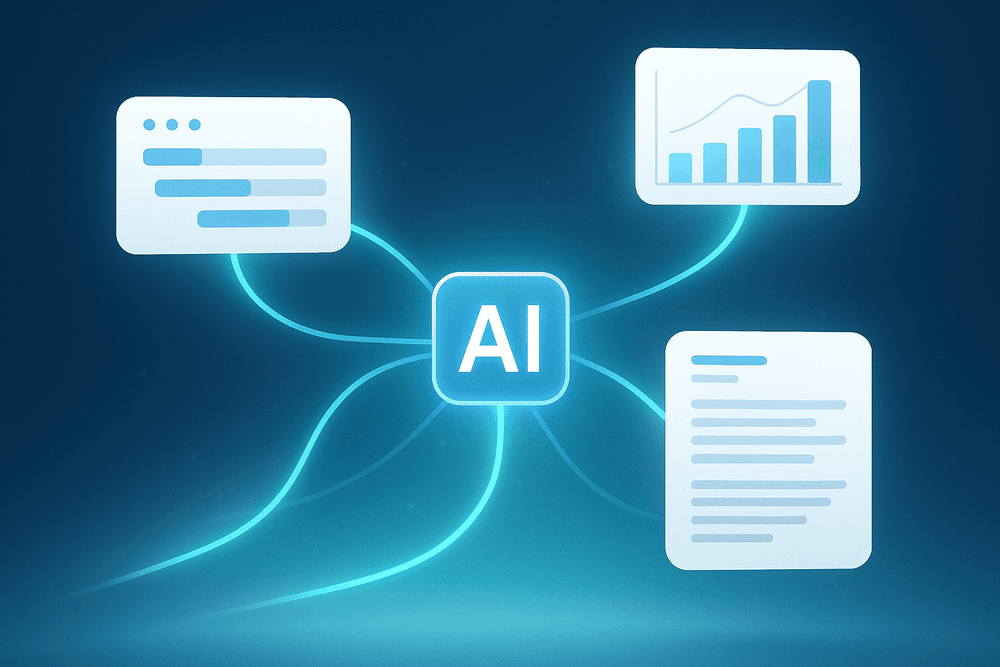
The most effective AI tool doesn’t force you to abandon your favorite software; it enhances it. Top-tier platforms are designed to be the central nervous system of your digital workspace, not just another isolated app. Through robust APIs and native integrations, they connect seamlessly with the tools you already rely on—be it Slack, Microsoft 365, Google Workspace, Salesforce, or Asana. This eliminates the friction of context-switching and data silos. Instead of copying and pasting information between platforms, the AI can pull data, trigger actions, and push updates across your entire stack. This creates a unified, intelligent environment where your software ecosystem works in concert, orchestrated by a single, powerful AI.
Predictive Analytics and Data-Driven Suggestions
True productivity isn't just about doing things faster; it's about doing the right things at the right time. This is where predictive analytics comes in. The best AI-powered productivity tools don't just react to your commands; they anticipate your needs. By analyzing historical data on your projects, communication patterns, and team performance, these systems can offer data-driven suggestions. Imagine a tool that recommends the optimal time to send an important email for maximum open rates, forecasts potential project delays before they happen, or automatically prioritizes your daily tasks based on urgency and your personal work habits. This proactive intelligence empowers you to make smarter, more strategic decisions with less effort.
Natural Language Processing for Intuitive Commands
Complexity is the enemy of adoption. The power of an AI tool is wasted if it’s too difficult to use. This is why Natural Language Processing (NLP) is a game-changing feature. NLP allows you to interact with sophisticated software using simple, conversational language. Instead of navigating complex menus and filters, you can just ask: "Summarize my unread emails from the finance team," "Find the final version of the Q3 marketing report," or "Schedule a 30-minute call with Sarah for next week." This intuitive interface dramatically lowers the learning curve, making advanced automation and data retrieval accessible to every member of your team, regardless of their technical expertise.
Customizable Workflows and Automation Rules
Your business has unique processes, and your productivity tools should adapt to them, not the other way around. Leading AI platforms offer deep customization, allowing you to build bespoke workflows that automate your specific, multi-step tasks. Using simple "if-this-then-that" logic, you can create powerful automation rules. For instance: "If a new customer signs up (trigger), then create a new folder in Google Drive, add a new row to our onboarding spreadsheet, and assign a welcome task to a team member in our project manager." This level of personalization ensures that the AI is not just performing generic tasks but is actively enforcing your team's best practices, saving countless hours and ensuring no critical step is ever missed.
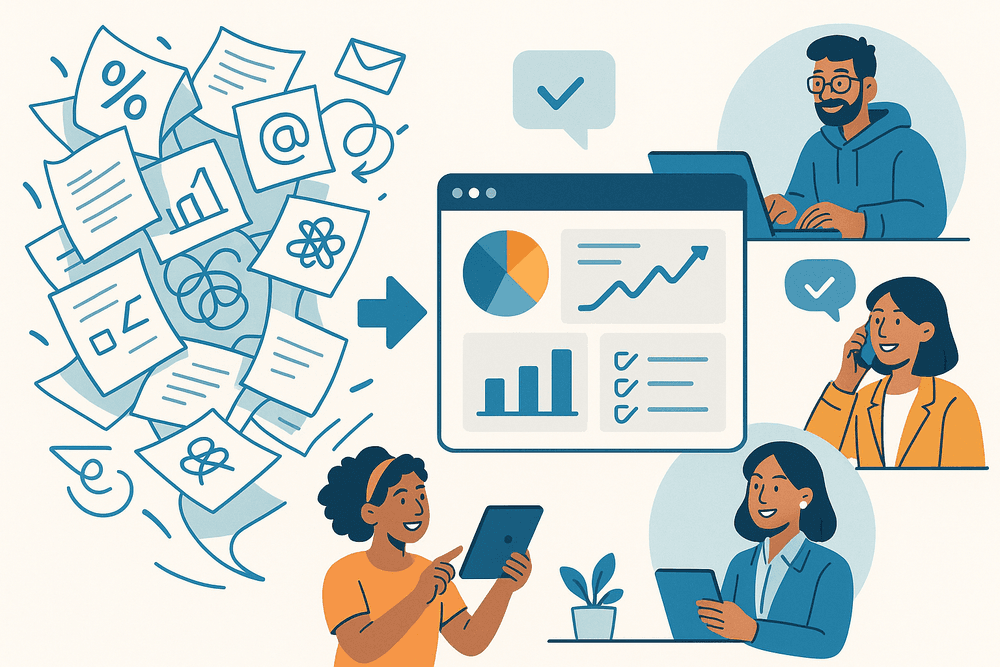
From Chaos to Clarity: Real-World Use Cases of AI-Powered Productivity Tools
Theory is one thing, but the real magic happens when ai-powered productivity tools are applied to solve everyday business challenges. These tools are not futuristic concepts; they are practical solutions delivering tangible results today. Let's move from the abstract to the actionable and explore how professionals are transforming their workflows.
How a Marketing Agency Automated Its Content Calendar
Imagine a busy marketing agency drowning in the content creation cycle. The team spent nearly 15 hours a week brainstorming topics, writing drafts, and manually scheduling posts across multiple platforms. The process was chaotic and prone to inconsistencies. By integrating an AI content creation and scheduling tool, they completely flipped the script.
The AI now generates a month's worth of data-driven topic ideas based on trending keywords and competitor analysis. It assists in drafting social media copy, blog outlines, and email newsletters, ensuring a consistent brand voice. The result? The team reclaimed over 10 hours per week, allowing them to focus on high-level strategy and creative campaigns instead of repetitive administrative tasks. Their content engagement increased by 30% because the topics were more relevant and timely.
Streamlining Client Onboarding for a Small Business
For a boutique consulting firm, the client onboarding process was a major bottleneck. It involved a flurry of manual emails, personalized document creation, and answering the same set of initial questions for every new client. This administrative burden slowed down the start of actual project work and occasionally led to frustrating delays.
They implemented a suite of ai-powered productivity tools to automate the entire sequence. An AI chatbot on their website now handles initial FAQs, qualifying leads and scheduling discovery calls. Once a client signs on, an AI-driven system automatically generates and customizes welcome packets, contracts, and project timelines. This automation reduced onboarding time from five days to just one, creating a seamless and professional first impression that wowed clients from the start.
A Developer's Guide to AI-Assisted Coding
Developers often spend a significant portion of their time on tasks other than pure innovation, like writing boilerplate code, hunting for syntax errors, and debugging. An experienced software developer decided to integrate an AI code assistant like GitHub Copilot into her integrated development environment (IDE).
The tool acts as an intelligent pair programmer, autocompleting lines of code and suggesting entire functions based on the context of her comments and existing code. It helps her write unit tests faster and even translate code snippets from one programming language to another. This AI assistant doesn't replace her skills; it augments them, cutting down development time on projects by an average of 25% and allowing her to solve more complex problems.
Boosting Sales Team Performance with AI Insights
A mid-sized company's sales team struggled with prioritizing leads and understanding which deals were most likely to close. Their CRM was a passive database, not an active tool for growth. They upgraded to a platform with built-in AI that analyzed customer interactions, emails, and call transcripts.
The AI automatically scores leads based on engagement levels, allowing the team to focus their energy on the most promising prospects. It provides predictive forecasting, giving leadership an accurate picture of the upcoming quarter. Furthermore, it analyzes sales call recordings to identify key phrases used by top performers, creating data-backed coaching opportunities for the entire team. This strategic use of ai-powered productivity tools led to a 20% increase in closed deals within six months.
Maximizing Your ROI: Best Practices for Using AI-Powered Productivity Tools
Adopting new technology isn't just about acquiring software; it's about strategic implementation. To truly unlock the potential of ai-powered productivity tools and see a significant return on your investment, you need a clear plan. Integrating these platforms successfully means transforming workflows, not just adding another subscription to your budget. By following a structured approach, you can ensure a smooth transition, foster team adoption, and achieve measurable gains in efficiency.
Start Small: Identify Your Biggest Productivity Bottlenecks
The temptation to overhaul every process at once can be overwhelming and counterproductive. The most effective strategy is to start small and target the most significant pain points. Before you even look at a specific tool, conduct an internal audit of your team's workflow. Where are the biggest time sinks? What repetitive, low-value tasks are consuming your team's energy and creativity?
Common bottlenecks include:
- Manually transcribing and summarizing meeting notes.
- Spending hours each week scheduling and rescheduling appointments.
- Drafting routine emails and follow-ups from scratch.
- Sifting through vast amounts of data to find key insights.
By identifying one or two high-impact areas, you can select an AI-powered productivity tool that offers a targeted solution. This approach delivers a quick, demonstrable win, building momentum and making a strong case for broader AI adoption down the line.
Train Your Team to Embrace AI Assistance
The most powerful software is useless if your team doesn't use it. Successful adoption is a human challenge, not just a technical one. Frame these new tools as "AI assistants" or "co-pilots" designed to augment their skills and free them from tedious work, not replace them.
Effective training involves more than just a software demo.
- Explain the "Why": Clearly communicate the specific bottleneck the tool is meant to solve and how it will benefit each team member directly.
- Provide Hands-On Workshops: Create practical, role-specific training sessions where employees can see how the tool integrates into their daily tasks.
- Appoint Champions: Identify enthusiastic early adopters who can serve as go-to resources for their peers, offering tips and encouragement.
- Foster a Feedback Loop: Create a channel for users to share what’s working, what isn’t, and any creative new use cases they discover.
Measure the Impact: Set and Track Key Performance Indicators (KPIs)
To justify the investment in ai-powered productivity tools, you must measure their impact. What you can’t measure, you can’t manage. Before implementation, establish baseline metrics. After a set period (e.g., 30 or 90 days), track the same metrics to quantify the improvement.
Essential KPIs to consider include:
- Time Saved: Hours per employee per week saved on automated tasks.
- Task Throughput: The number of reports generated, emails sent, or projects completed in a given period.
- Error Reduction: A decrease in human errors in tasks like data entry or scheduling.
- Project Velocity: The speed at which projects move from initiation to completion.
Avoiding Common Pitfalls When Adopting AI Software
Navigating the world of AI can be tricky. Steer clear of these common mistakes to ensure a successful rollout:
- Adopting Tech for Tech's Sake: Never choose a tool without a clear problem to solve. A solution without a problem is just a distraction.
- Ignoring Security and Privacy: Vet every tool for compliance with data protection regulations like GDPR and ensure it aligns with your company's security protocols.
- Setting Unrealistic Expectations: AI is a powerful assistant, but it requires human oversight. It can draft a report, but a human should always give the final review.
- Forgetting to Iterate: The first way you use a tool may not be the best. Continuously gather feedback and refine your processes to maximize the benefits of your chosen ai-powered productivity tools.
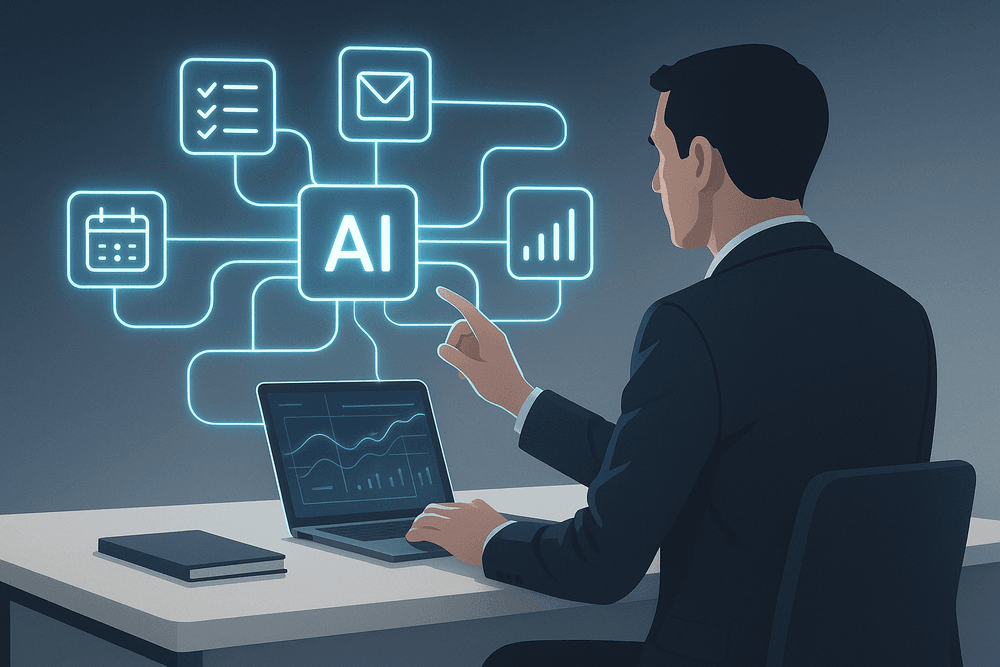
The Future is Now: Your Next Step with AI-Powered Productivity Tools
You've journeyed through the landscape of artificial intelligence, seeing firsthand how these revolutionary technologies are no longer the stuff of science fiction but practical, powerful allies in our daily work. The era of leveraging AI to enhance efficiency is here, and integrating it into your workflow is the definitive next step toward smarter, not just harder, work. This isn't about replacing human ingenuity; it's about augmenting it, freeing you from the mundane to focus on the strategic.
Recap: Choosing the Right AI Tool for Your Specific Needs
As we've explored, the market is brimming with incredible ai-powered productivity tools. However, the most effective strategy isn't to adopt every new app that comes along. It's about surgical precision. The right tool for a graphic designer automating image edits is vastly different from the one a project manager needs to predict timeline risks. Your success hinges on a clear-eyed assessment of your unique challenges.
Start by asking:
- What are my most time-consuming, repetitive tasks?
- Where are the biggest bottlenecks in my workflow?
- What kind of data-driven insights could give me a competitive edge?
Answering these questions transforms your search from a random grab into a targeted mission. The goal is to find an AI tool that fits seamlessly into your existing process, acting as a natural extension of your capabilities rather than a cumbersome addition.
A Look Ahead: What's Next in AI-Driven Productivity?
If today's tools are impressive, the future is breathtaking. We are on the cusp of a hyper-personalized AI revolution. Imagine AI assistants that don't just schedule meetings but proactively analyze your communication patterns to suggest the most effective follow-up strategies. Picture project management platforms that don't just track progress but run thousands of simulations to identify potential failures before they happen.
The next wave of ai-powered productivity tools will be defined by:
- Proactive Assistance: AI will anticipate your needs, preparing documents, summarizing research, and drafting emails before you even ask.
- Deeper Integration: Silos between applications will dissolve as AI creates a cohesive ecosystem where your calendar, email, CRM, and project tools communicate intelligently.
- Autonomous Agents: AI "agents" will be capable of handling multi-step, complex tasks independently, such as planning an entire marketing campaign from research to scheduling social media posts.
Get Started Today: Your First Steps to a More Efficient Workflow
The future is exciting, but the impact begins now. Don't wait for the "perfect" moment to get started. Embracing AI-driven productivity is a gradual process of discovery and integration. Here’s how you can take your first step today:
- Identify One Pain Point: Choose a single, recurring task that consistently drains your time or energy. It could be transcribing meeting notes, sorting your inbox, or creating first drafts of reports.
- Research a Niche Tool: Look for ai-powered productivity tools designed specifically to solve that one problem. Use free trials and read reviews from professionals in your field.
- Commit to a Pilot Period: Integrate the tool into your workflow for one to two weeks. The goal isn't instant perfection but to learn its capabilities and see how it feels.
- Measure the Impact: At the end of your pilot, ask yourself: Did this save me time? Did it reduce errors? Did it free up mental space for more important work? If the answer is yes, you've found a winner.
By taking this small, deliberate step, you’re not just adopting a new tool—you're building a new habit of continuous improvement and stepping confidently into the future of work.