
July 23, 2026
Where AI Ads Fit in an Agency’s Video Marketing Offer
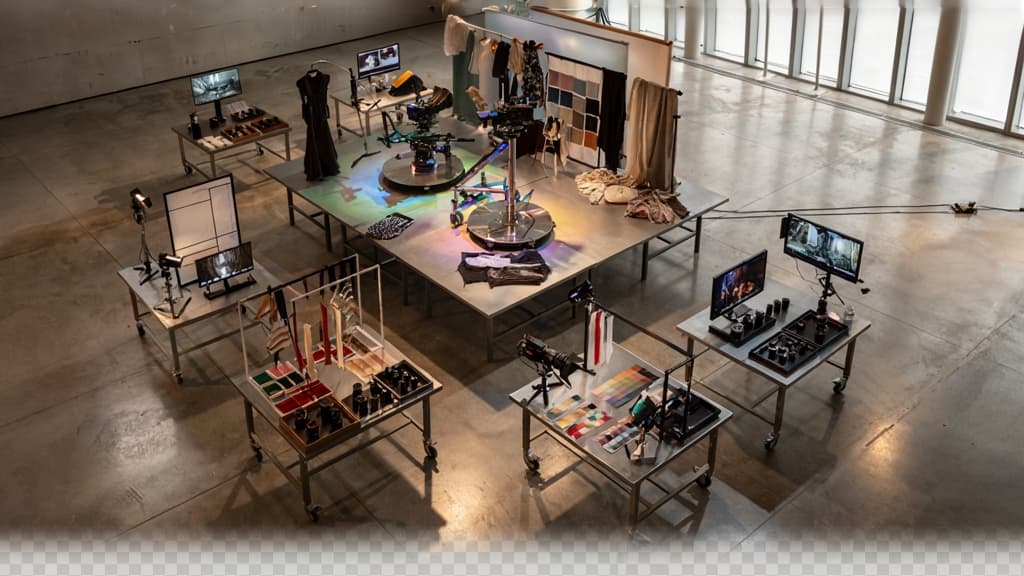
AI video belongs in the part of your offer where clients want more motion, more often, without turning every campaign into a full production cycle.
What are AI video ads?
AI video ads are short-form promotional videos created with AI-assisted tools across scripting, image or clip generation, voiceover, editing, captioning, resizing, and versioning. They can be fully synthetic, built from existing brand assets, or a hybrid of stock footage, product shots, AI-generated visuals, and motion graphics.
For agencies, the point is not to replace high-concept campaign work or premium shoots. It is to make video viable for the many moments where clients previously settled for static creative because video was too slow, expensive, or operationally messy.
Think:
- A 15-second paid social spot built from a product image, headline, testimonial, and offer
- A founder-led ad turned into multiple polished cuts without a studio day
- A service explainer animated from an existing landing page
- Seasonal promo videos created from the same approved visual world
- Retargeting clips that make a single proof point feel specific and timely
The strategic shift is that video becomes an always-on creative format, not a quarterly production event.
Best-fit client use cases
AI video works best when the client needs speed, variation, and consistency more than cinematic originality. That makes it especially useful for small and mid-market clients who have real campaign needs but limited production budgets.
Client situation | Why AI video fits | Agency offer angle |
|---|---|---|
Ecommerce brand launching frequent promotions | Needs fresh creative without repeated shoots | Monthly video ad package for launches, bundles, and seasonal offers |
B2B SaaS or service business with complex messaging | Needs simple explanations and proof-led clips | Short explainer and retargeting video set |
Local or multi-location business | Needs consistent creative across offers, markets, or locations | Template-based campaign videos with localized details |
Founder-led or expert-led brand | Has knowledge and authority but limited production time | Turn raw calls, scripts, or voice notes into polished video content |
Client with strong static assets but weak video presence | Already has visual material to repurpose | Convert existing brand assets into motion ads |
This is where small agencies can win: not by promising Hollywood output, but by packaging useful video creative that supports paid social, landing pages, email campaigns, sales enablement, and product launches.
The best-fit clients are usually already asking for “more content” but do not have the budget or patience for traditional video production every time. AI gives the agency a practical middle tier between static design and full production.
The agency economics of faster video output
The commercial case is straightforward: AI reduces the marginal cost of producing additional video variations. That changes how you price, scope, and deliver.
Instead of selling one expensive video, an agency can sell a repeatable video marketing layer:
- A fixed monthly allocation of short-form video ads
- Launch kits with multiple cuts for paid, organic, and landing pages
- Retainer add-ons for ongoing campaign creative
- Fast-turn video support for clients already buying strategy, media, or design
This matters because small agencies often get squeezed between client expectations and headcount. Clients want more assets, more channels, and faster turnaround. Hiring another editor, motion designer, or copywriter for every account is rarely realistic. AI-assisted production lets the team create more sellable output from the same strategic and creative core.
It also helps protect margin. The agency still charges for thinking, positioning, creative direction, and campaign usefulness—not just production labor. If the workflow is structured well, faster output becomes a profitability lever rather than a race to cheaper content.
For owners and partners, the opportunity is to productize ai ads as a clear service tier: fast, on-brand video creative for clients who need campaign momentum but cannot justify full production on every brief.
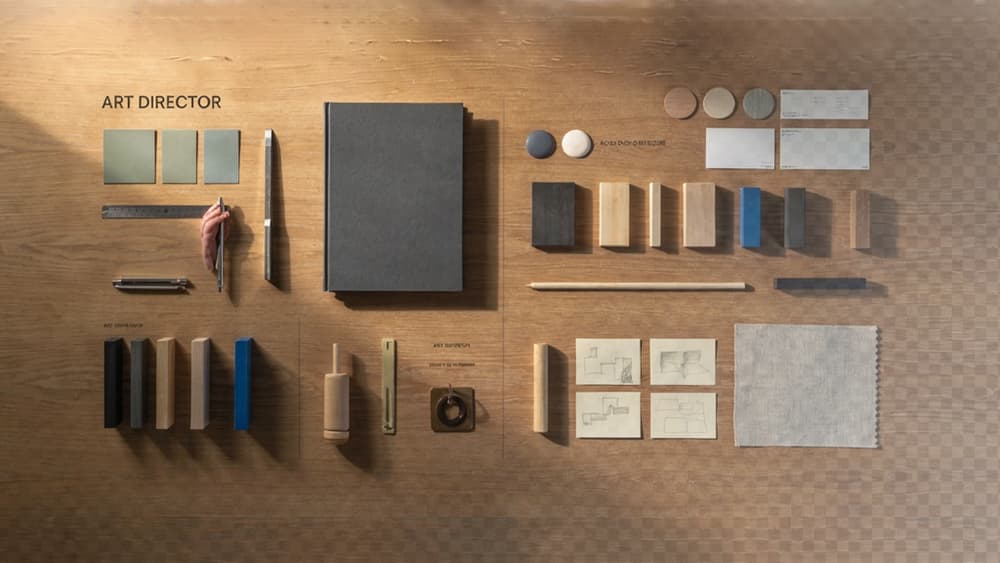
Build a Brand System Before Generating Video Creative
Speed only helps if the work still feels like the client. Before your team generates scripts, scenes, captions, or cutdowns, lock the brand into a system the AI can actually use.
Ingest the client’s brand once
Most agencies already have the raw material: brand guidelines, pitch decks, website copy, past campaigns, social posts, email examples, customer personas, product pages, and approved ads.
The problem is that those assets usually live in scattered folders, Notion pages, PDFs, Slack threads, and account managers’ heads. So every new video request starts with the same hidden tax: re-reading the brand, reinterpreting tone, and reminding freelancers what the client would never say.
Create one source of truth per client that captures:
- Voice and tone: confident, playful, technical, premium, direct, founder-led, etc.
- Messaging pillars: the three to five ideas the brand should repeatedly reinforce
- Audience language: how customers describe their pain, goals, objections, and desired outcomes
- Product claims: what can be said, what needs proof, and what should be avoided
- Visual direction: colors, typography, pacing, framing, logo usage, image style, motion preferences
- Approved examples: ads, landing pages, posts, and scripts that represent the brand well
- Negative examples: phrases, angles, visuals, or tropes the client dislikes
This is where a platform like Aethera is useful: ingest the client’s brand once, then use that brand system across future AI outputs instead of rebuilding context prompt by prompt.
Turn guidelines into usable AI guardrails
Brand guidelines are often written for humans. AI needs clearer operating rules.
“Friendly but professional” is too vague. A usable guardrail sounds more like: “Write in short, plainspoken sentences. Avoid hype, sarcasm, and startup jargon. Use customer outcomes before product features. Never describe the platform as ‘revolutionary.’”
For video creative, translate the brand into practical constraints your team can apply at each generation step:
- Script rules: sentence length, reading level, approved phrases, banned claims
- Hook rules: acceptable urgency, emotional tone, pain points to lead with
- Visual rules: preferred settings, color palette, shot types, use of people vs. product
- Caption rules: capitalization, emoji use, punctuation, CTA style
- Offer rules: how discounts, demos, trials, or consultations should be framed
This turns “make it on-brand” into something repeatable. It also reduces tool sprawl: your team is not trying to remember which prompt worked last time in which AI video tool. The brand logic travels with the work.
Define what “on-brand” means before review
Client review gets expensive when “off-brand” is treated like a feeling. Before generating ai ads, agree on the review criteria.
A simple scorecard can prevent vague feedback loops:
Brand element | Review question |
|---|---|
Message | Does the ad reinforce a core brand pillar? |
Voice | Does it sound like the client, not a generic category ad? |
Audience fit | Is the pain point specific to the intended buyer? |
Proof | Are claims supported by approved evidence or examples? |
Visual style | Do scenes, pacing, colors, and typography match the brand system? |
CTA | Is the next step phrased in the client’s preferred style? |
Now your team can review faster, clients can give clearer feedback, and every new variation starts from an agreed standard instead of a blank page.
Create the First On-Brand Video Ad from Brief to Export
With the client’s brand guardrails already in place, the first production pass should feel less like “prompting from scratch” and more like moving a tight creative brief through a repeatable agency workflow.
Move from campaign brief to script and storyboard
Start by turning the client brief into a structured creative input, not a blank prompt. For the first video, keep the request narrow:
- Campaign objective
- Audience segment
- Offer or product focus
- Primary customer pain point
- Desired action
- Required claims, disclaimers, or proof points
- Channel and length, such as 15-second paid social or 30-second landing page video
From there, generate a few script directions rather than one finished script. For example, ask for three angles: problem-led, outcome-led, and objection-led. This gives your creative team options without spending an hour on first drafts.
Once the winning angle is selected, move into a simple storyboard: scene, visual direction, voiceover or on-screen text, motion notes, and asset requirements. This is where agencies avoid the common AI trap of producing a video that looks polished but has no strategic spine.
A useful storyboard row might look like:
Scene | Purpose | Visual | Copy |
|---|---|---|---|
Opening hook | Name the pain | Founder looking at scattered campaign files | “Still rebuilding every client ad from scratch?” |
Product moment | Show the shift | Interface organizing brand inputs | “Start with the brand. Then generate creative that fits.” |
CTA | Drive action | Clean end card | “Create your next campaign faster.” |
The goal is not to over-document. It is to give the AI, designer, and editor the same creative map.
Generate and assemble video assets efficiently
Once the storyboard is approved internally, split production into asset-level tasks. This keeps the process controllable and makes it easier to swap weak pieces without regenerating the entire ad.
Typical components include:
- Voiceover or narration
- On-screen captions
- Product screenshots or UI sequences
- Background clips or motion graphics
- Static brand elements
- End cards
- Music or sound effects
For small agencies, this modular approach matters. You may use one tool for voiceover, another for motion, another for captions, and another for editing. The workflow only stays manageable if every asset maps back to the storyboard and approved brand direction.
Avoid letting the video generator make every creative decision at once. Instead, generate in passes: first the script, then visuals, then supporting motion, then assembly. This gives your team more control over pacing, emphasis, and client-specific nuance.
For ai ads, the first export should usually be a clean internal review version, not the final client-ready file. Include placeholder notes where legal copy, product shots, or client-supplied assets still need to be dropped in.
Keep humans in the creative judgment loop
AI can accelerate production, but your agency still owns the taste, strategy, and client relationship. Before the video goes to the client, review it like a creative director, not a spellchecker.
Look for questions AI often misses:
- Does the hook create enough tension in the first three seconds?
- Is the message specific to this client, or could any competitor say it?
- Does the pacing match the platform and buying stage?
- Are the visuals supporting the claim, or just decorating it?
- Does the CTA feel natural after the story the ad just told?
This review step is where small agencies protect their margin and reputation. The value is not “we used AI to make a video.” The value is “we produced a sharper first concept, faster, without drifting off-brand.”
Once approved, export the video in the required format, name it clearly by concept and version, and store the script, storyboard, and final asset together. That gives your team a reusable starting point for future cutdowns, variations, and client feedback rounds.
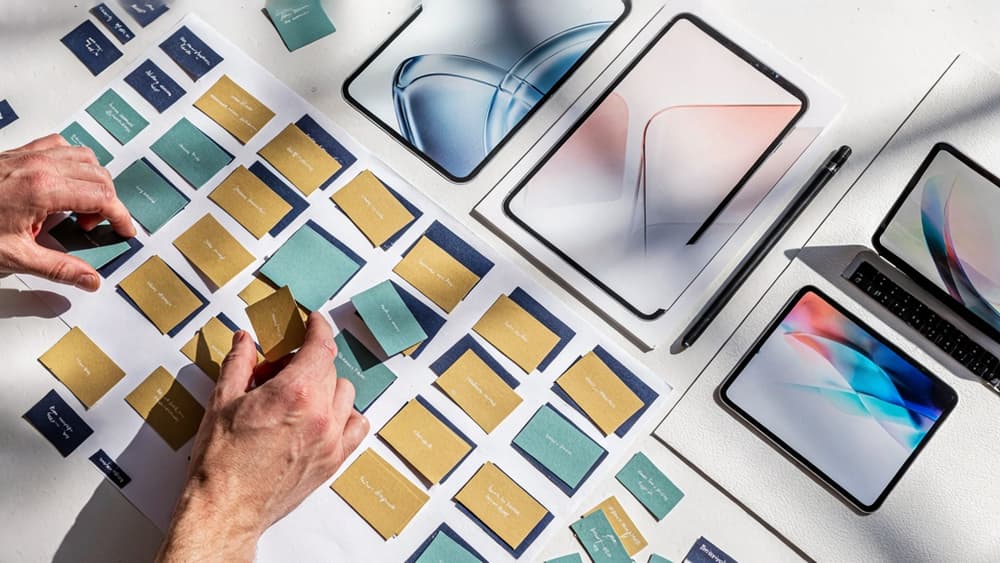
Personalize AI Ads for Audiences, Offers, and Channels
Once the first version is approved, the real leverage comes from structured variation—not random remixing.
Build an audience-message matrix
Before generating more versions, map who each variation is for and what needs to change. This keeps personalization strategic instead of creating a folder full of near-duplicates.
A simple matrix might include:
Audience segment | Pain point | Offer angle | Primary message | Asset variation needed |
|---|---|---|---|---|
First-time buyers | Unsure where to start | Intro discount | “Try the easiest way to get started” | Softer hook, explainer-style opening |
Returning customers | Need a reason to buy again | Bundle or upgrade | “Get more from what you already love” | Familiar product visuals, loyalty framing |
High-intent prospects | Comparing options | Demo or consultation | “See why teams switch” | Proof-led hook, feature comparison |
Local buyers | Want relevance nearby | Store visit or local promo | “Available near you this week” | Location callout, local imagery |
For agencies, this matrix is also a client alignment tool. It shows why each version exists, which audience it serves, and what will be tested. That prevents feedback like “Can we just make five more?” from turning into unscoped production work.
Vary hooks, proof points, and calls to action
The fastest way to create useful variation is to change the parts that affect performance most: the opening hook, the supporting proof, and the CTA.
For example, one approved video concept for a B2B SaaS client could become:
- Hook A: “Still building reports by hand every Friday?”
- Hook B: “Your team’s dashboard shouldn’t need three spreadsheets.”
- Hook C: “Finance teams are cutting reporting time without adding headcount.”
Each hook speaks to the same product, but leads with a different trigger: frustration, operational inefficiency, or business outcome.
Then vary the proof point:
- Customer quote for social proof
- Metric for performance-driven buyers
- Feature demonstration for practical evaluators
- Before/after workflow for problem-aware audiences
Finally, match the CTA to the audience’s stage. A cold prospect may need “Watch the 30-second demo.” A warmer retargeting audience may be ready for “Book a walkthrough.” Existing customers may respond better to “Explore the upgrade.”
This is where a brand system matters. The message changes, but the client’s tone, claims, visual style, and offer hierarchy stay intact across every version.
Adapt formats for platform context
Personalization also means respecting where the ad will run. A LinkedIn feed video, TikTok-style vertical cut, YouTube pre-roll, and Instagram Story should not feel like the same export cropped four ways.
Think in terms of platform behavior:
- LinkedIn: lead with the business problem and credibility quickly.
- TikTok/Reels: open with motion, tension, or a direct viewer callout.
- YouTube pre-roll: make the first five seconds carry the core idea.
- Stories: use larger text, faster pacing, and a single clear action.
- Retargeting placements: assume familiarity and move faster to proof or offer.
For agency teams managing multiple clients, this is how AI-supported production becomes profitable: one approved creative direction turns into channel-native versions without rebuilding the campaign from scratch. The client sees more relevant ai ads, and the agency keeps control over the strategy instead of drowning in manual resizing, rewriting, and version tracking.
Test, Optimize, and Report on AI Video Ad Performance
Once the variants are live, the agency value shifts from “we made more creative” to “we know what to make next.”
Set clear creative hypotheses
Treat each video ad variation as a test of one decision, not a random remix. Before launch, write the hypothesis in plain language:
- “Founder-led hooks will outperform product-led hooks for cold audiences.”
- “A testimonial proof point will drive more qualified clicks than a feature proof point.”
- “A direct offer CTA will convert better on retargeting than a softer educational CTA.”
This keeps client conversations focused. If a campaign underperforms, you’re not debating whether AI “worked.” You’re evaluating whether the hook, message, proof, offer, or format matched the audience.
For small agencies, this also protects margin. Clear hypotheses prevent endless variant generation and give your team a repeatable testing structure across clients. Every batch of ai ads should have a reason to exist before media spend goes behind it.
Track metrics tied to engagement and conversions
Avoid reporting vanity metrics in isolation. Views matter, but only when paired with signals that show whether the creative is holding attention and moving people toward action.
Useful metrics include:
- Thumb-stop rate or 3-second views to judge the opening hook
- Average watch time or completion rate to assess pacing and relevance
- Click-through rate to measure message-to-offer fit
- Landing page conversion rate to separate creative issues from page issues
- Cost per lead, booking, purchase, or other client-specific outcome
- Frequency and fatigue signals to know when creative needs refreshing
Frame the report around what each metric says about the ad. For example, strong thumb-stop but weak clicks usually points to a hook that attracts attention without enough relevance. Strong clicks but weak conversions may mean the ad is selling a promise the landing page does not immediately confirm.
This is where agencies can stand apart from DIY AI users. The client does not need a spreadsheet dump. They need a clear read on what worked, what failed, and what decision you recommend next.
Turn performance data into the next creative brief
Optimization should feed production, not sit in a reporting deck. After each test cycle, translate findings into a sharper brief for the next round of video creative.
A useful next brief might include:
- Winning hook patterns to keep or expand
- Underperforming claims, CTAs, or visuals to retire
- Audience segments that deserve more tailored creative
- New objections or proof points surfaced by performance data
- Channel-specific notes, such as where shorter cuts beat longer edits
This creates a compounding advantage. The first round establishes a baseline. The second round is informed by real behavior. By the third or fourth cycle, the agency has a working creative intelligence layer for that client: what their market responds to, what language converts, and which brand assets carry the most weight.
For owners and partners, that turns AI video marketing into a retained optimization service rather than a one-off production job. You are not just delivering more videos faster; you are building a repeatable system for learning, improving, and scaling on-brand performance.